AI Effects
Pick a trending template, upload your photo and generate in one click.
New this week
The latest additions to the library. Each one has its own page with examples, tips and a link to the workspace.
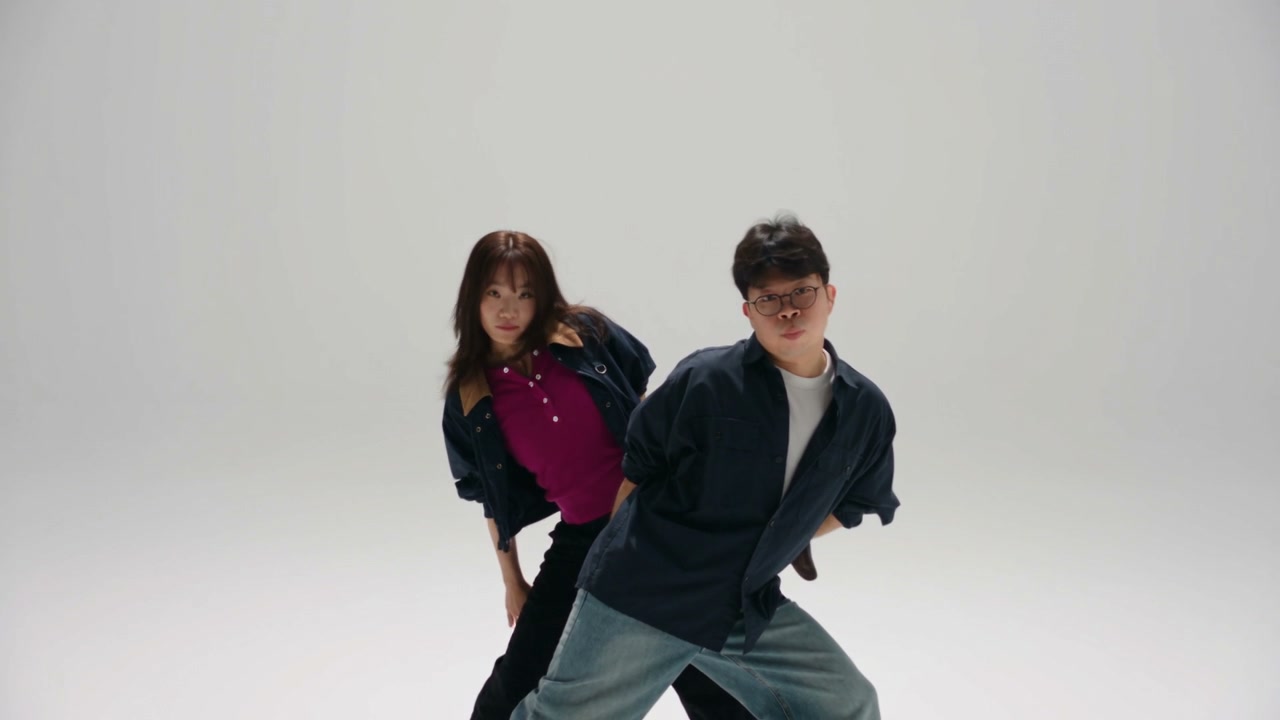 A2O LITE NEON AI Dance
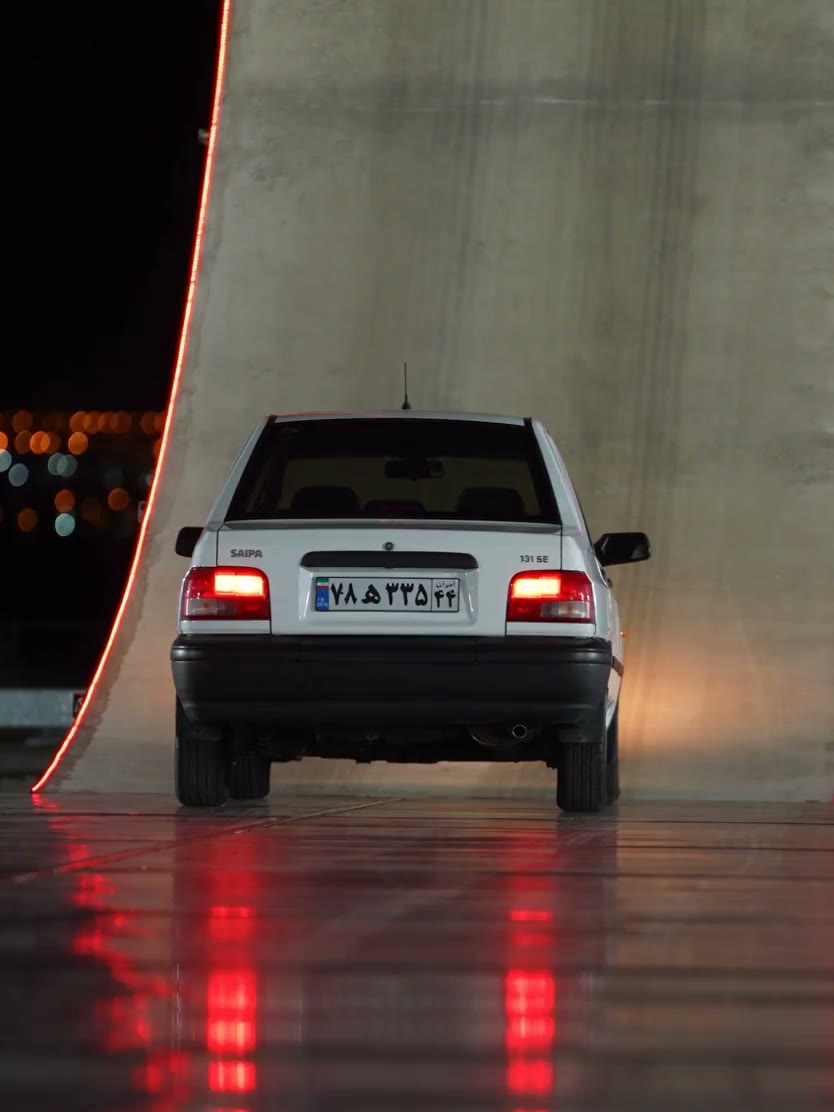 Roadster AI
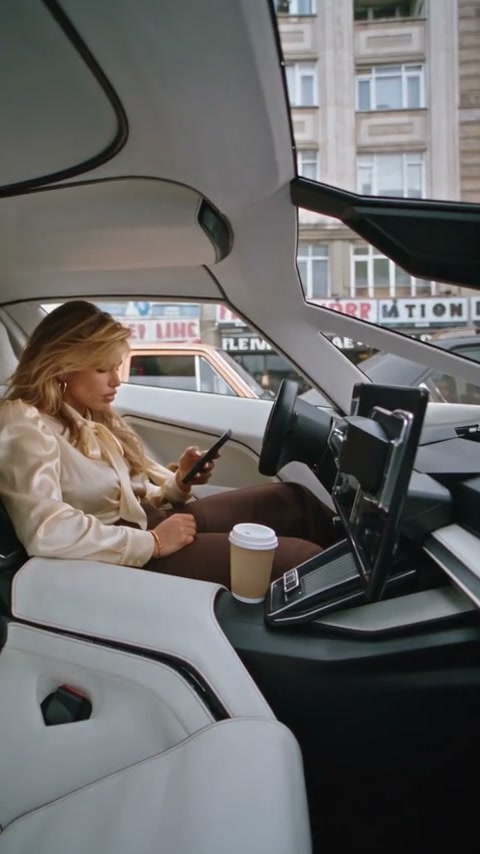 Flying Tesla Roadster AI
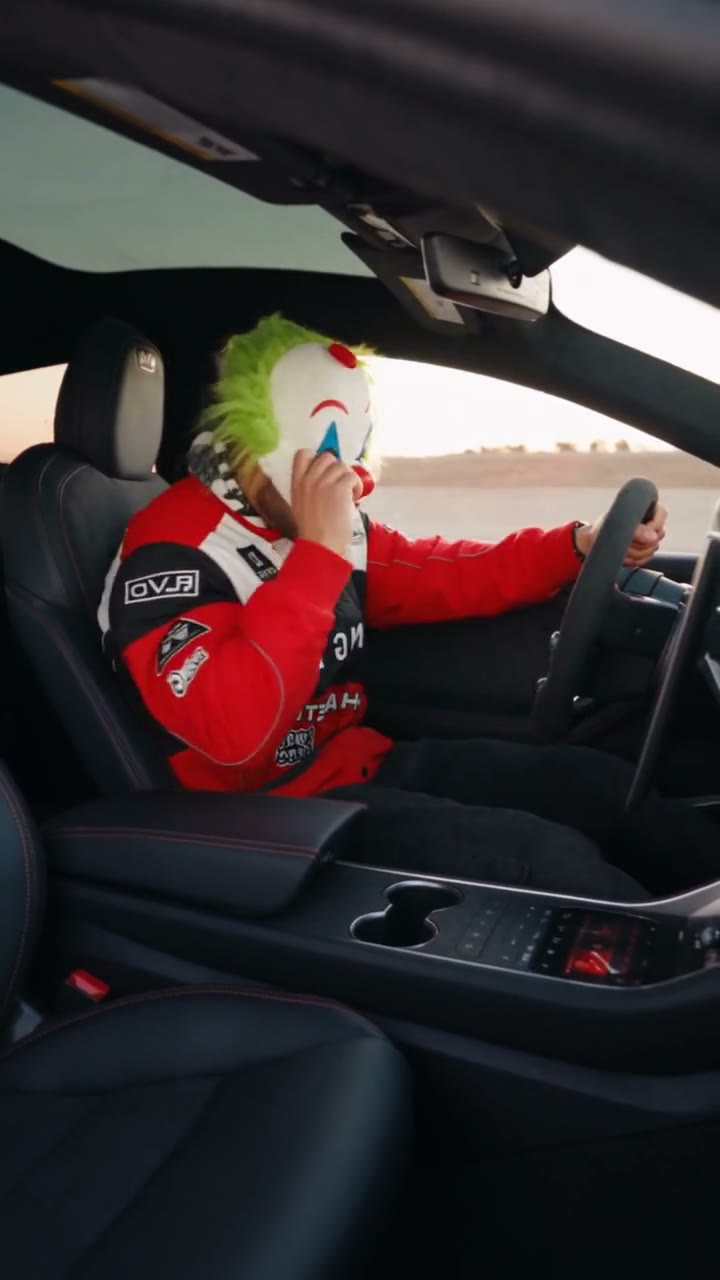 Tesla Roadster Meme
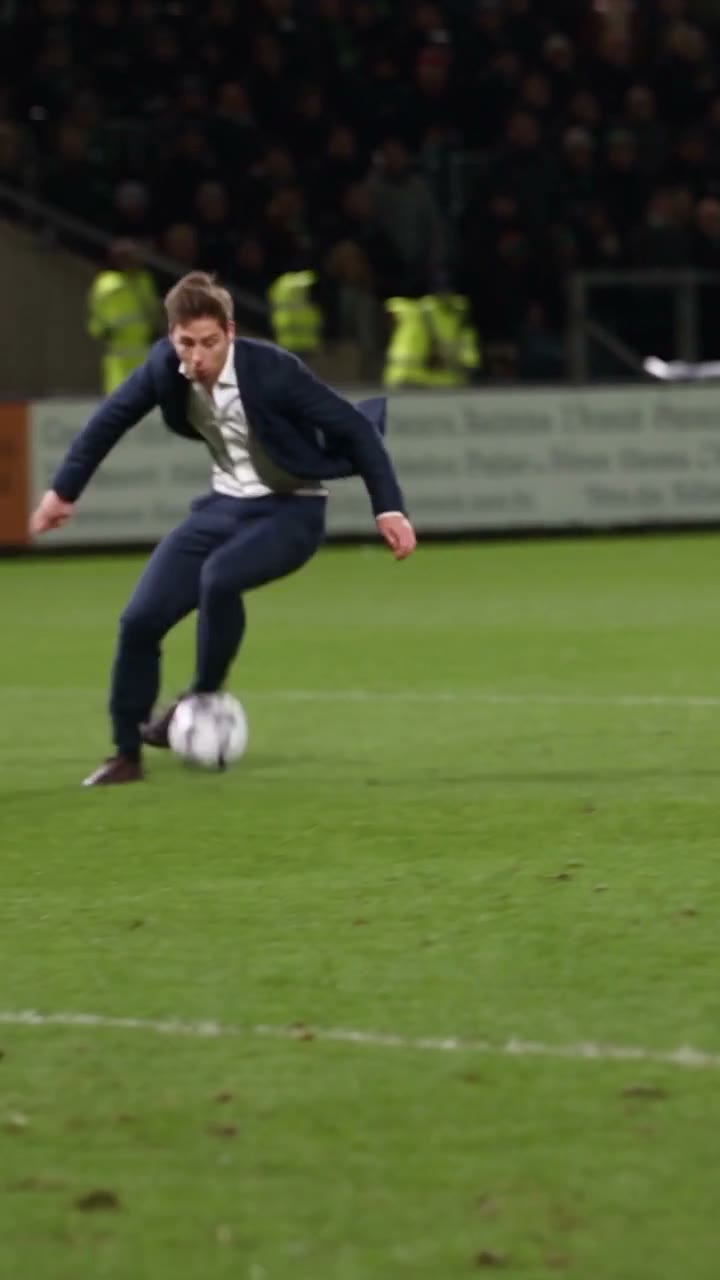 Ozil Goal AI
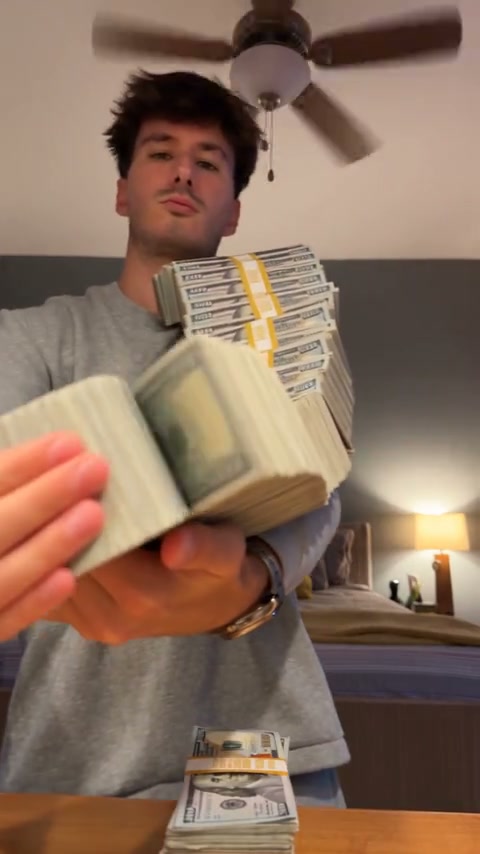 Money Spread AI
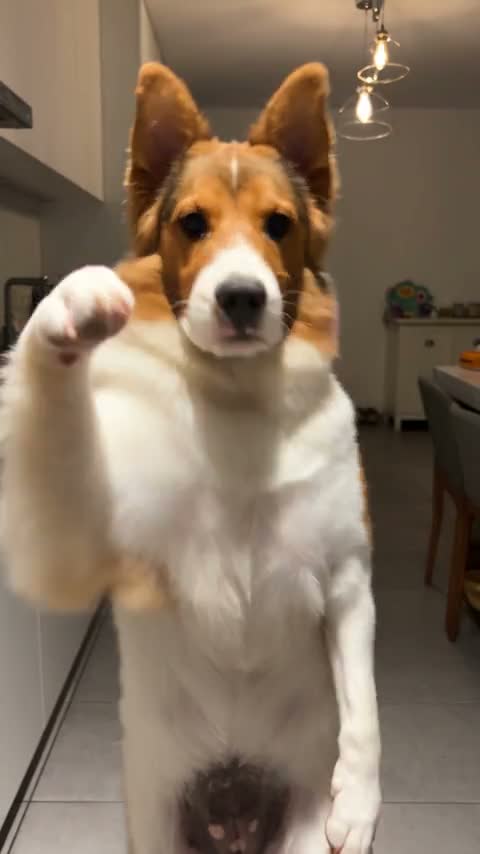 Bad Times AI
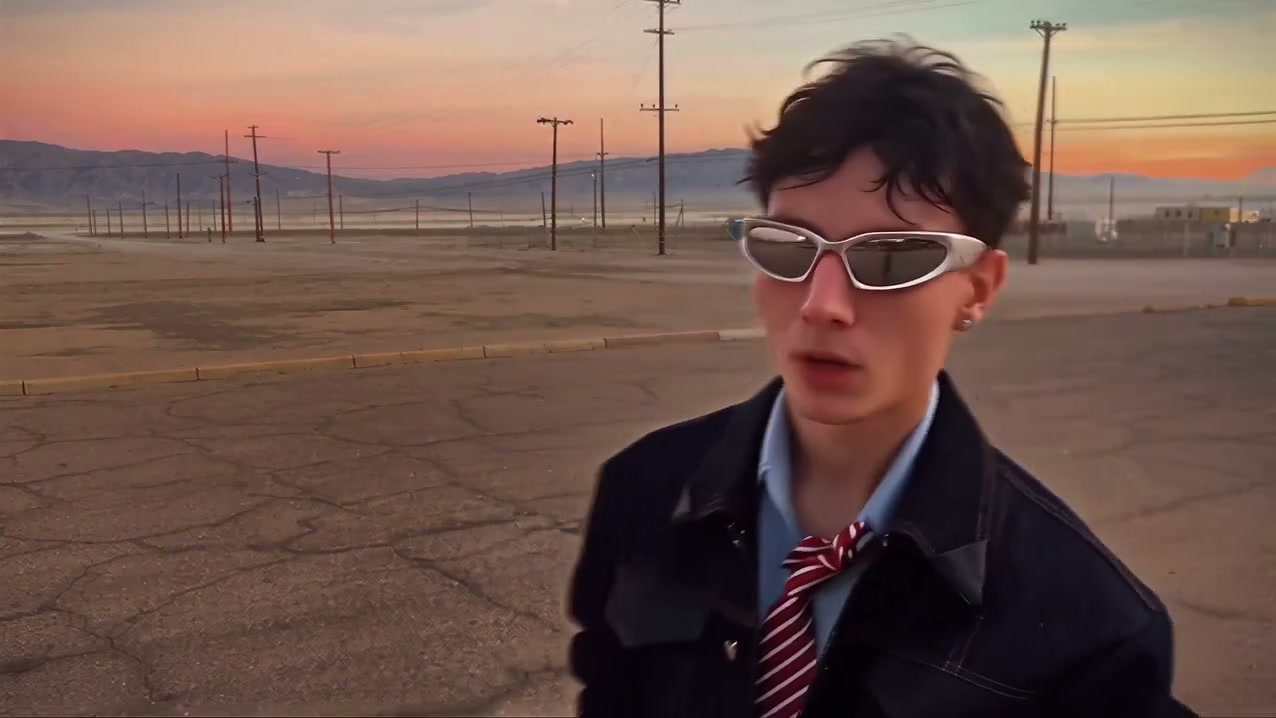 Unforgettable Car AI
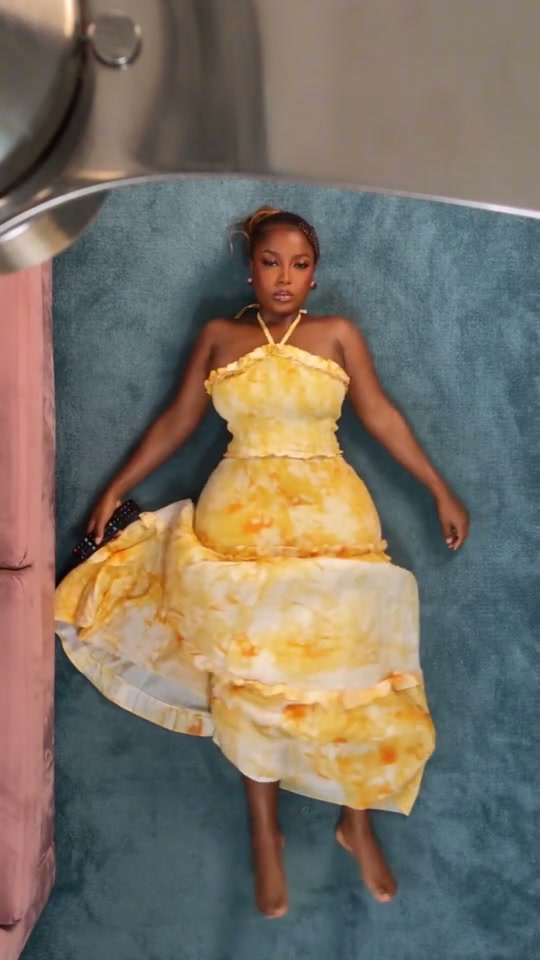 Ceiling Fan AI
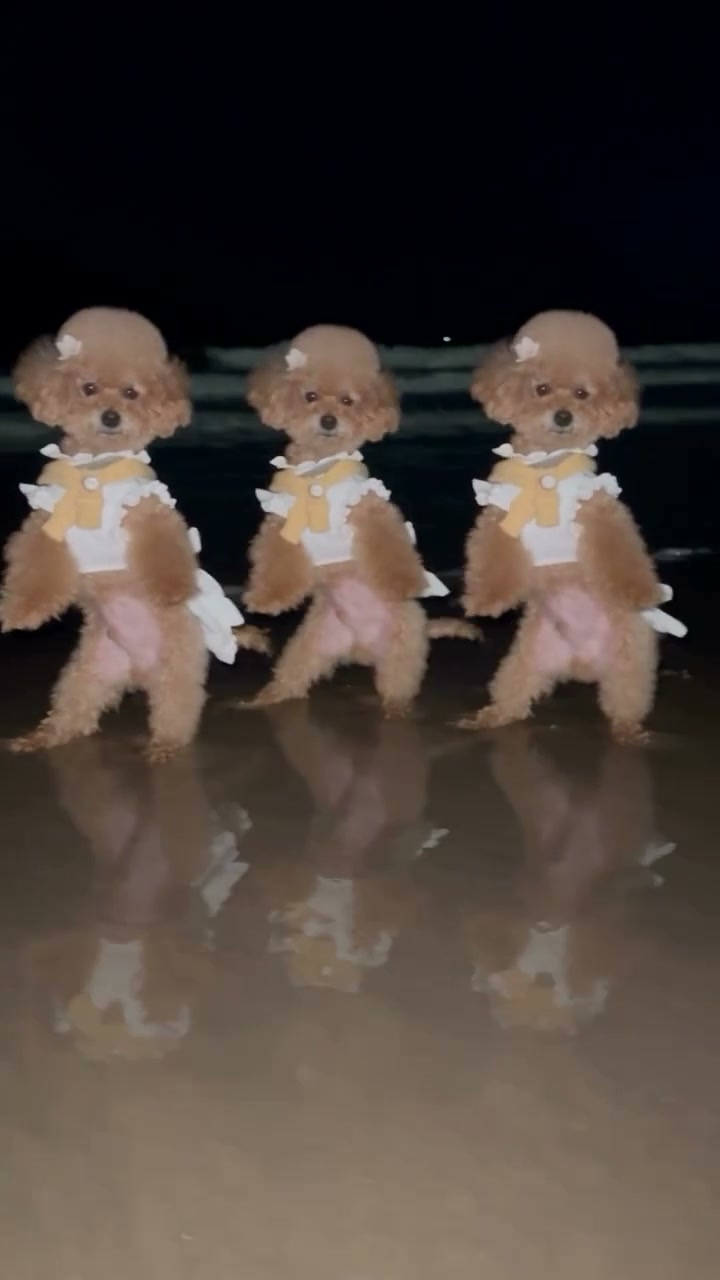 Day by Day Dance AI
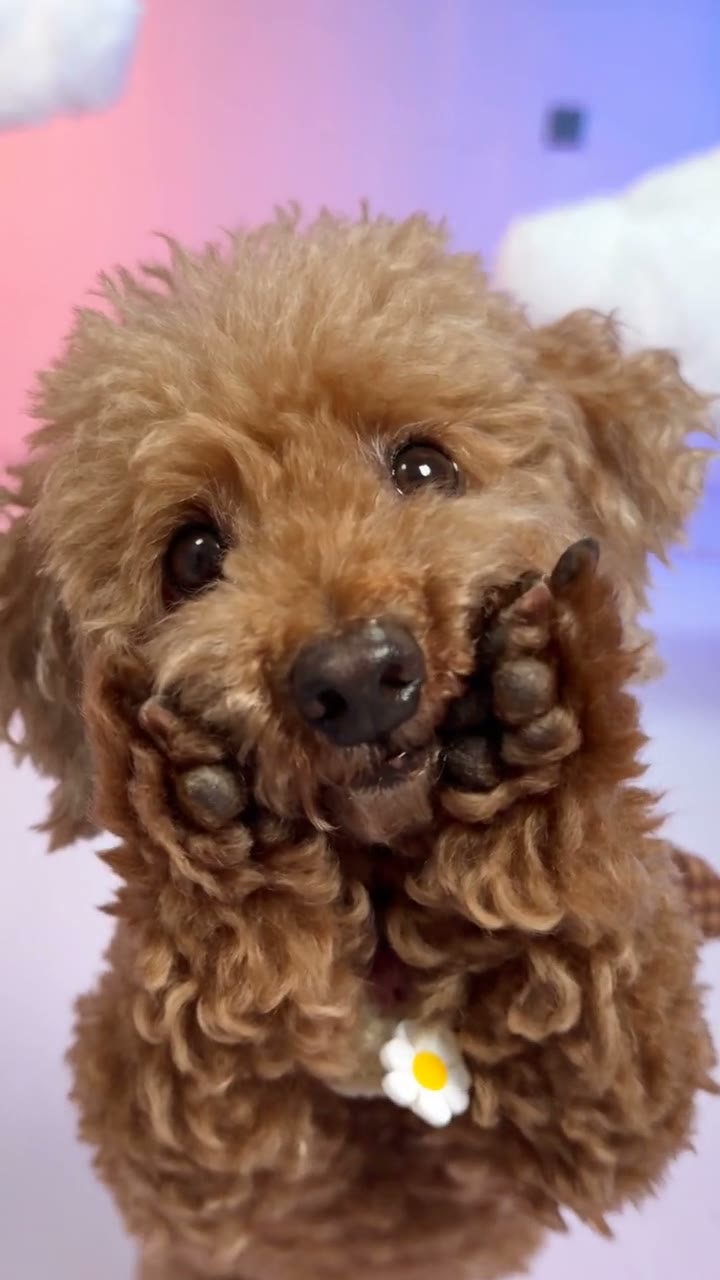 Otsukare Summer Dog AI
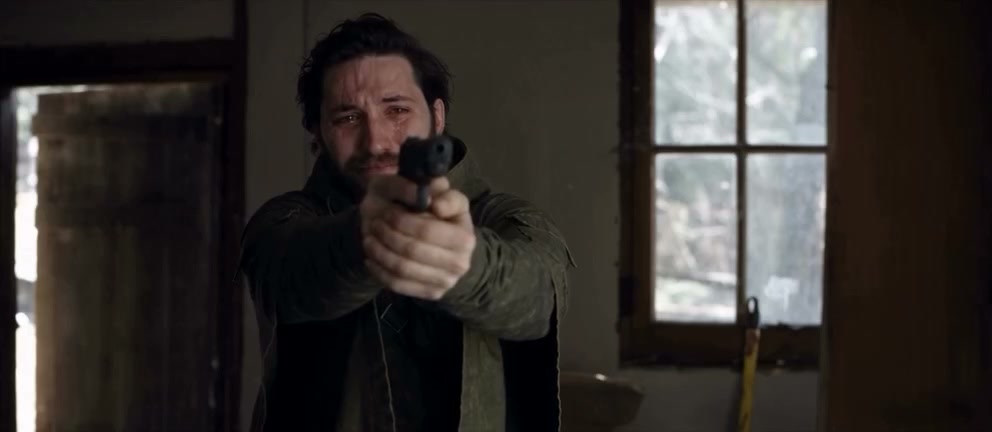 Zombie AI
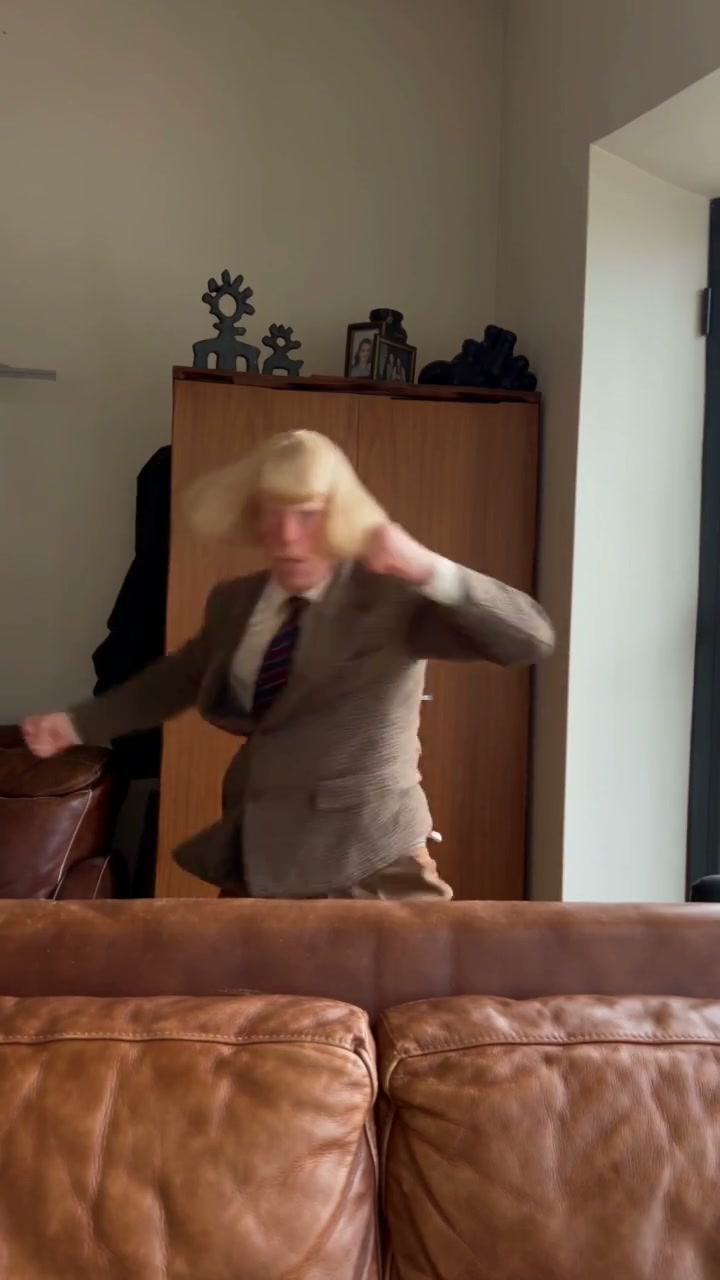 Boxing AI
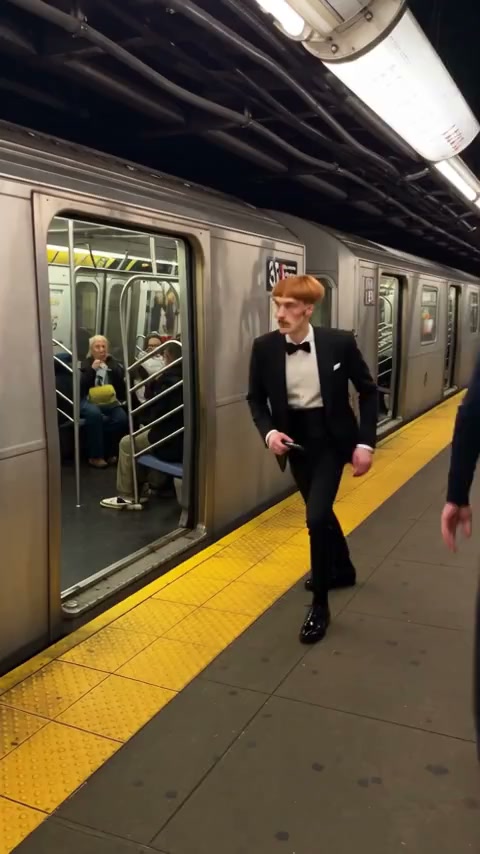 Phone Stuck to Train AI
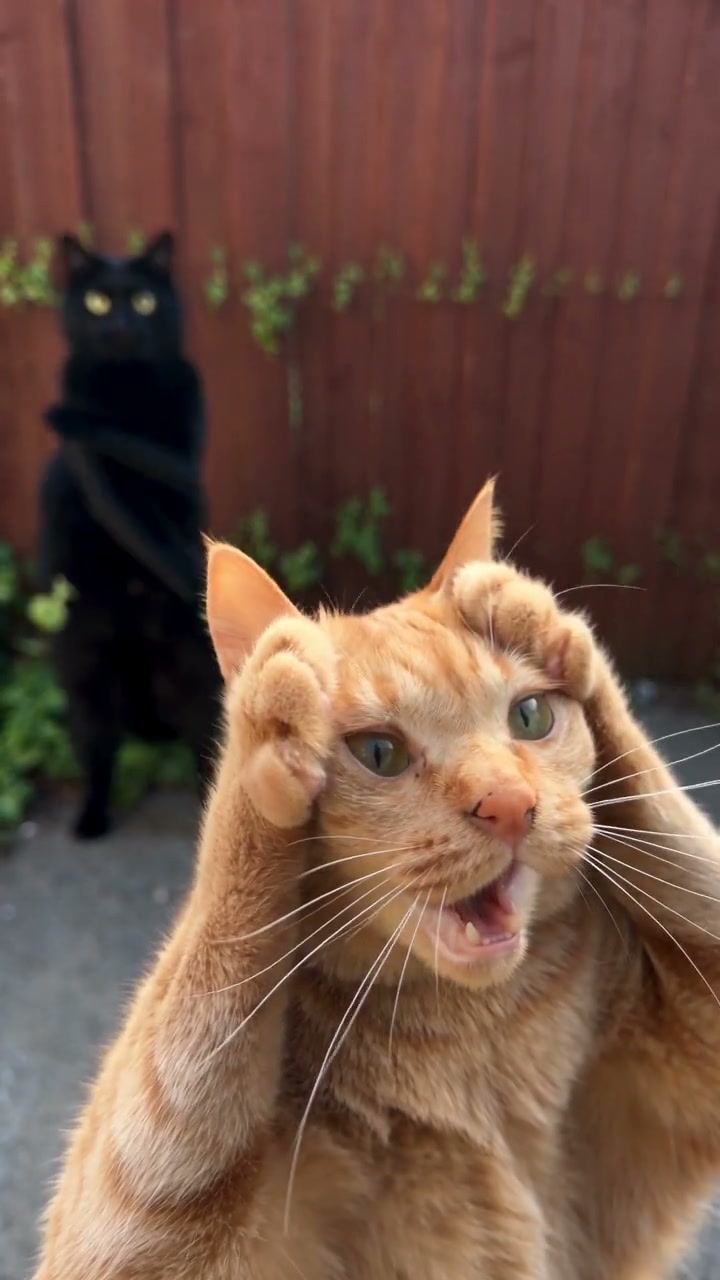 Smalltown Boy AI
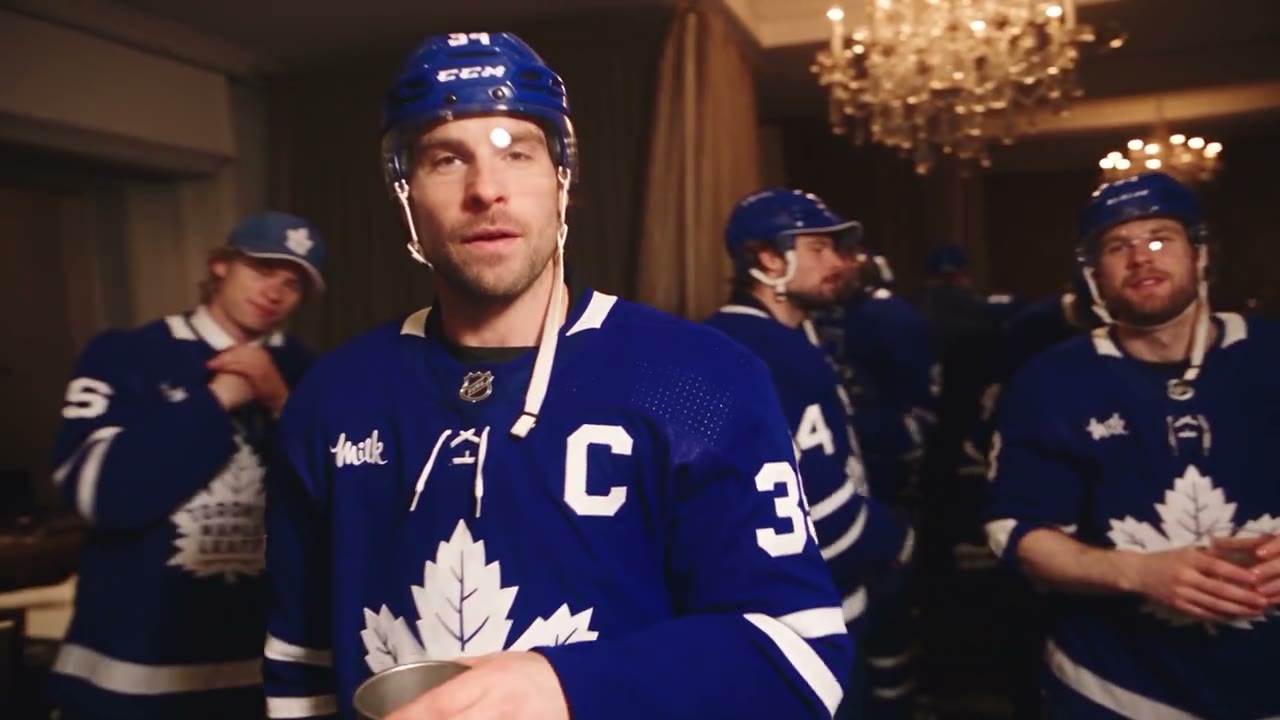 Burning Bridges AI
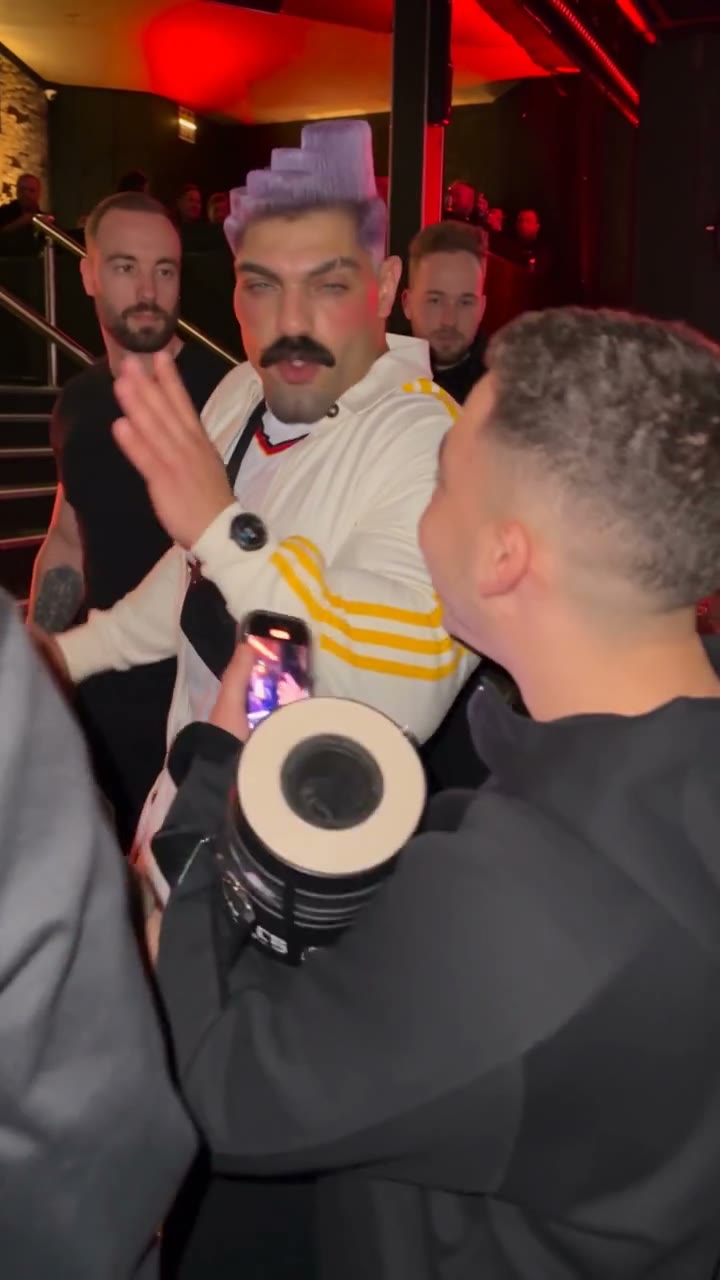 Bulin 47 AI
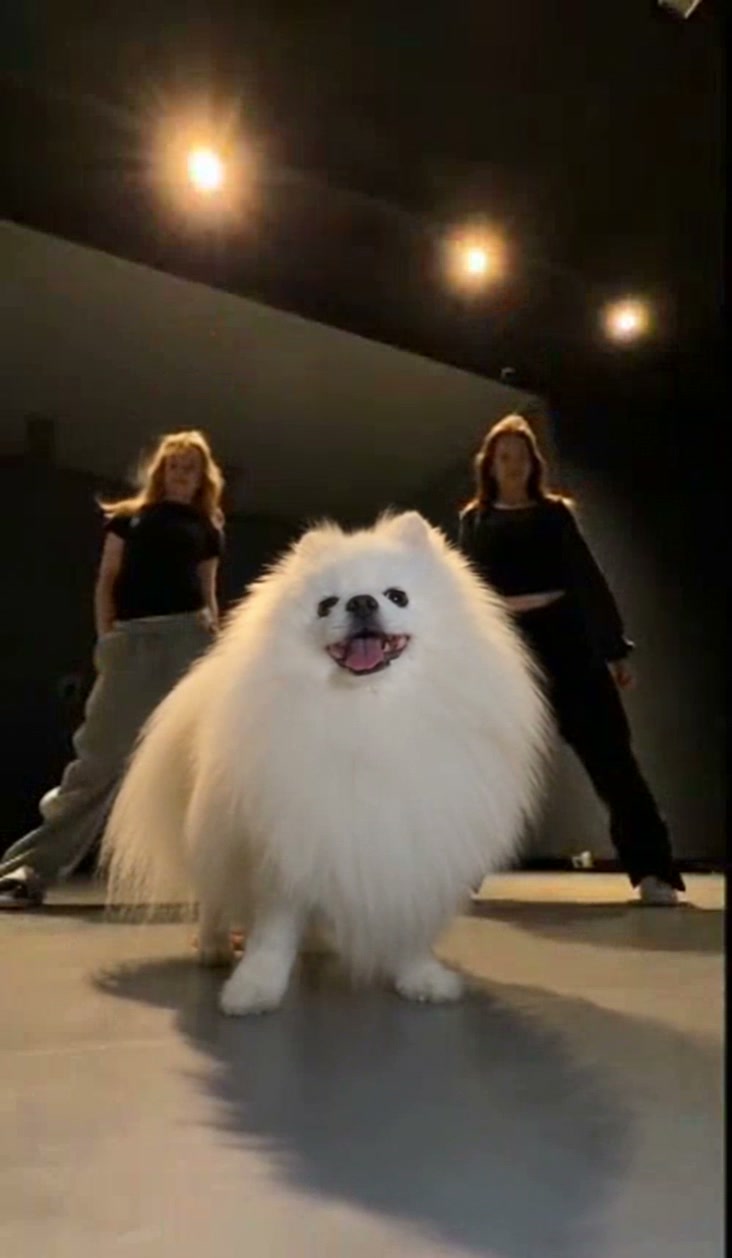 Put A Ring On It Dog AI
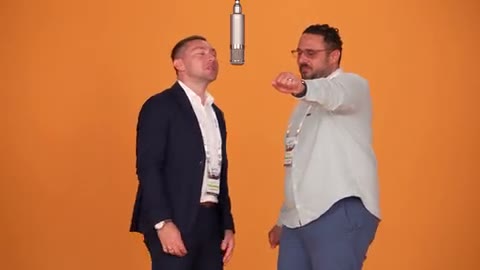 Hotel Lobby AI
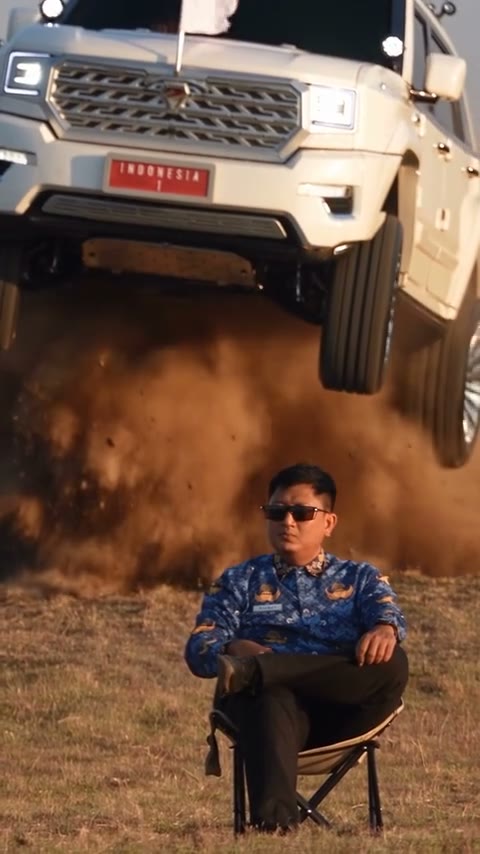 Car Jump AI
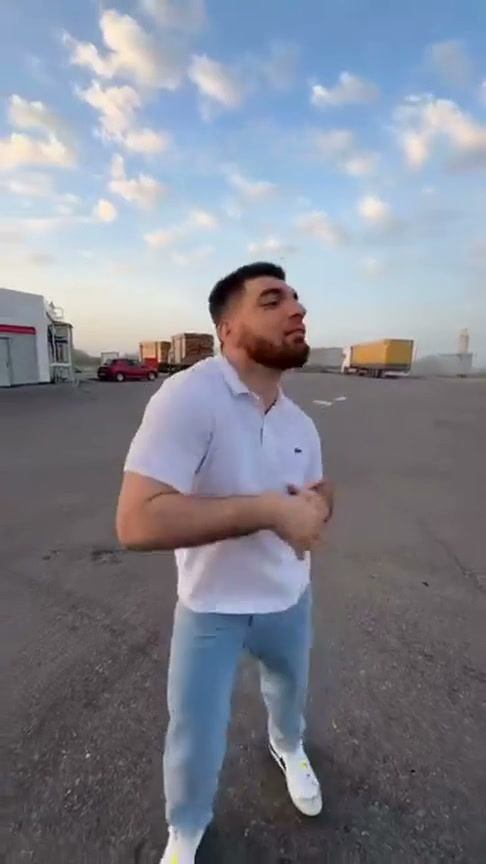 Gas Station Dance AI
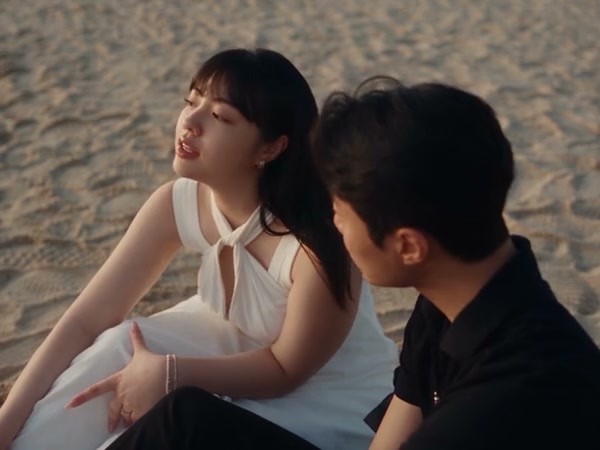 Raindance AI
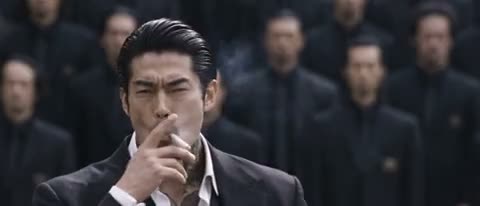 STORM II AI
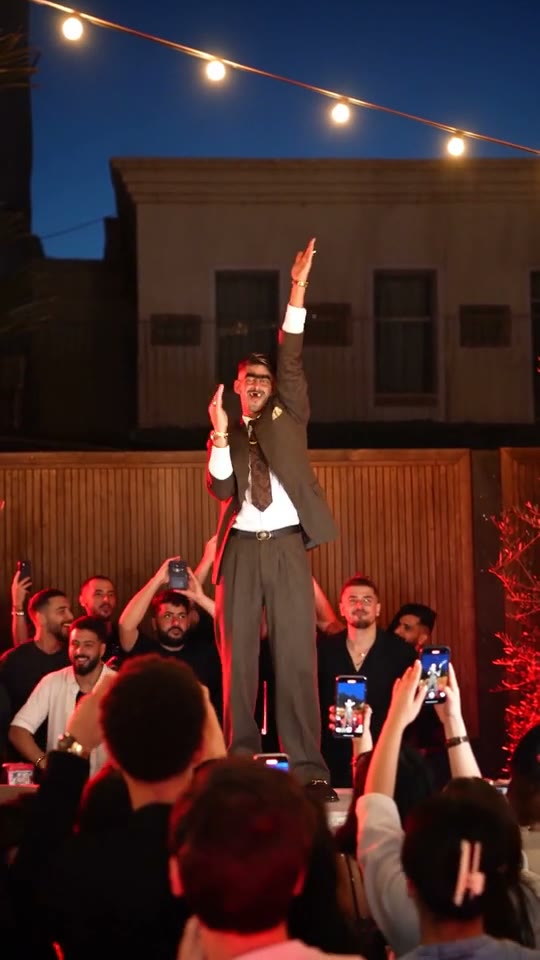 Cheba Man AI
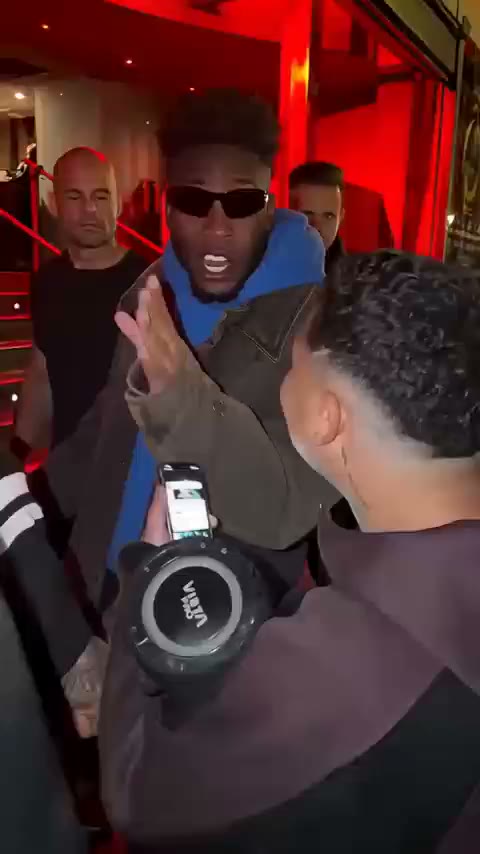 bulin 47 ai video generator
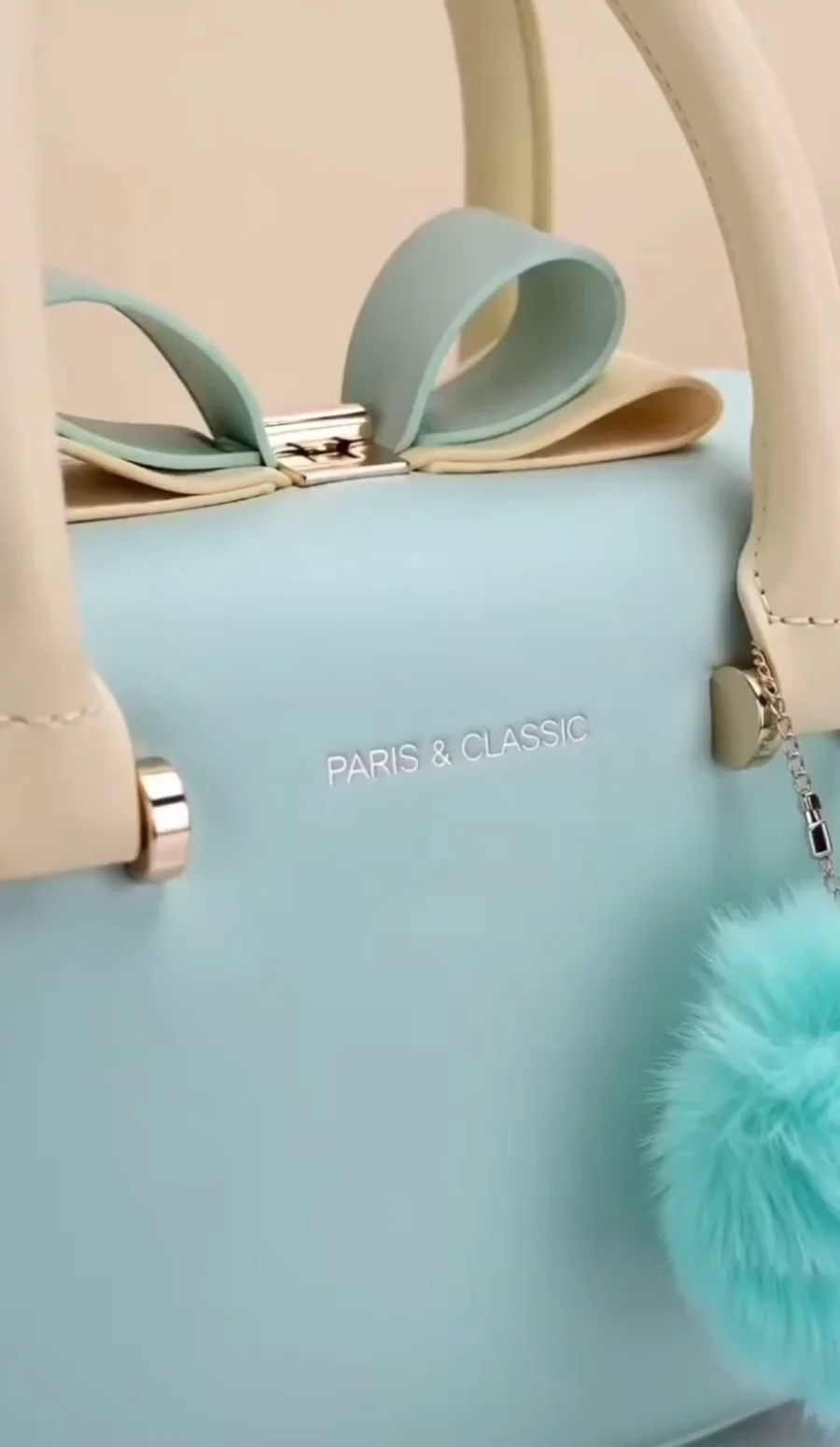 Luxury Handbag Campaign
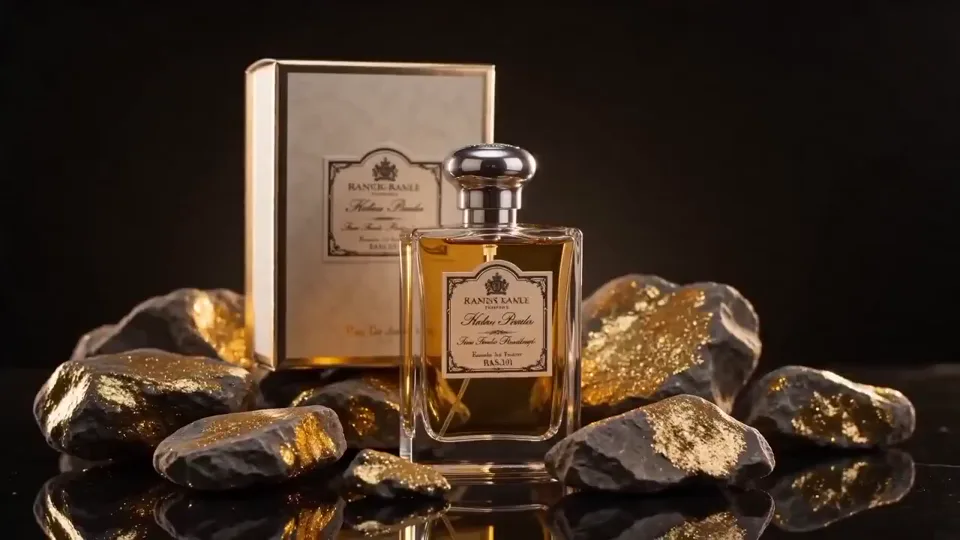 Luxury Perfume ASMR
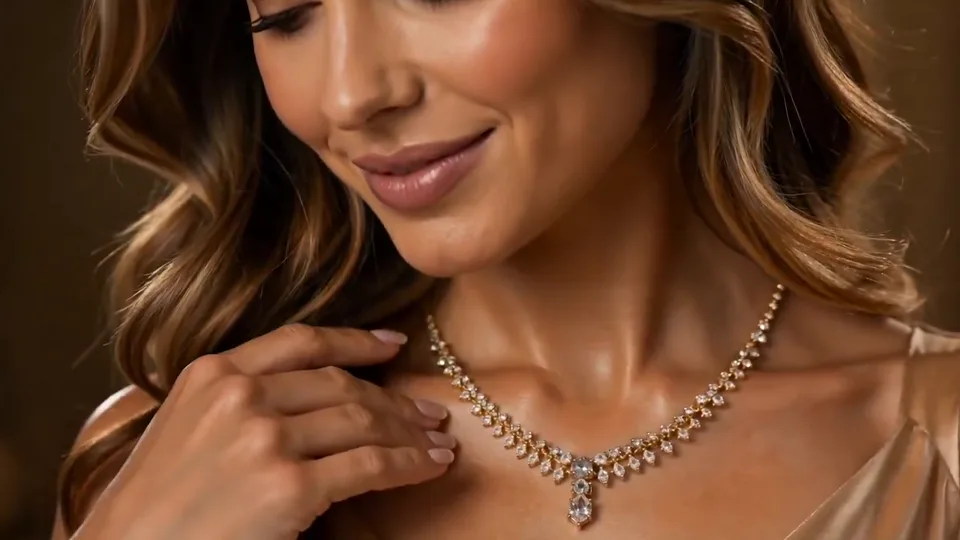 Golden Jewelry Campaign
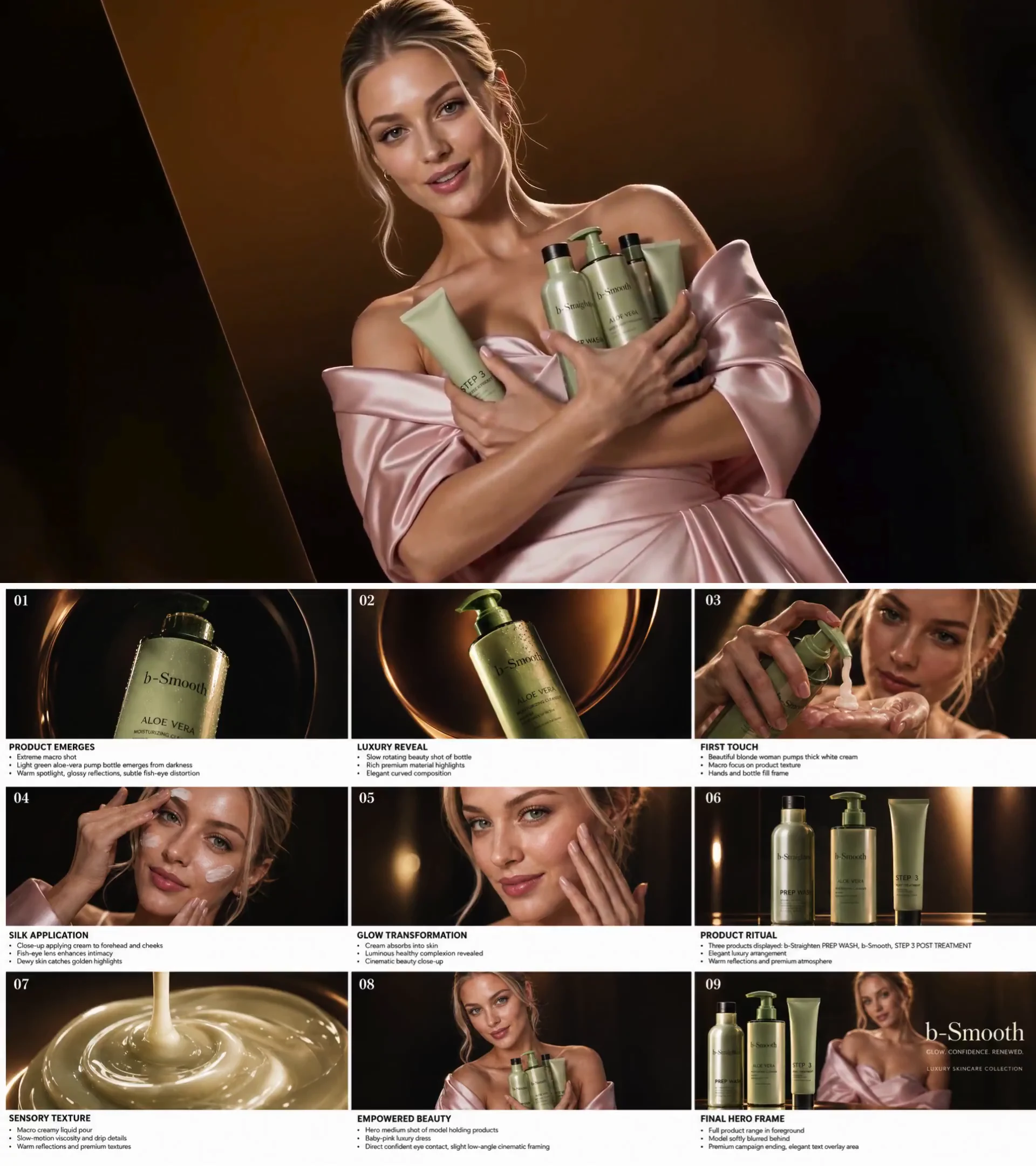 Luxury Skincare Ritual
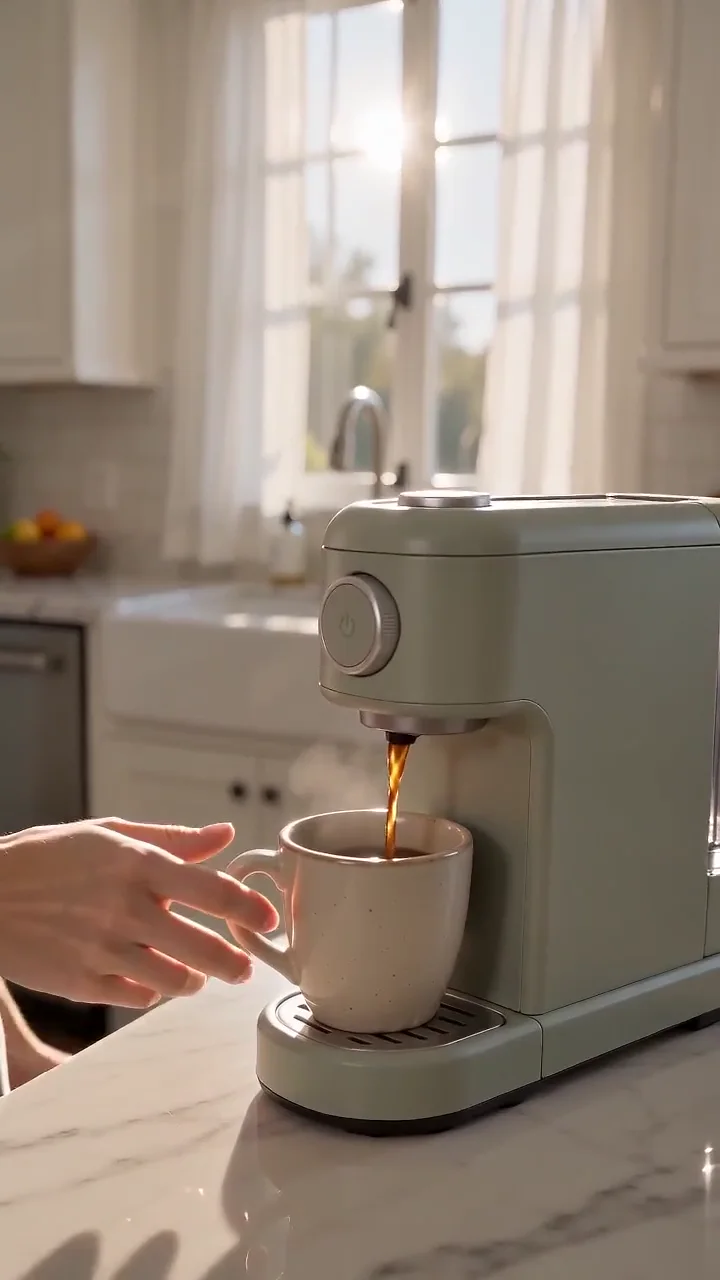 Product UGC Ad
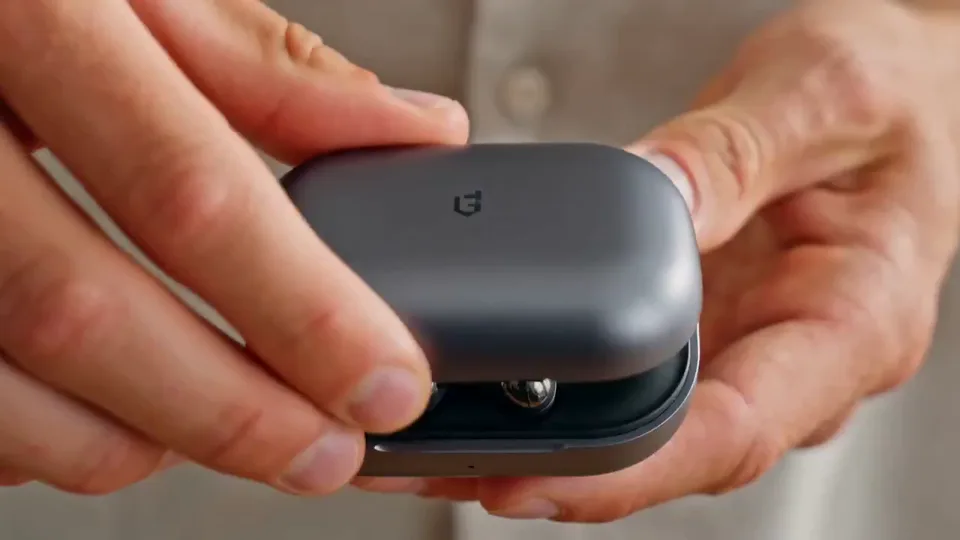 Everyday Earbuds UGC
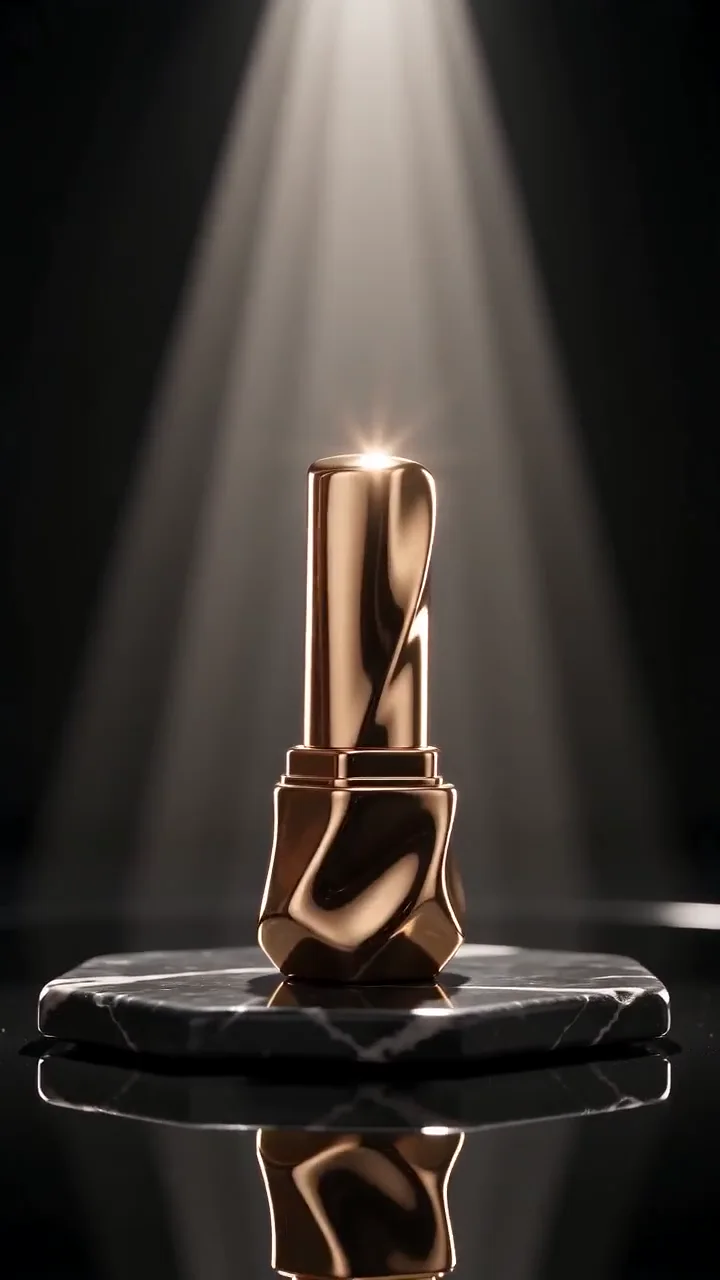 Luxury Beauty Ad
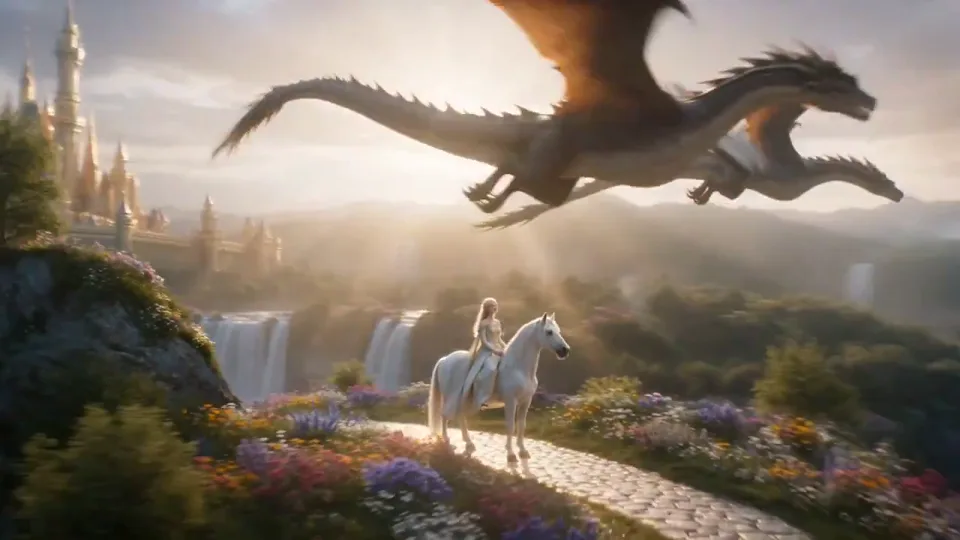 Enchanted Kingdom Ride
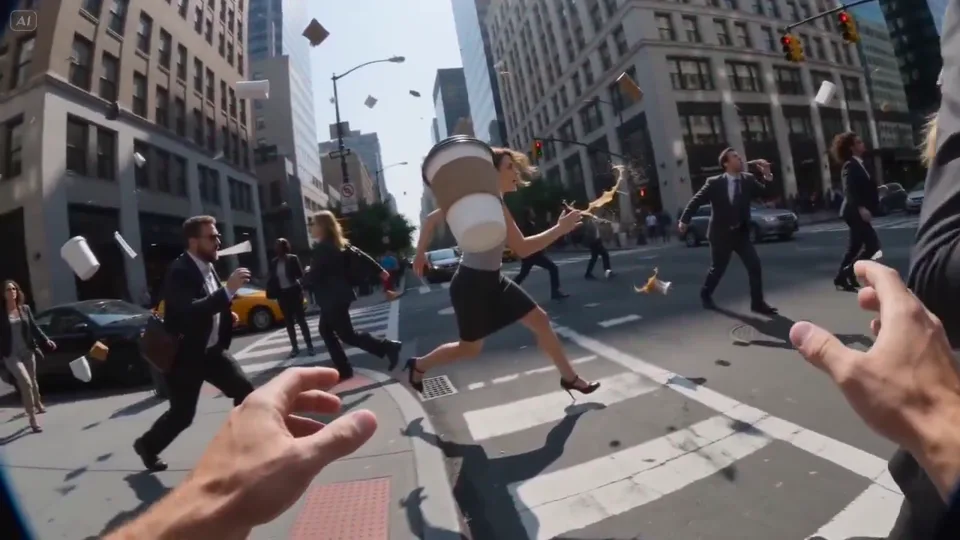 POV Time Freeze
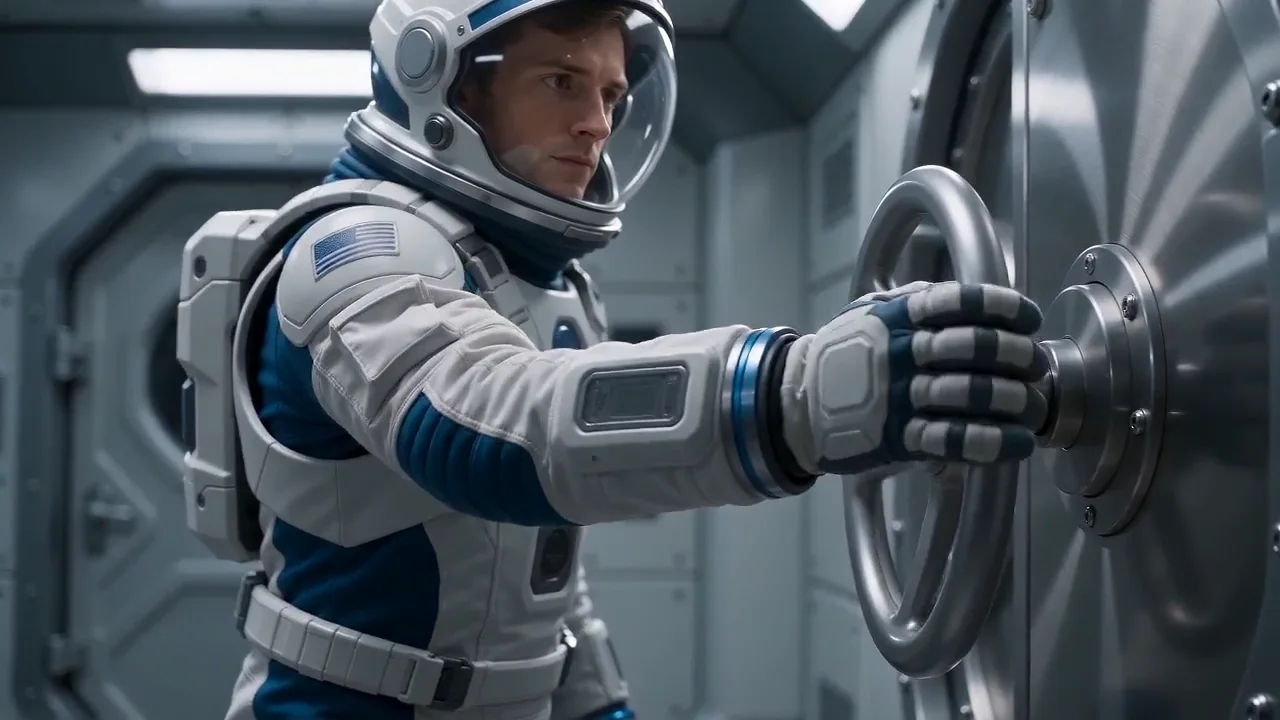 Worlds Apart Match Cut
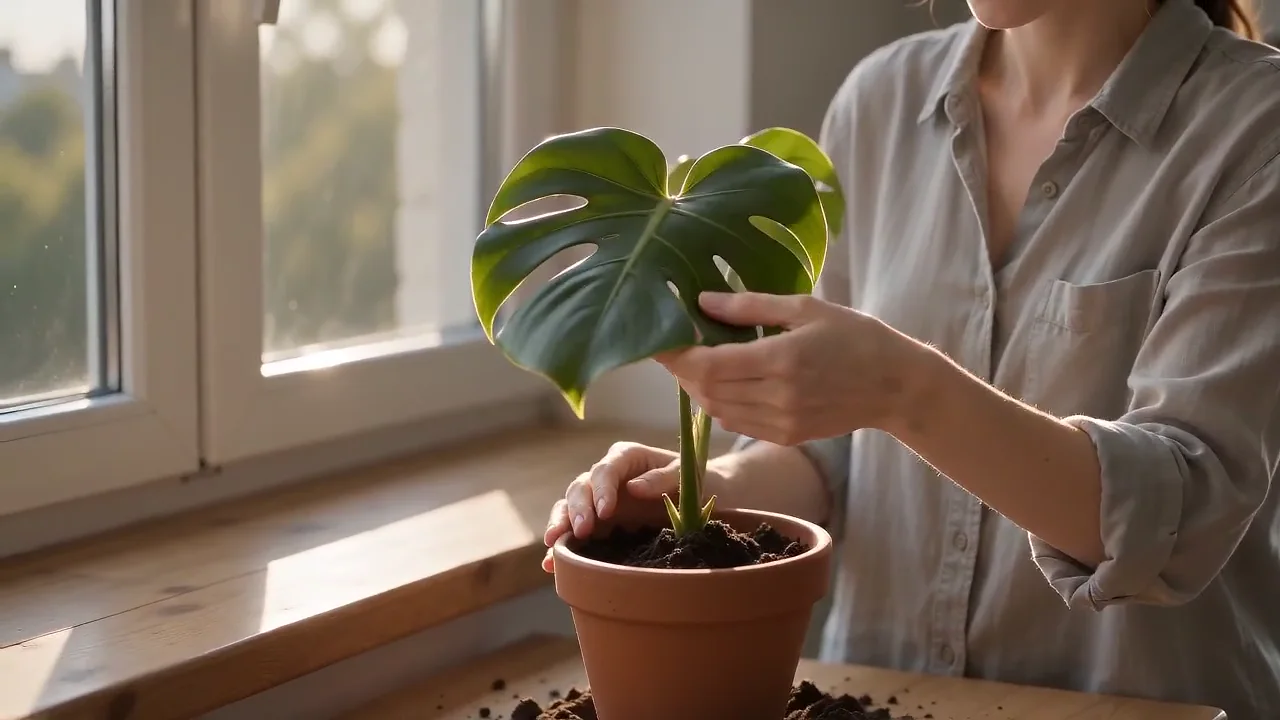 Handheld Home Montage
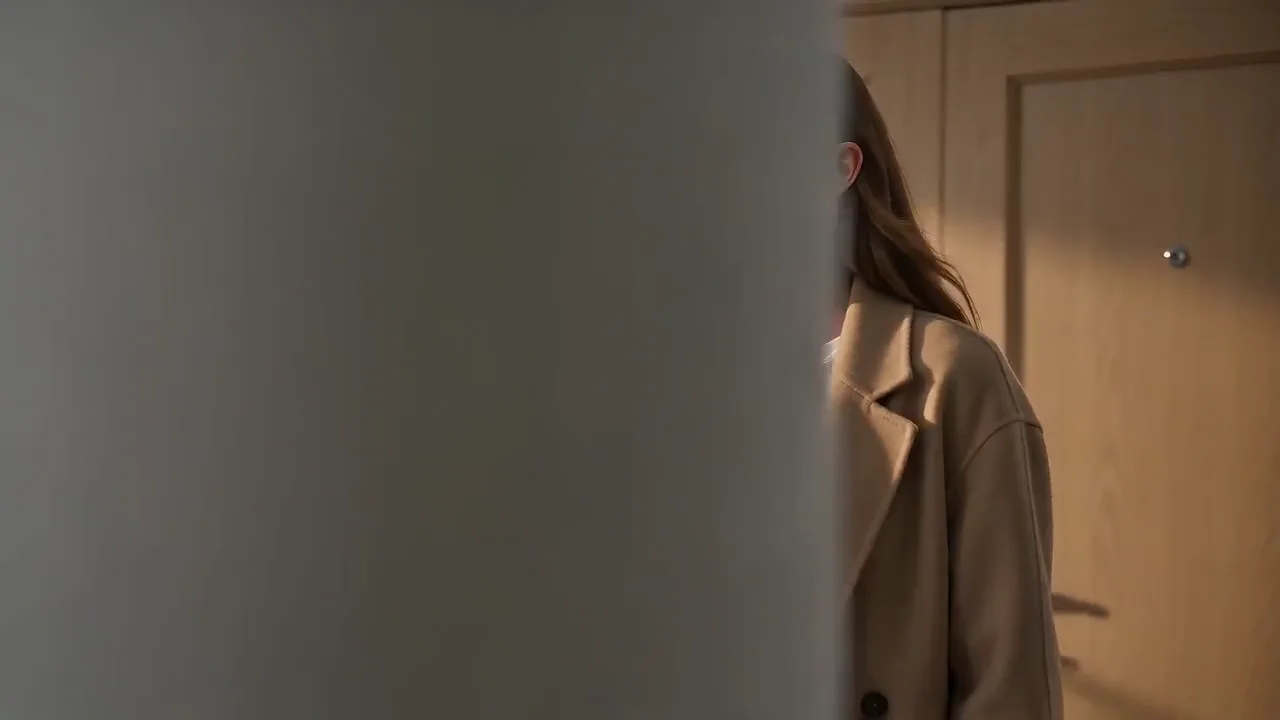 Office Routine Reel
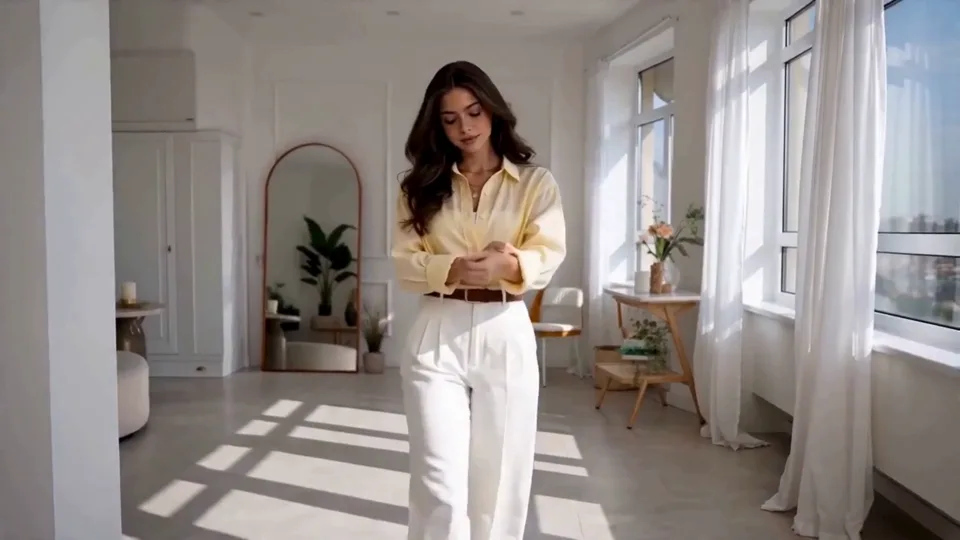 1 Shirt, 10 Looks
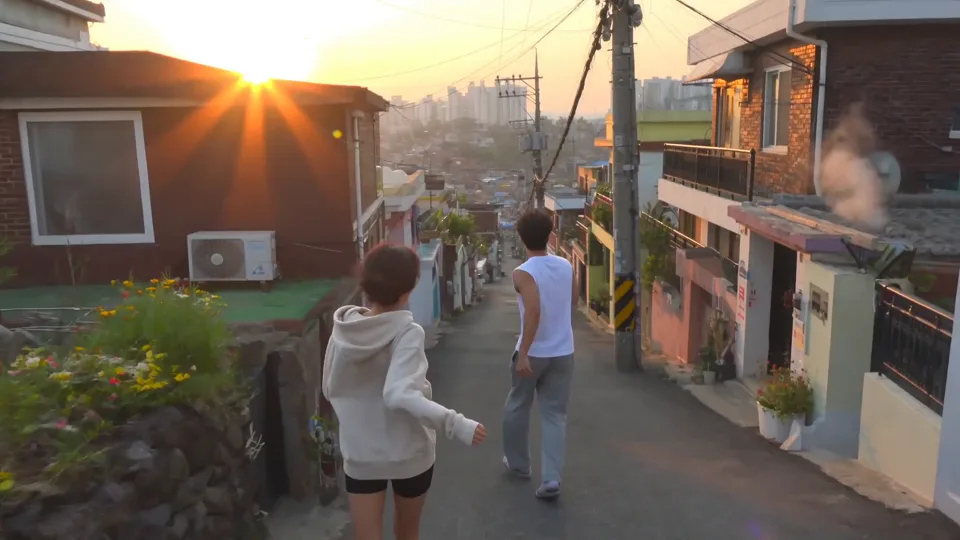 Seoul Couple Morning
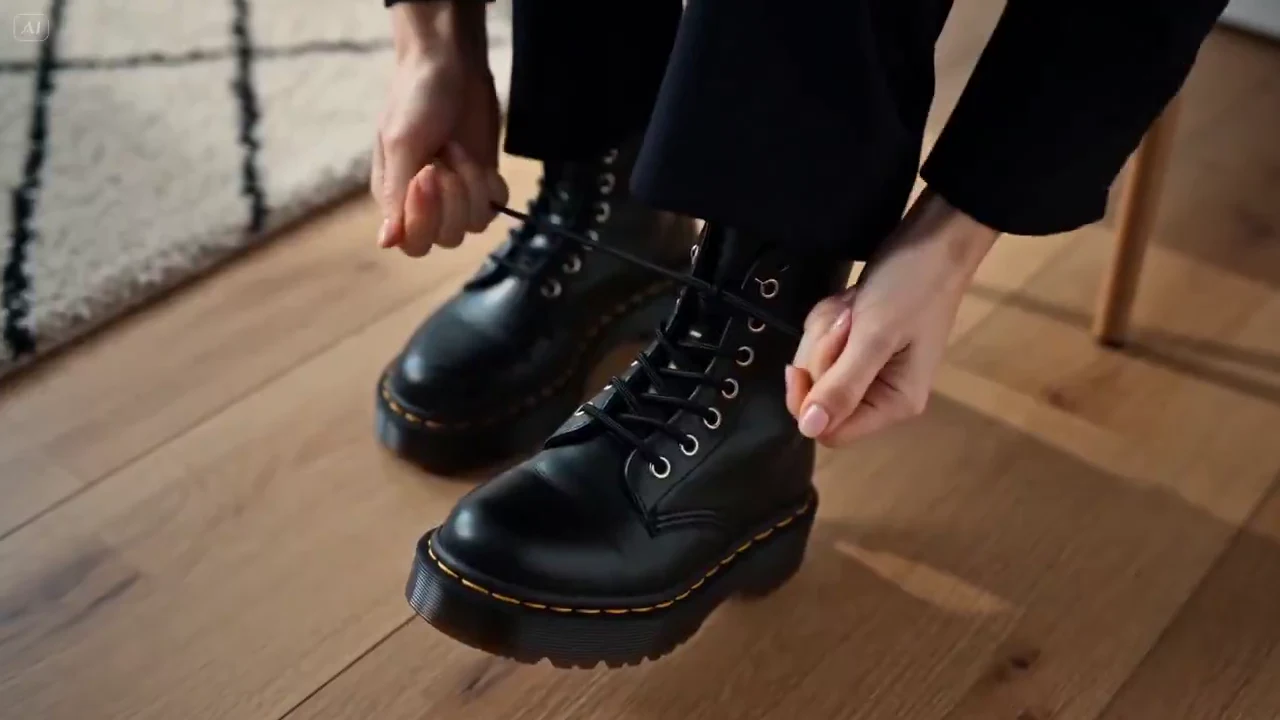 Late for Work Beat Routine
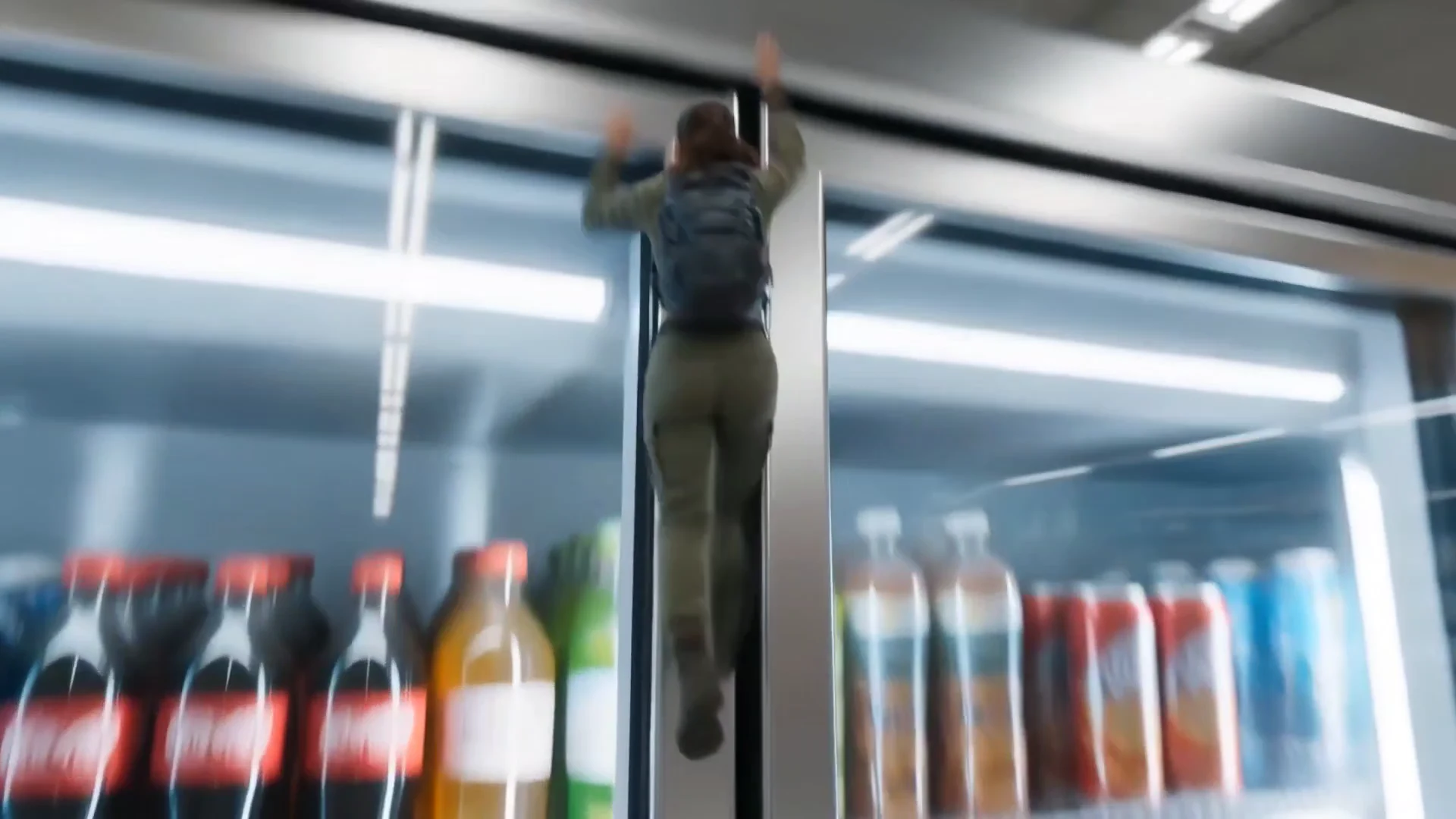 Tiny Store Parkour Challenge
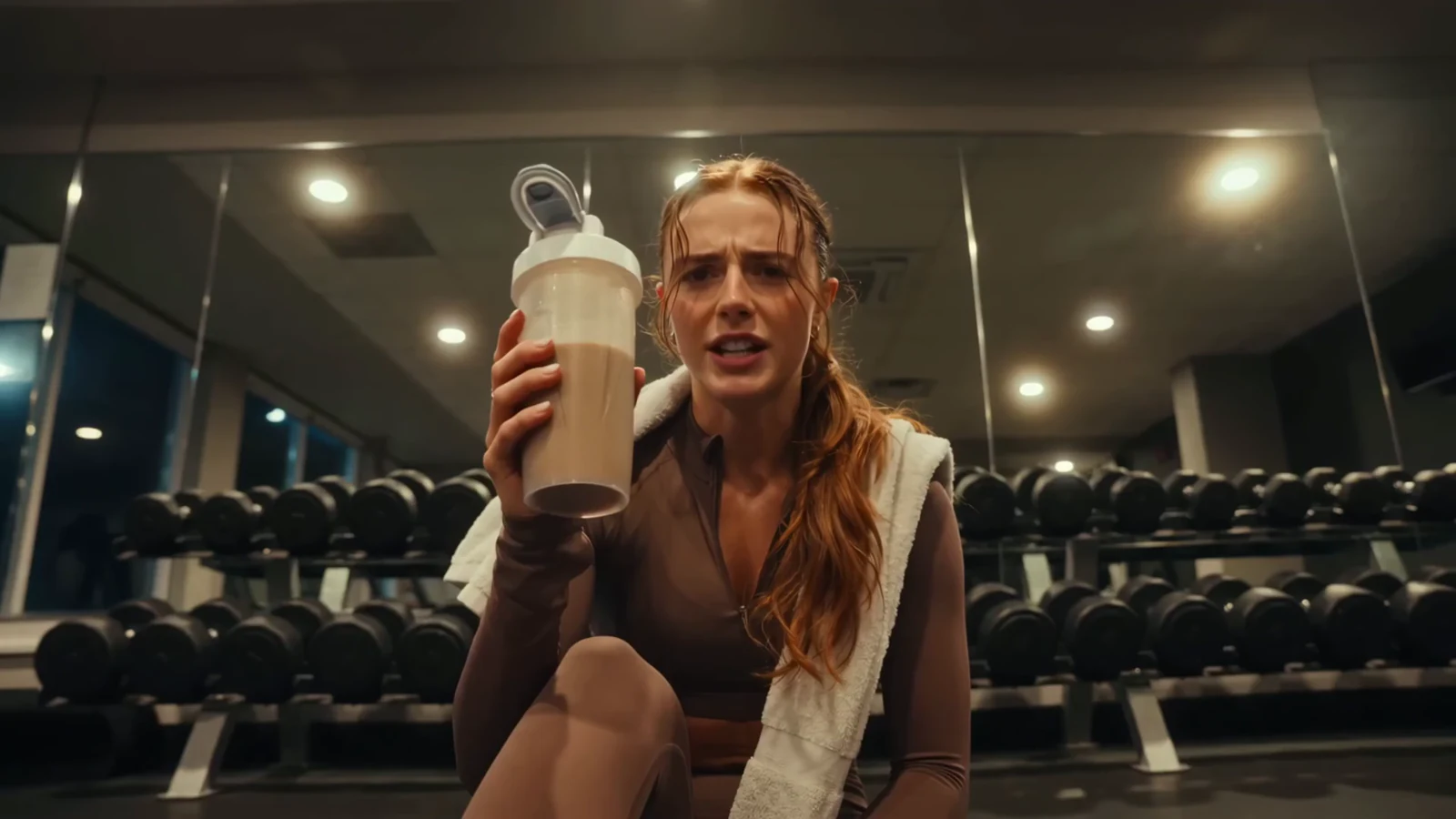 Post-Workout DV Diary
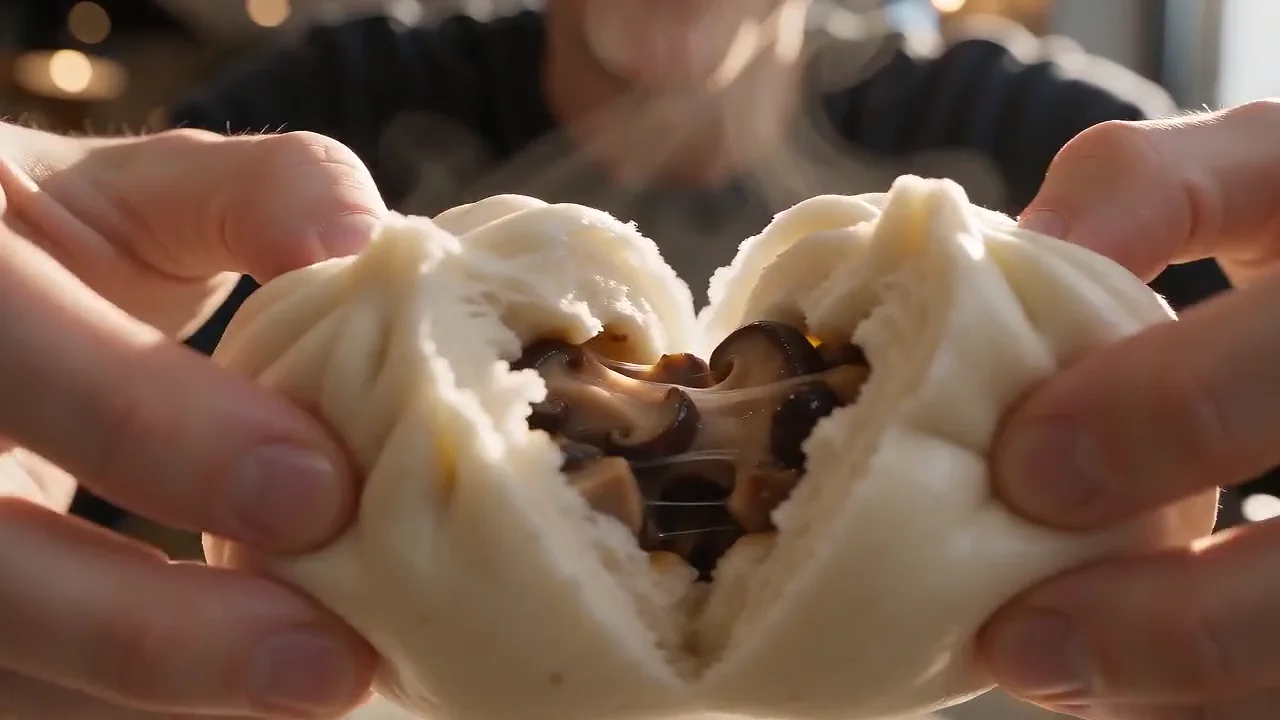 Food Review Vlog
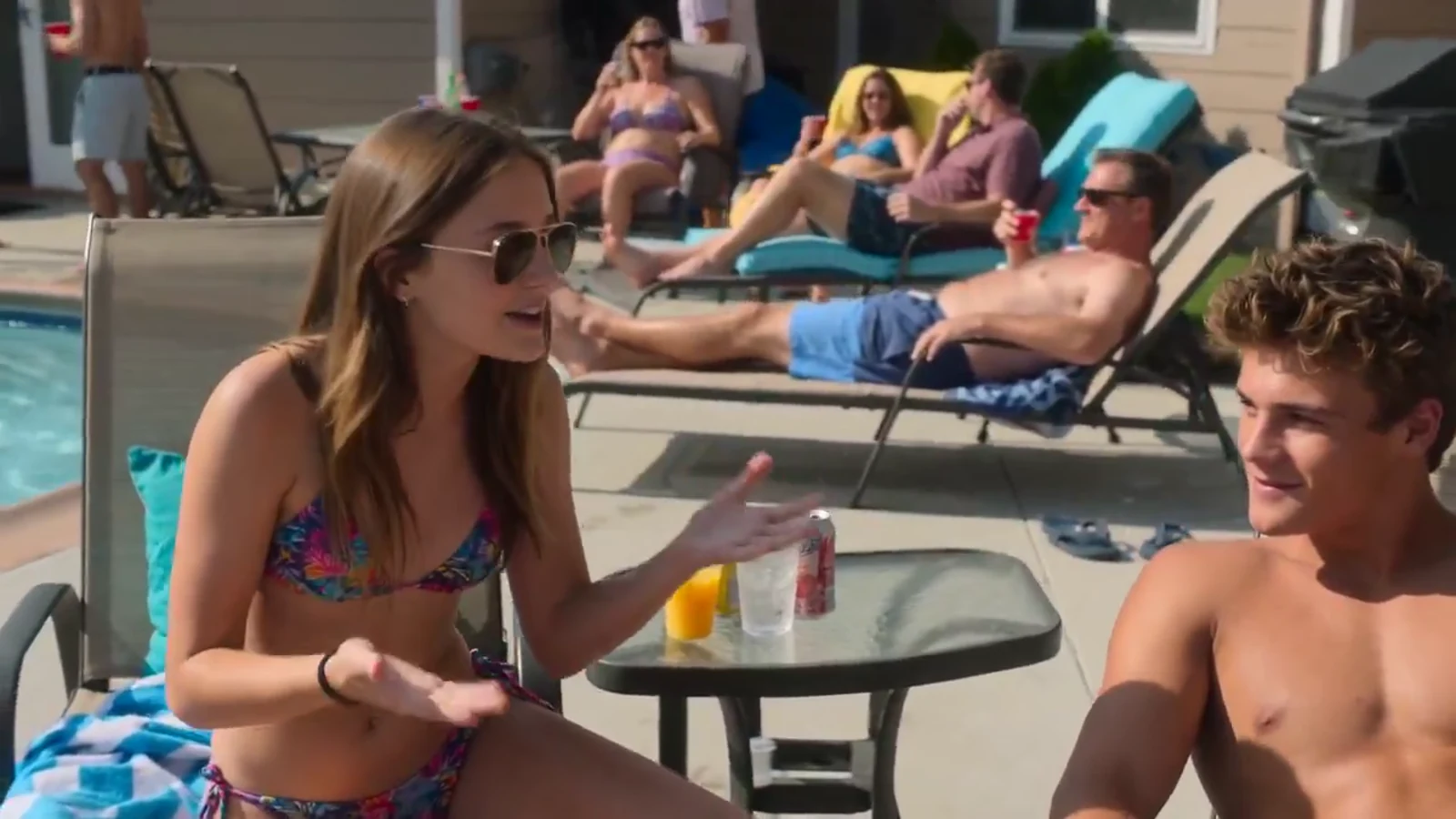 Poolside Phone Memories
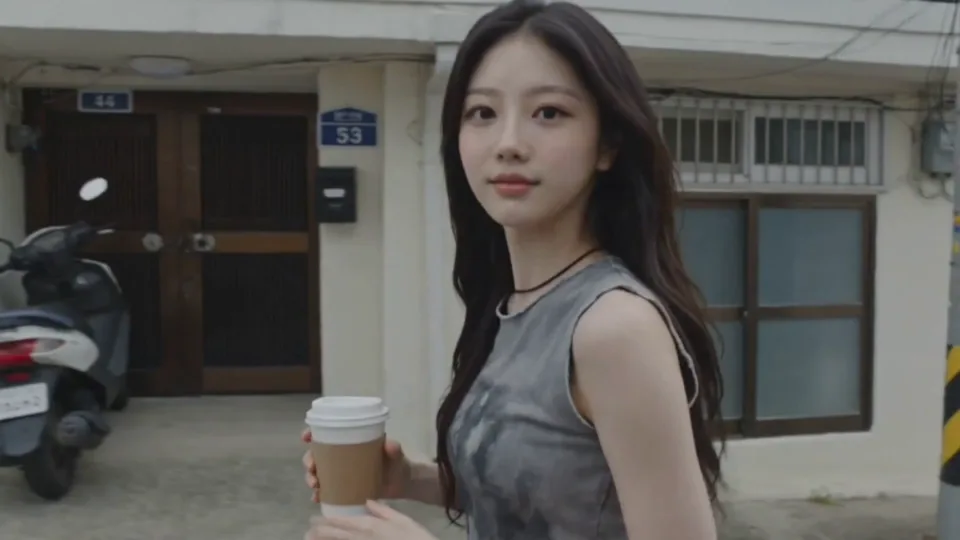 Seoul DV Morning Diary
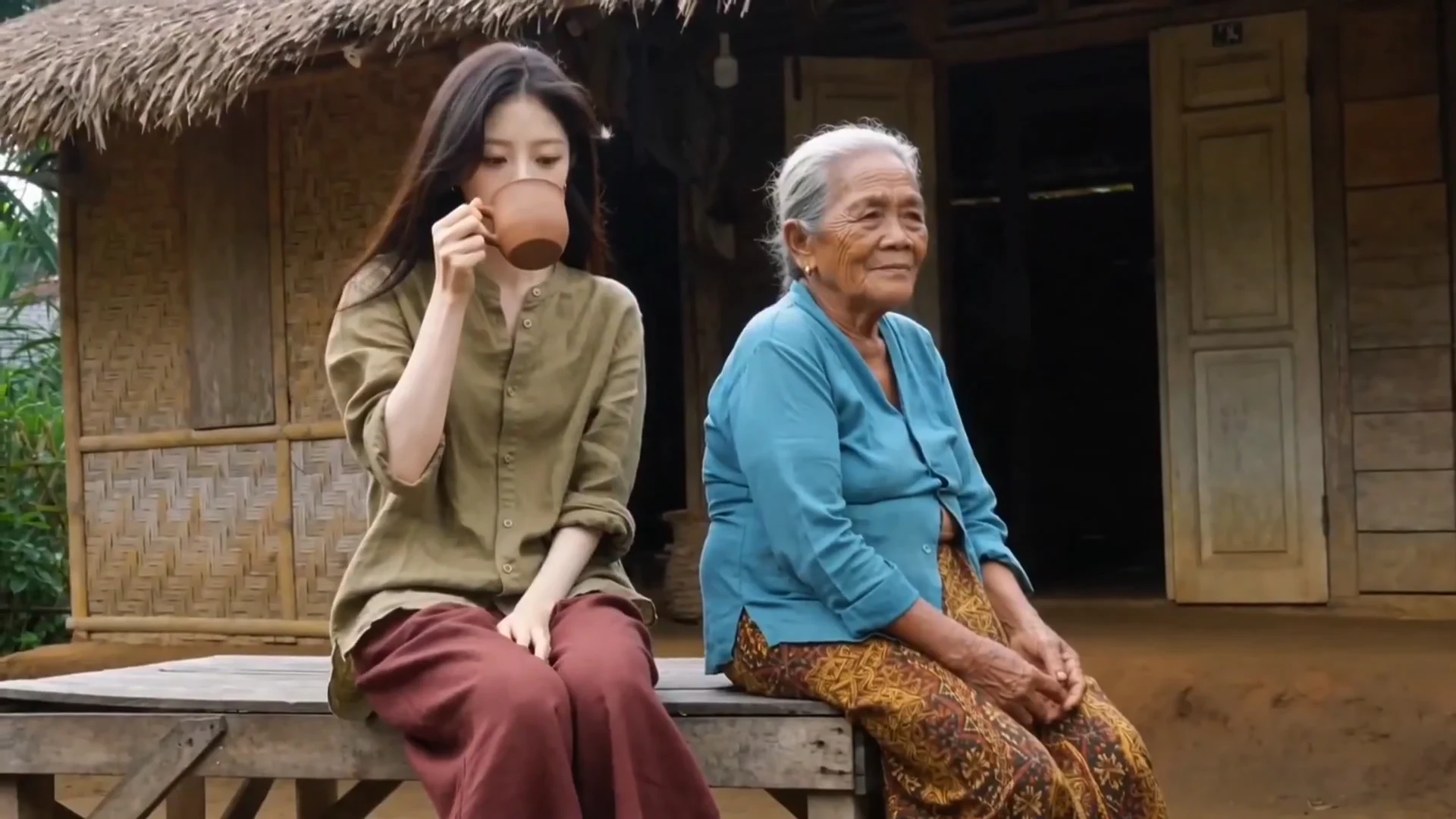 Rural Morning Flip-Cam
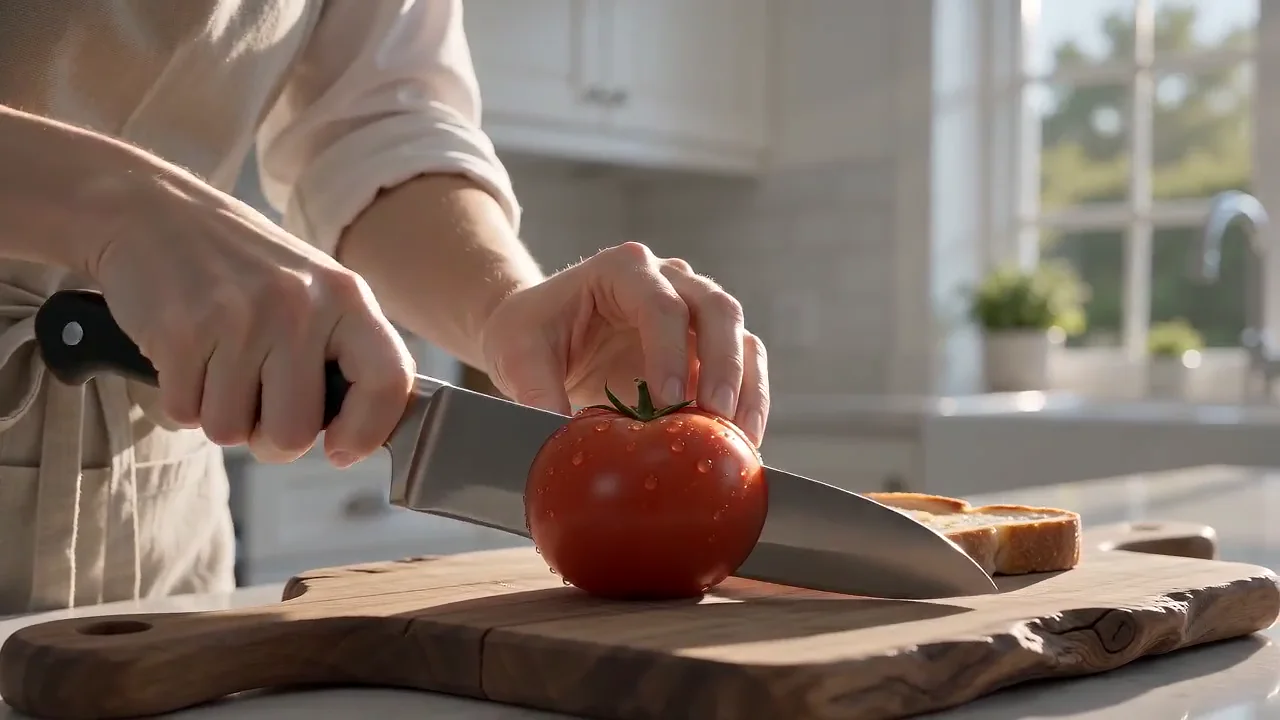 Rural Cooking ASMR
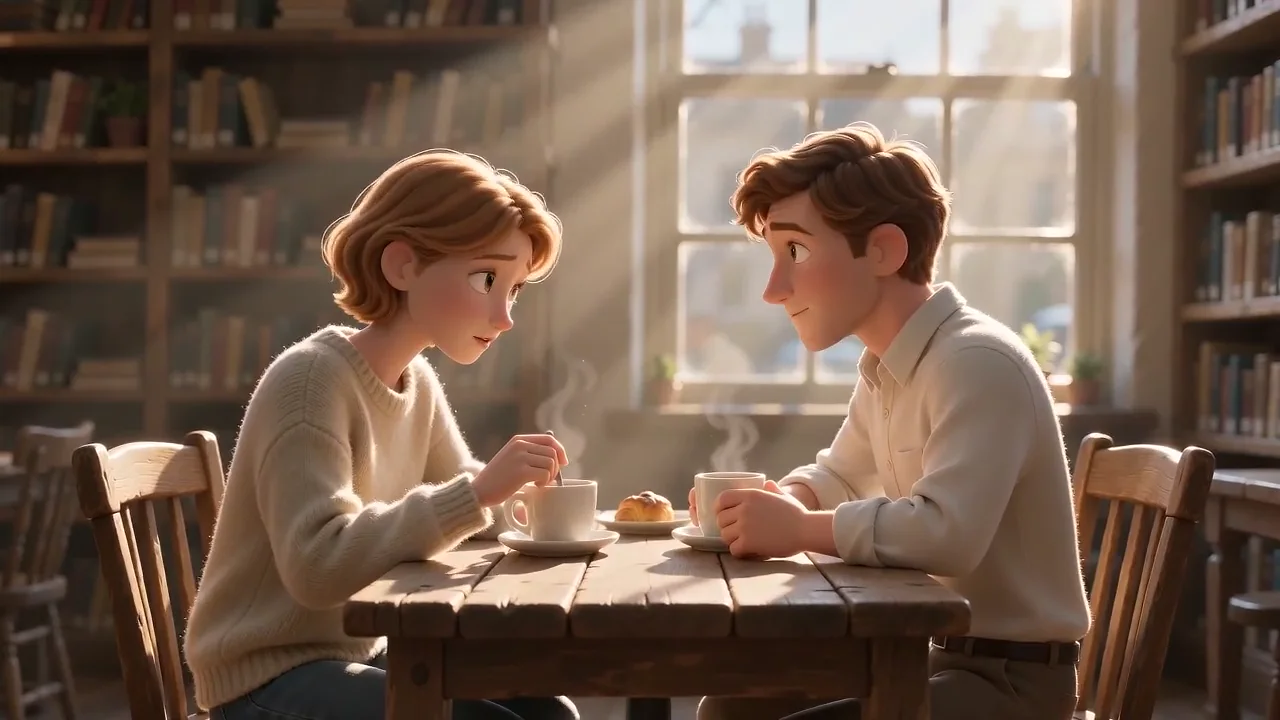 Quiet Romance Short
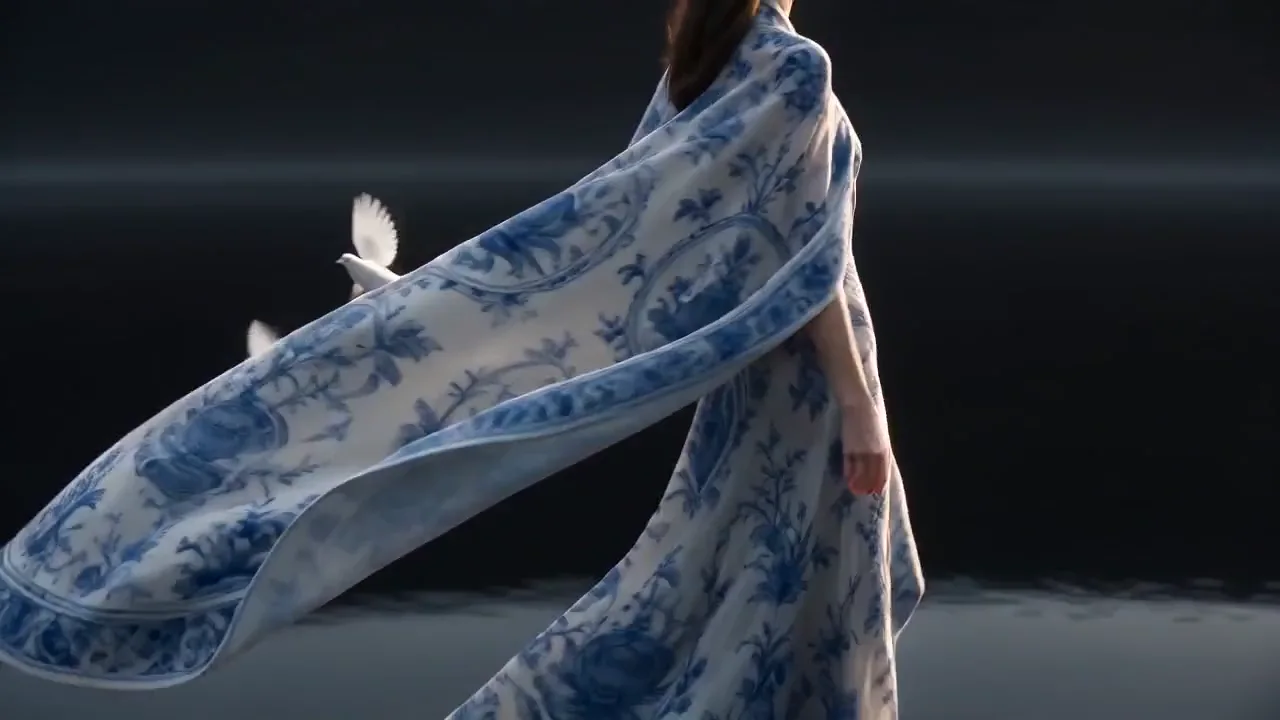 Porcelain Ink Transform
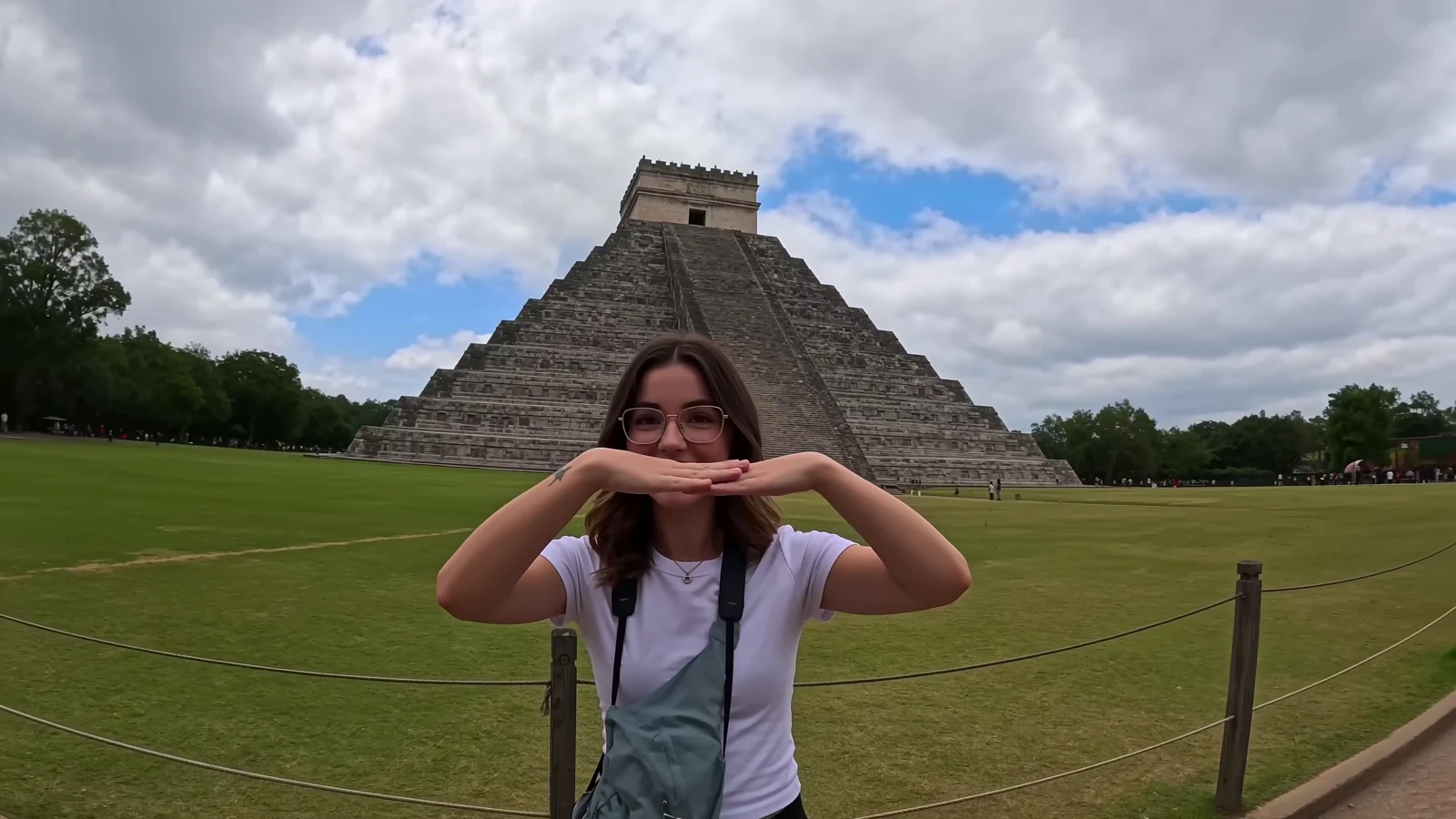 Seven Wonders Hyperlapse
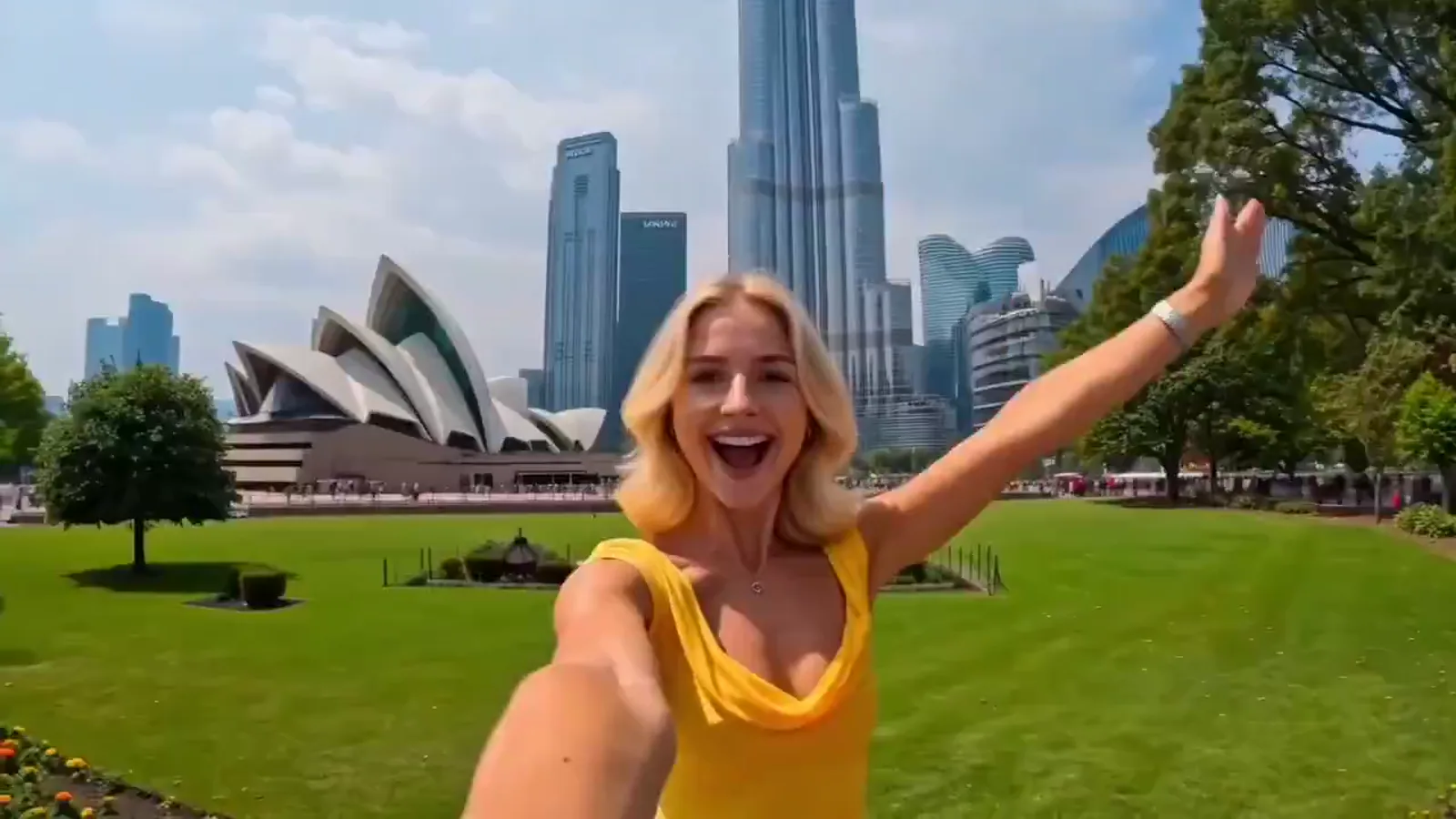 30 Destinations Hyperlapse
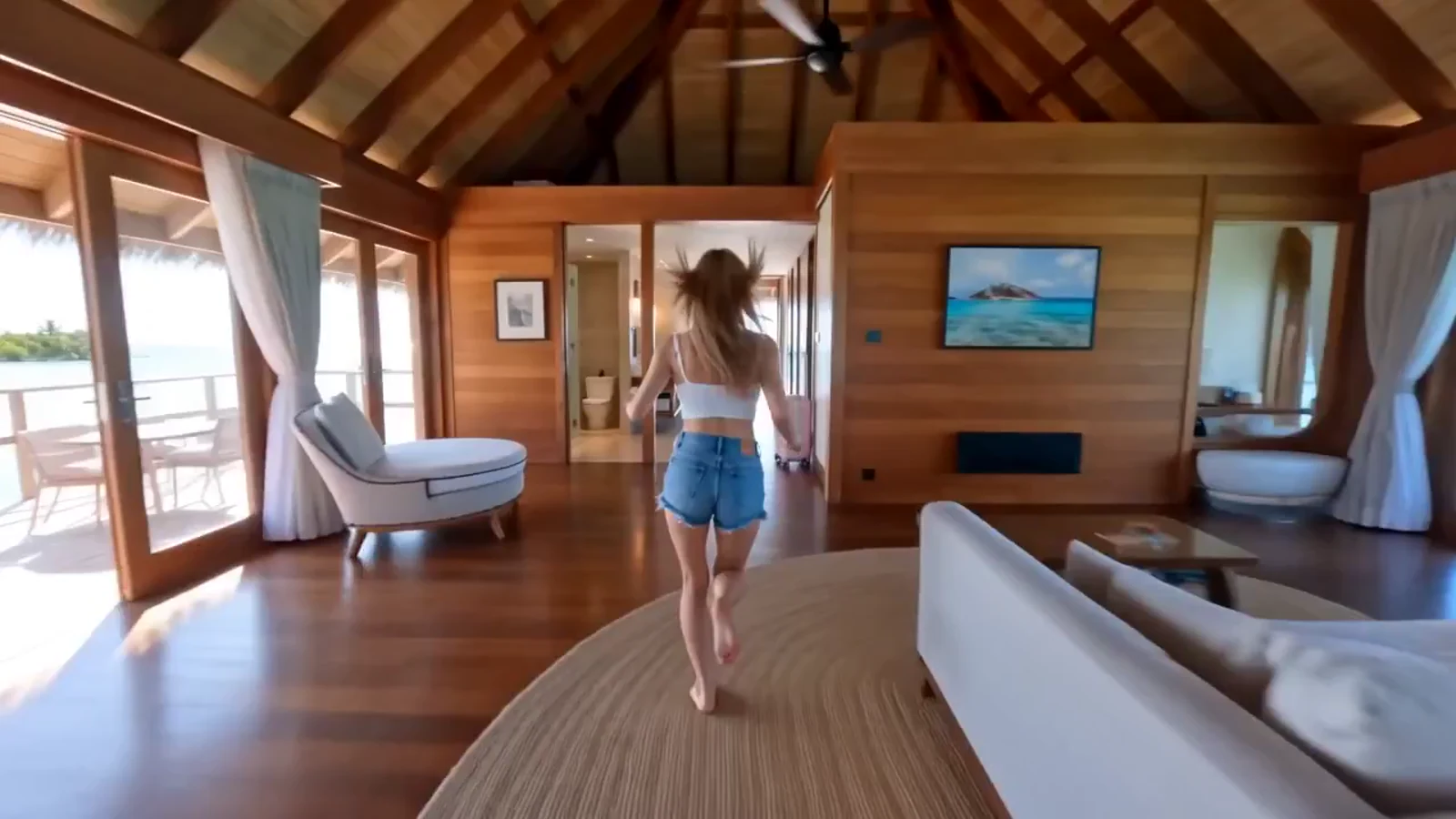 Overwater Villa Sprint
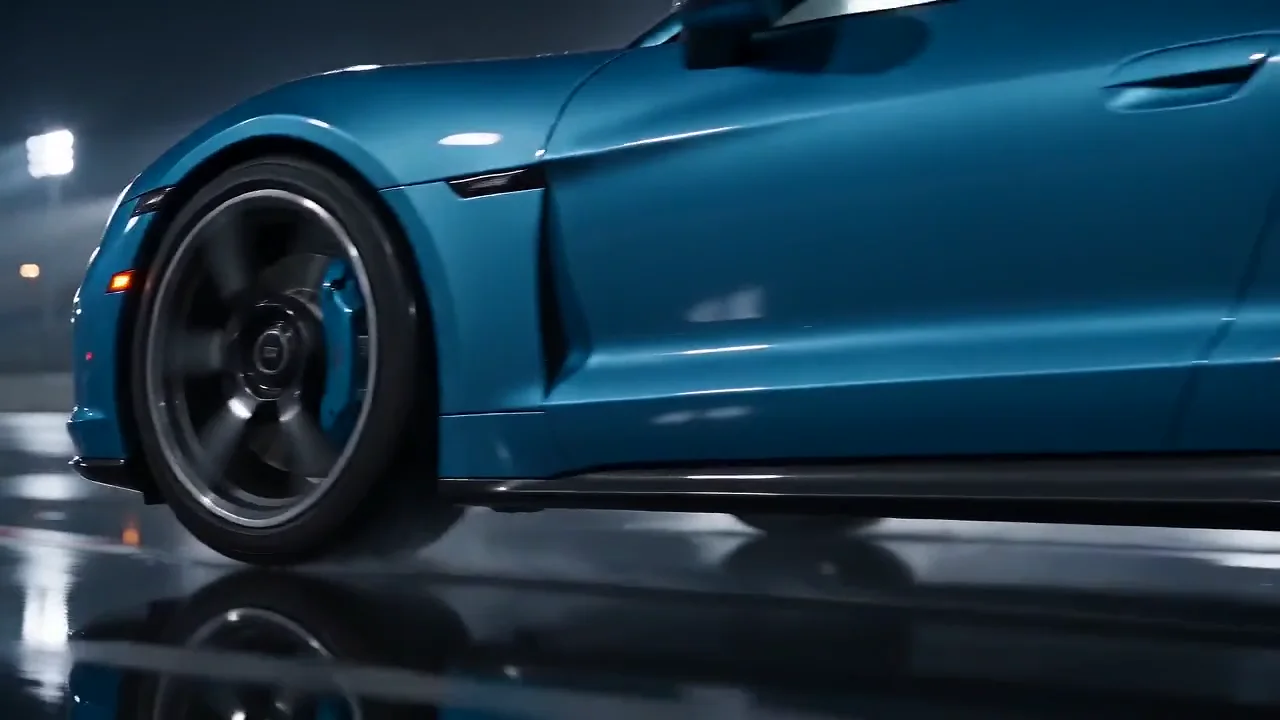 Night Street Racing
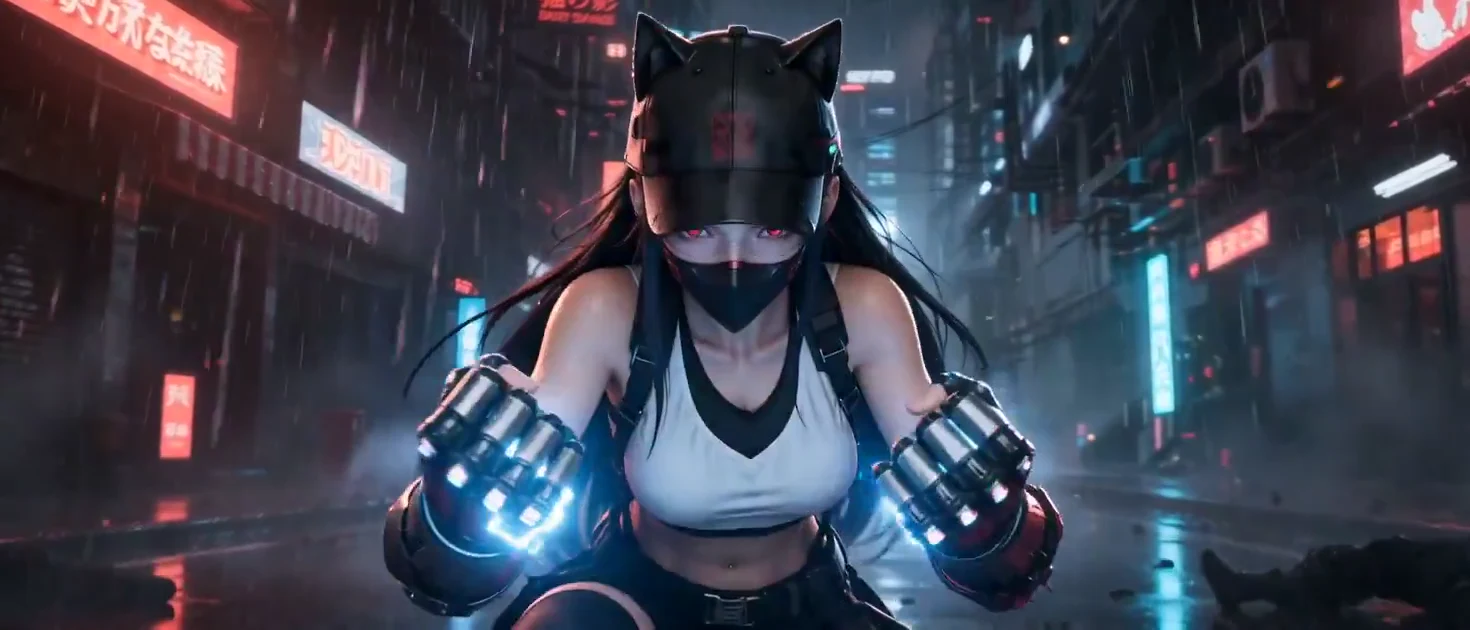 Painterly Cyber Gauntlet
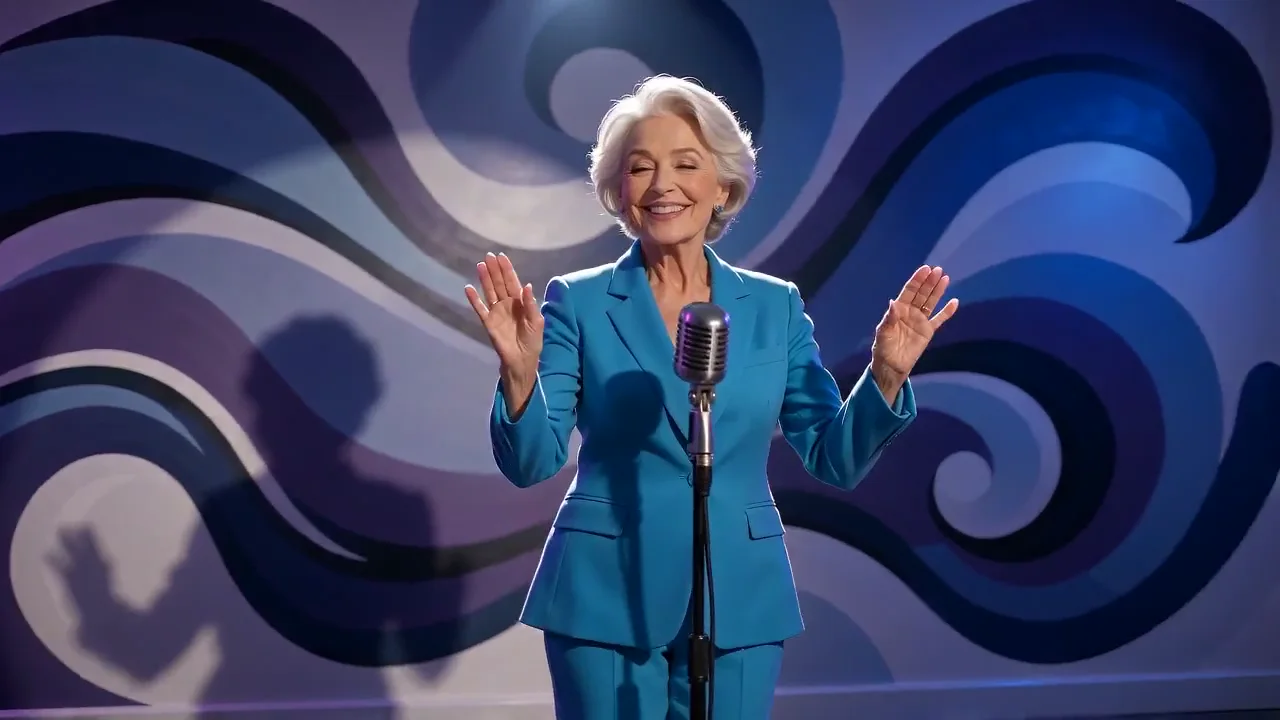 Unexpected Rap MV
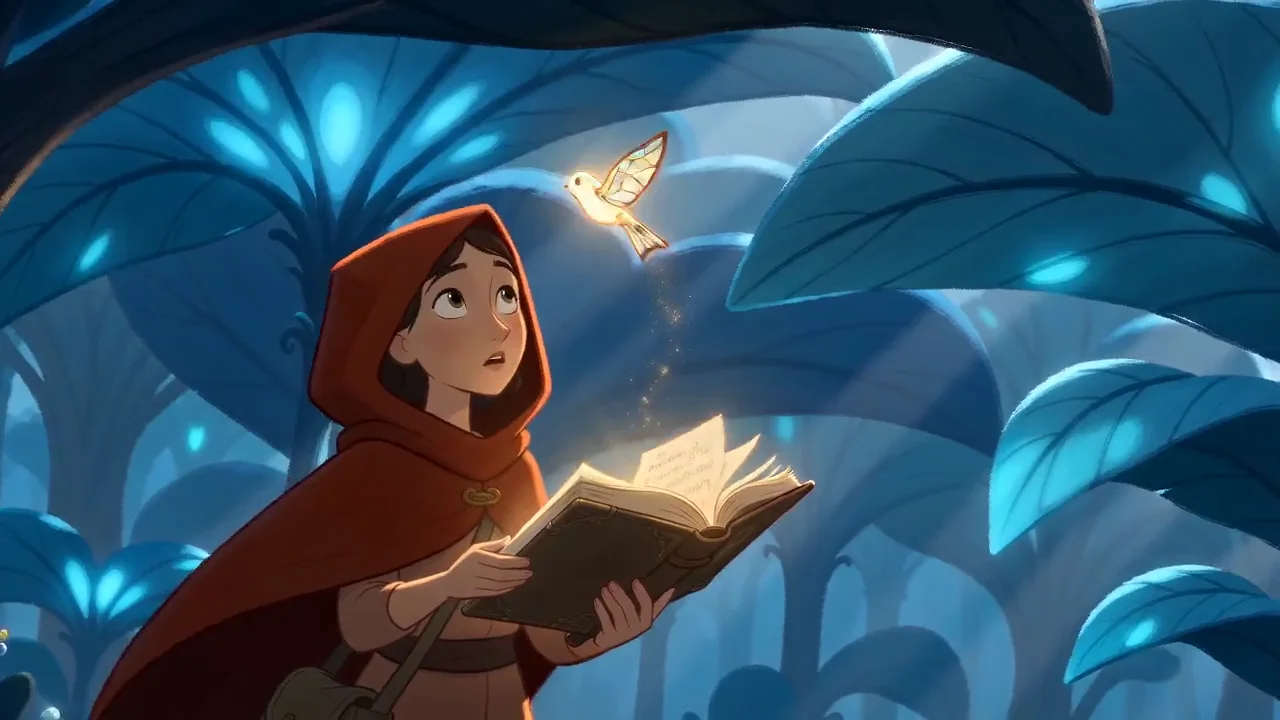 Hand-Painted Fantasy Short
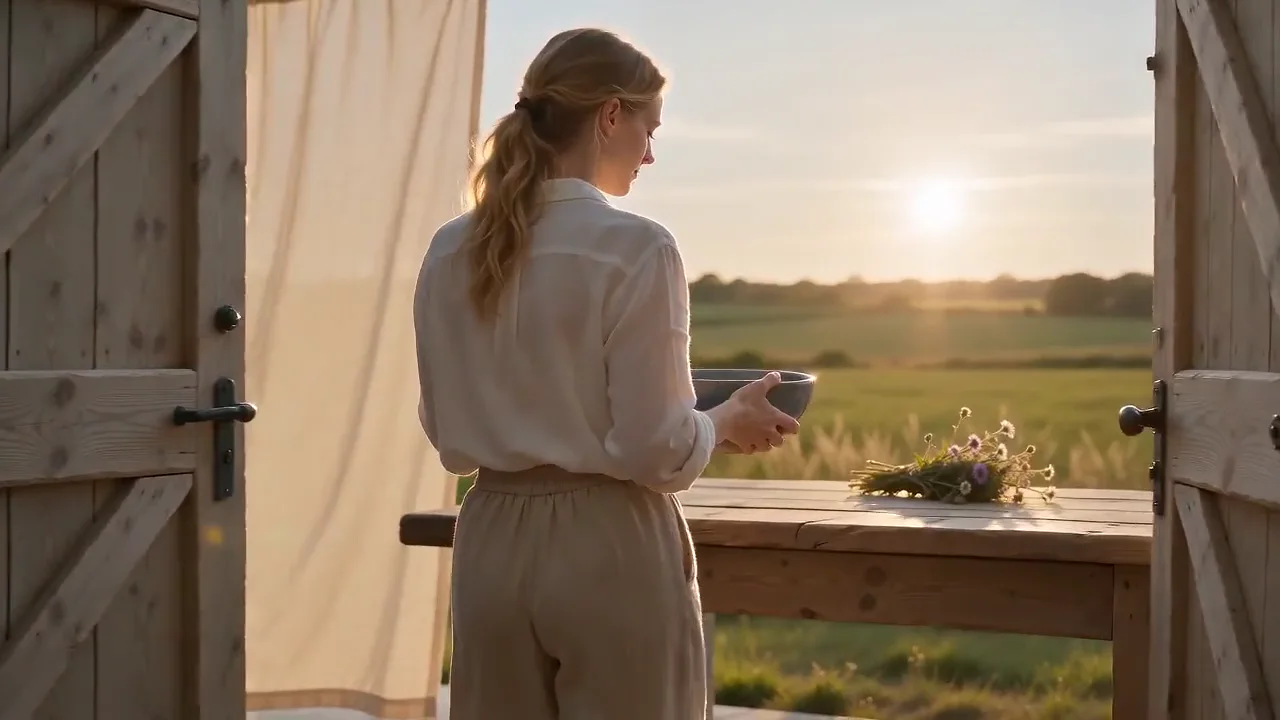 Countryside Slice of Life
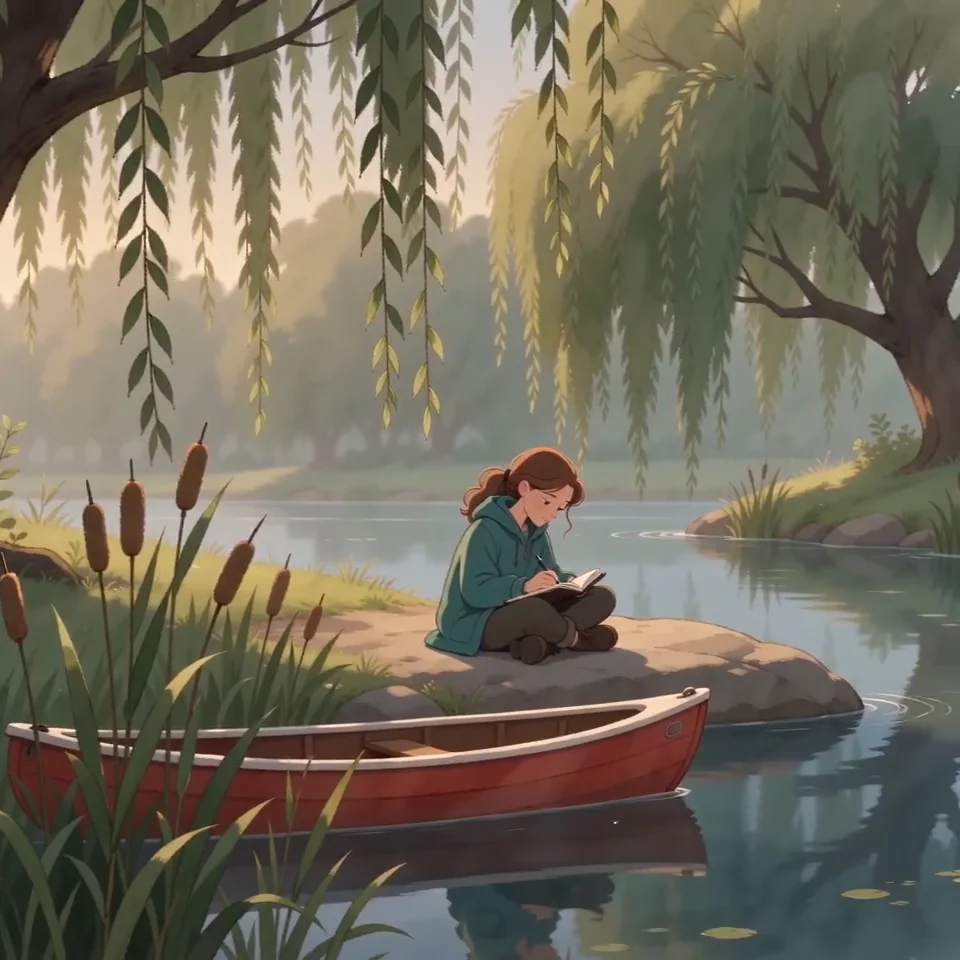 Serene Riverbank Animation
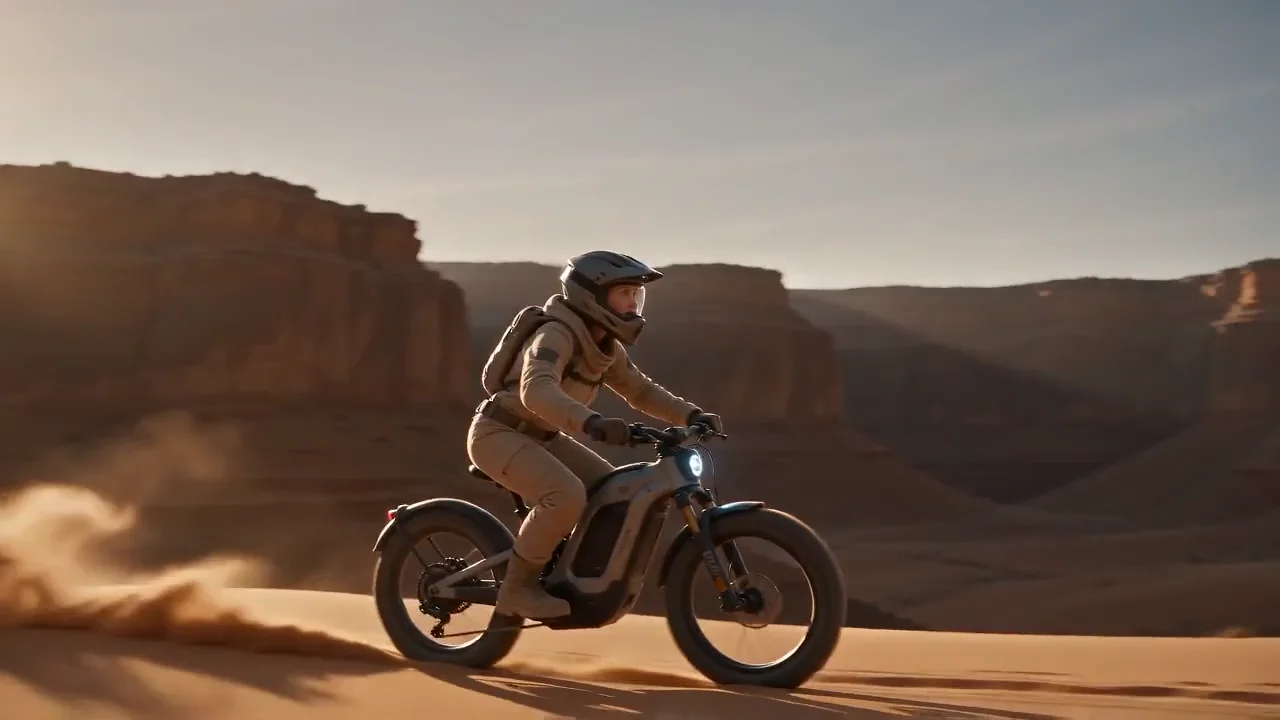 Desert Adventure
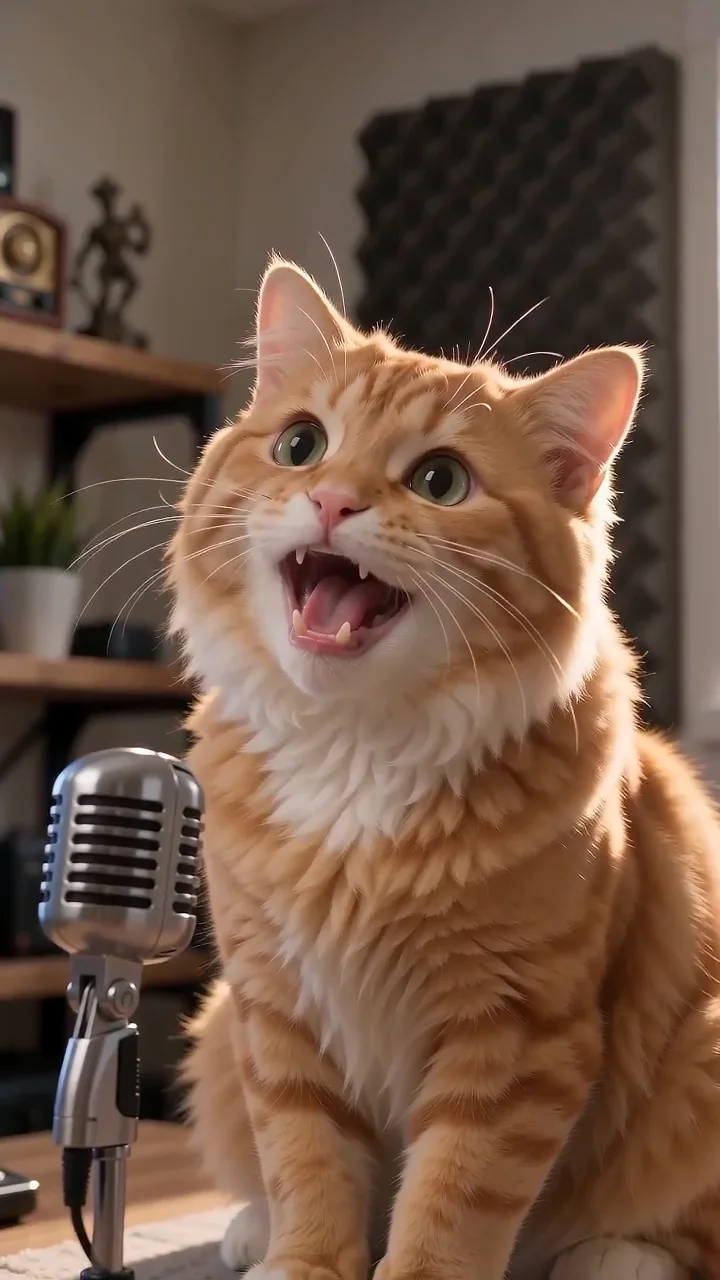 Pet Singing Star
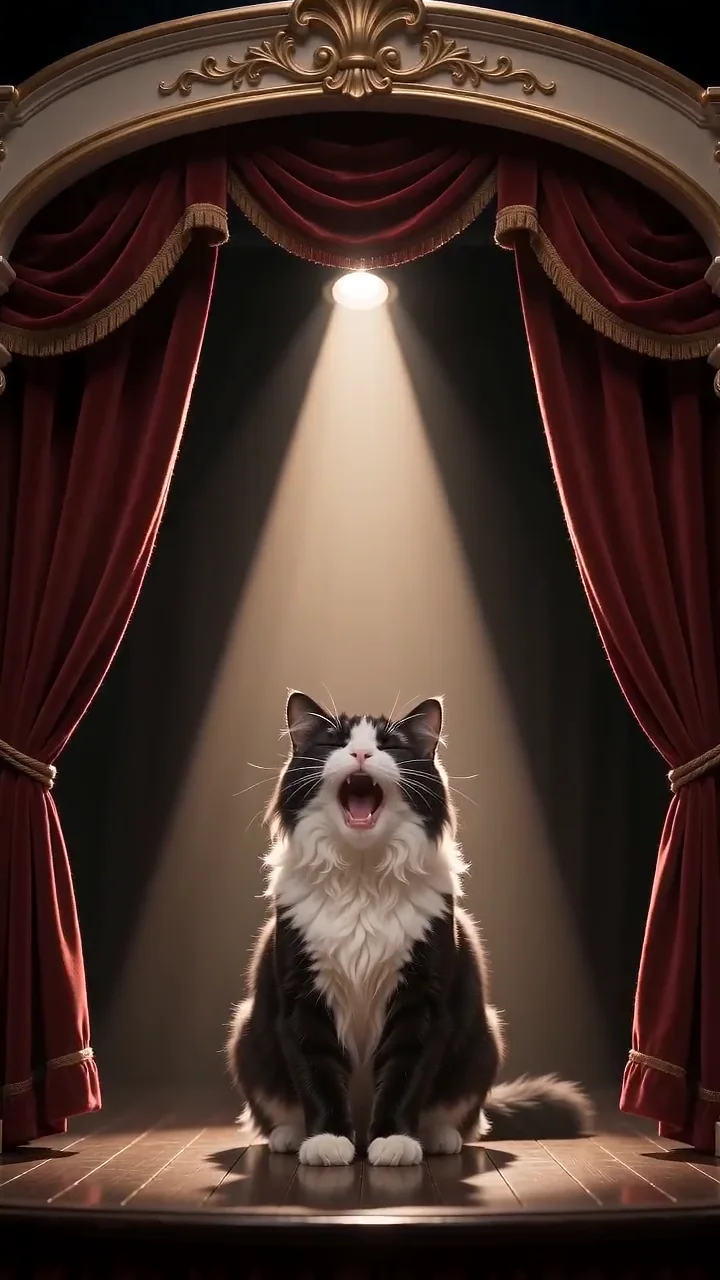 Pet Opera Spotlight
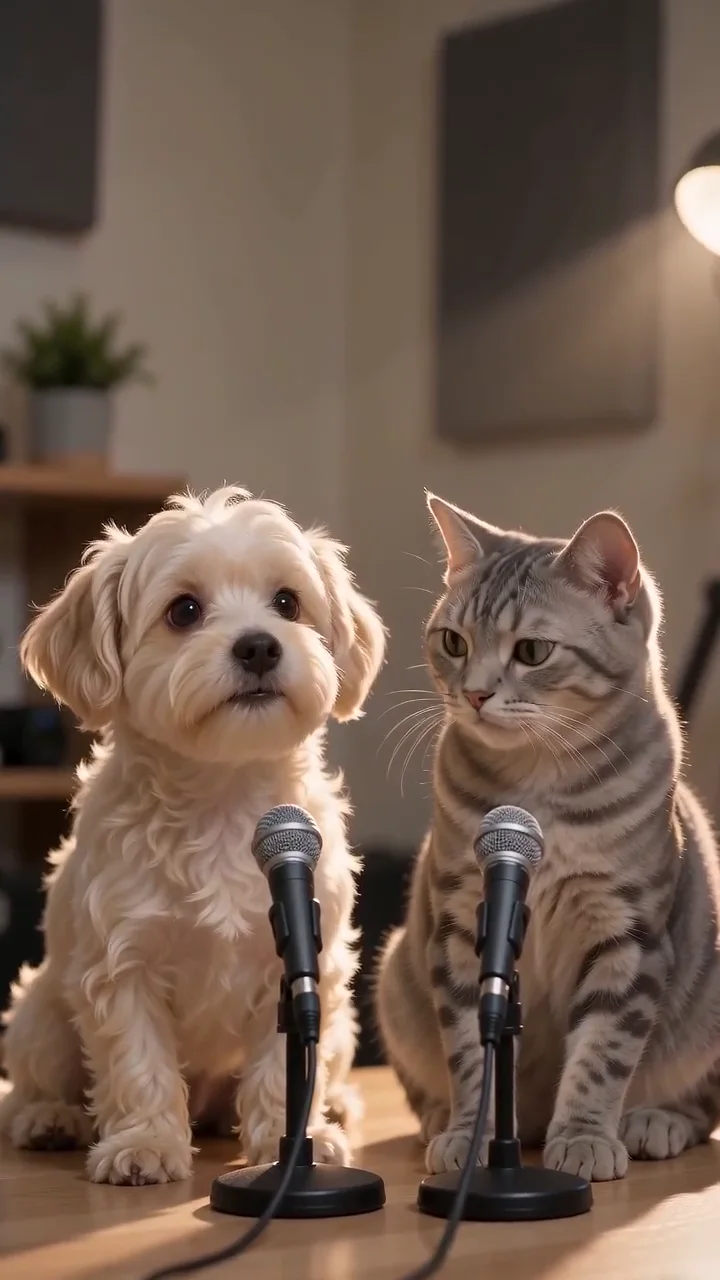 Two-Pet Duet
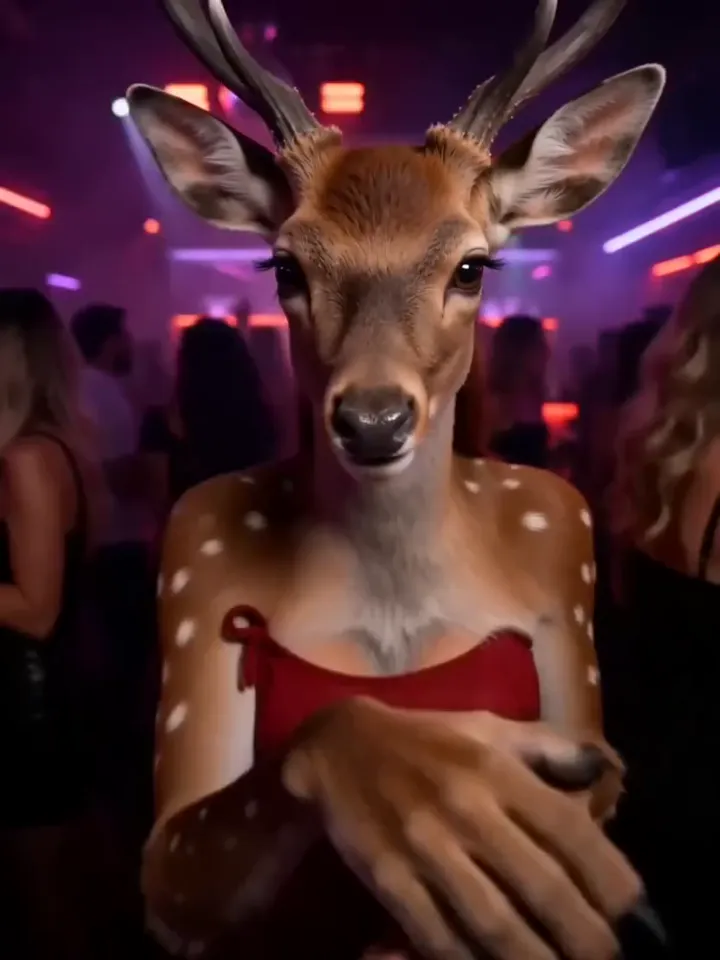 Deer-Woman Nightclub POV
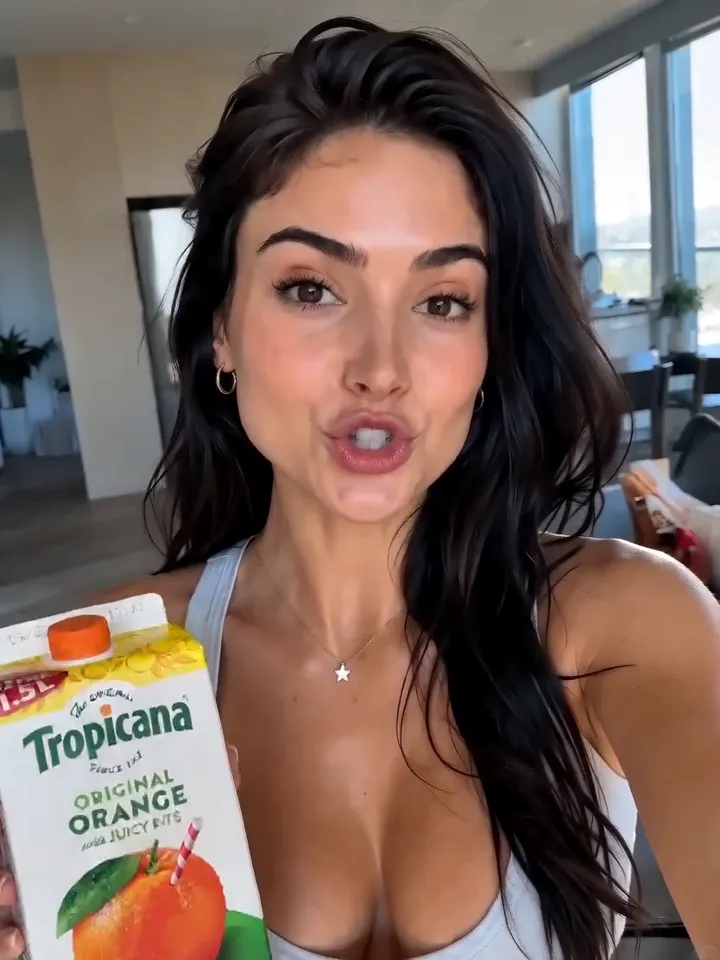 UGC Introduction Ad
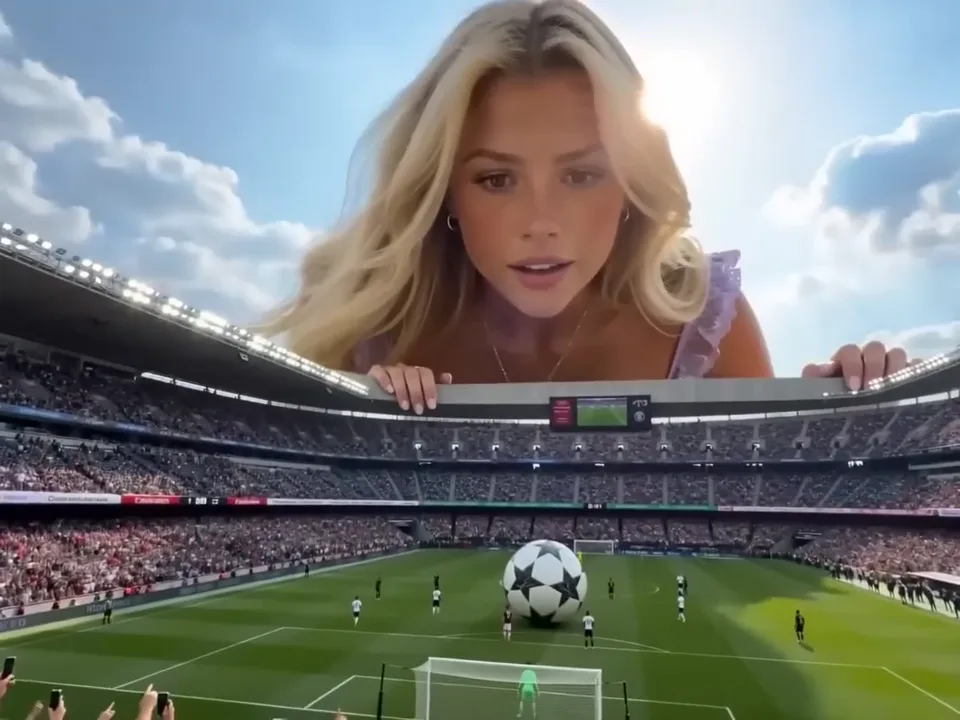 Stadium Giant
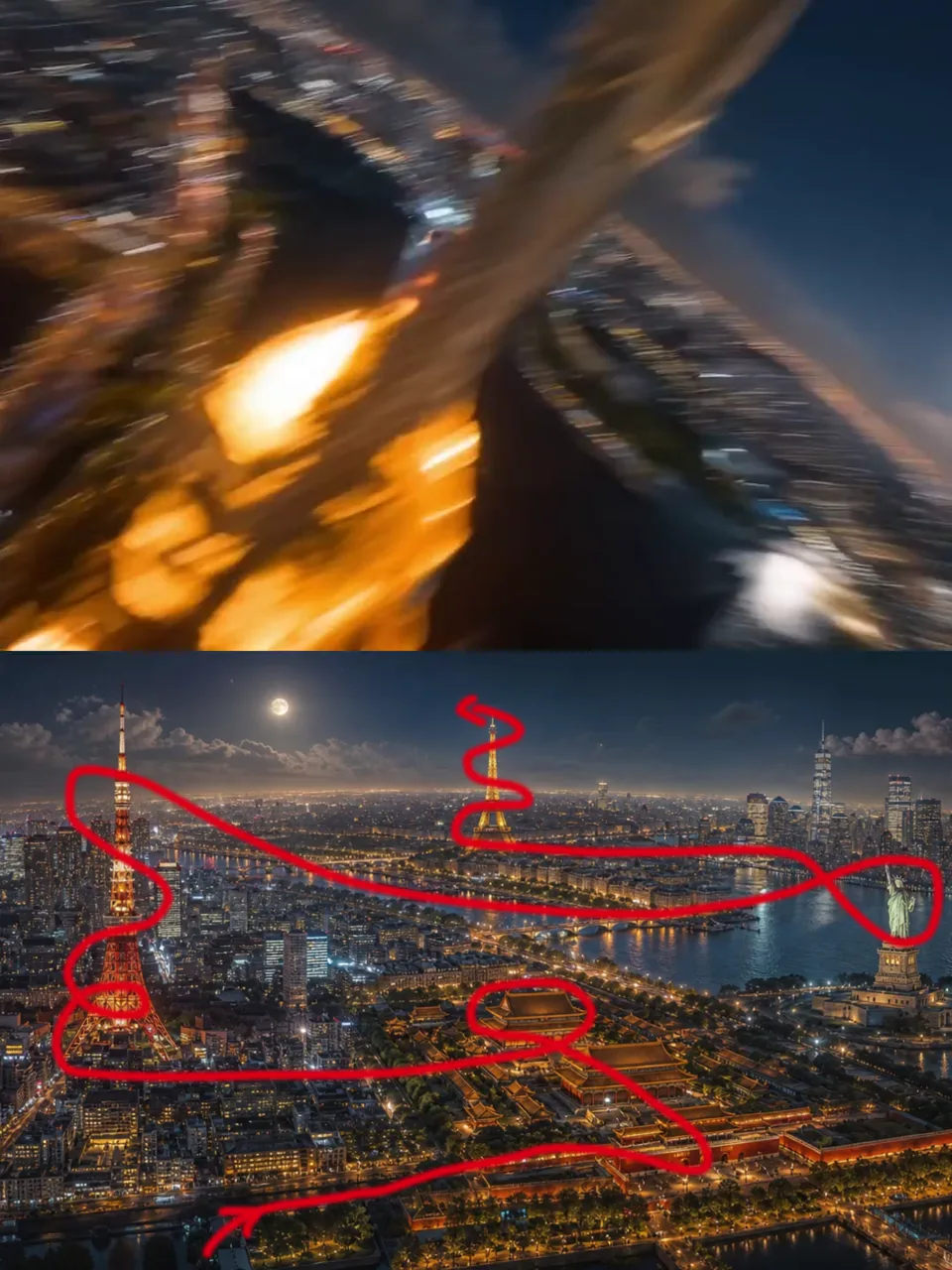 Trajectory Tracking
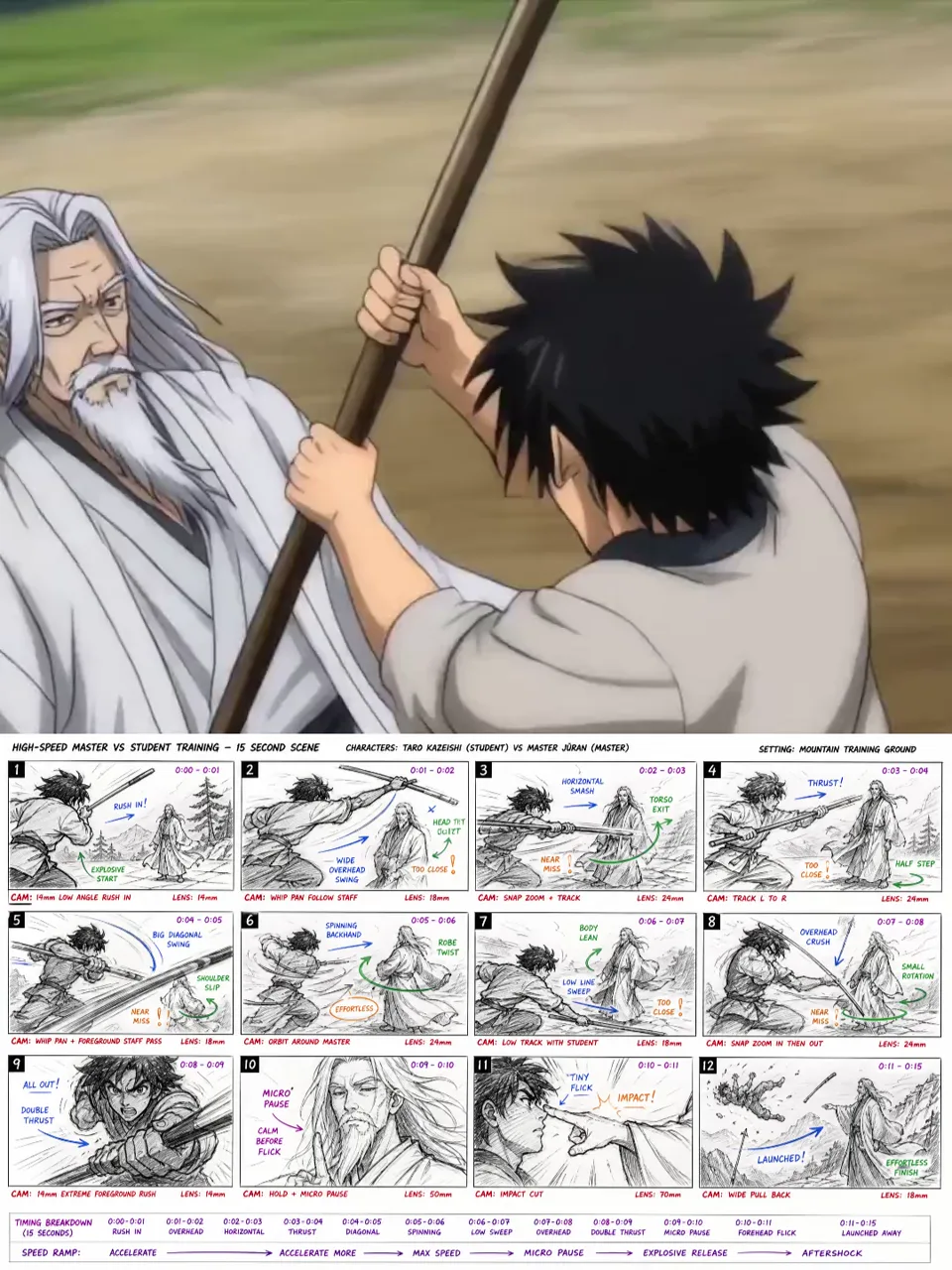 Storyboard Video
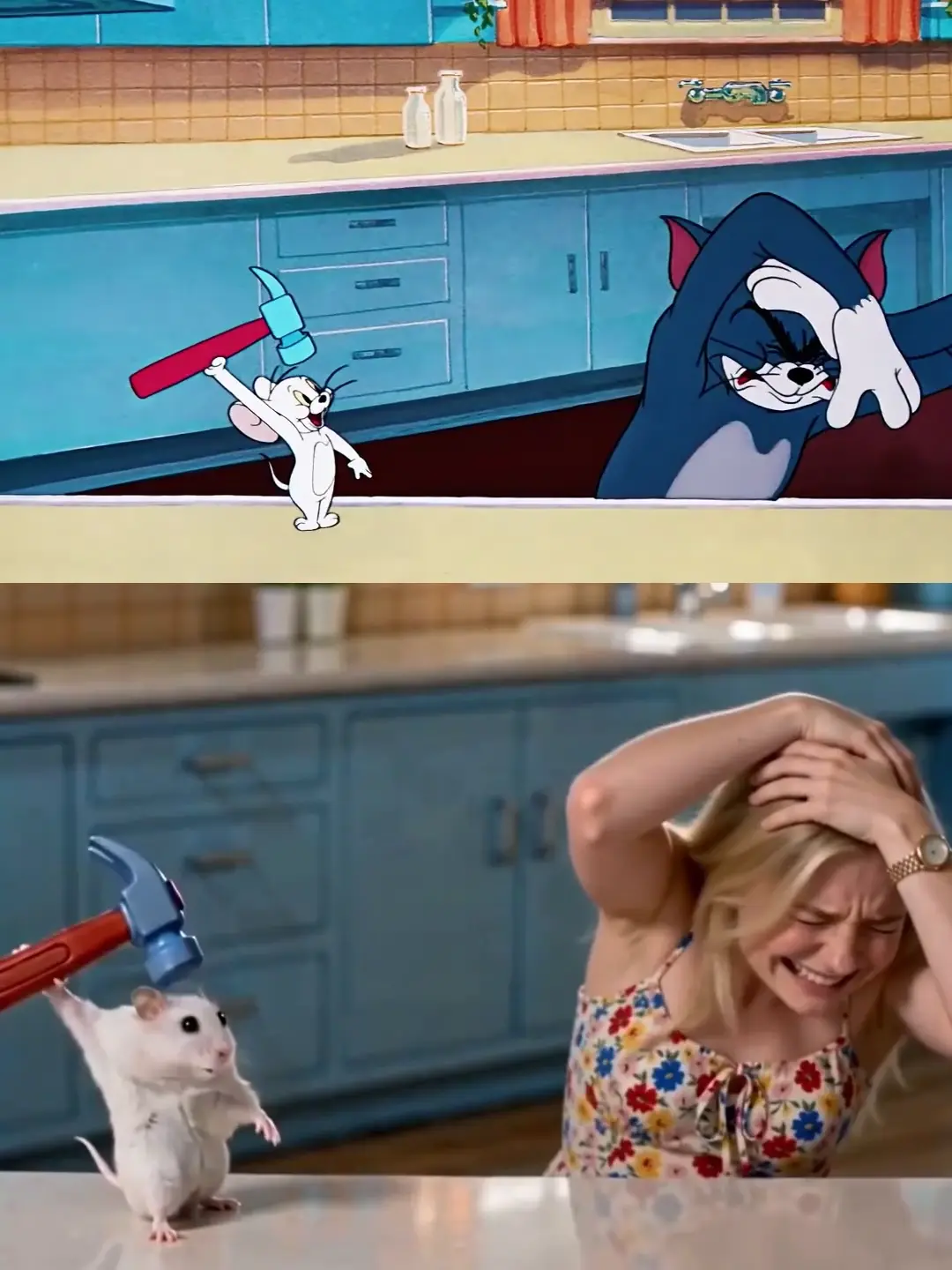 Hamster & Cat Reactions
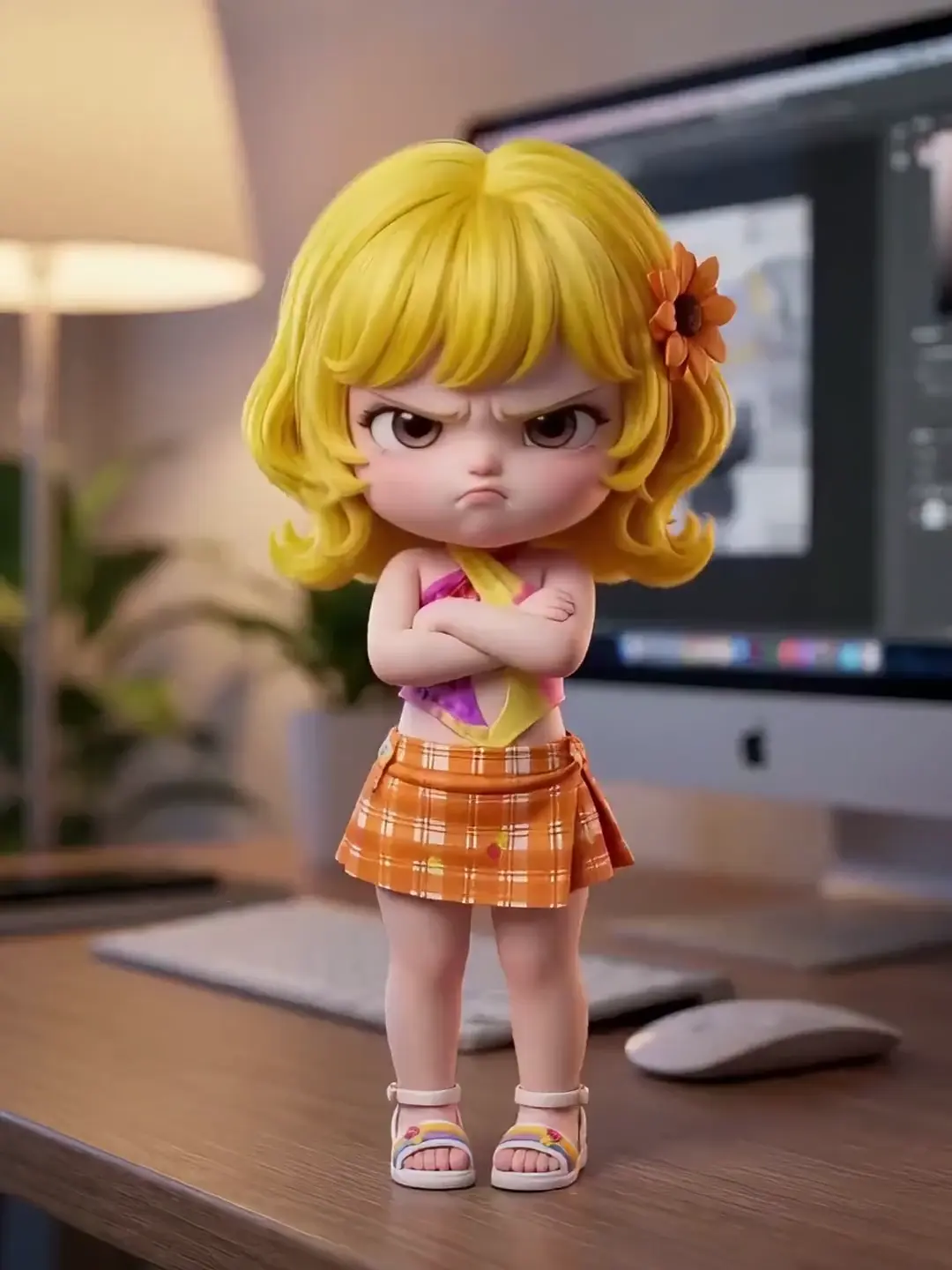 Squeeze Morph Doll
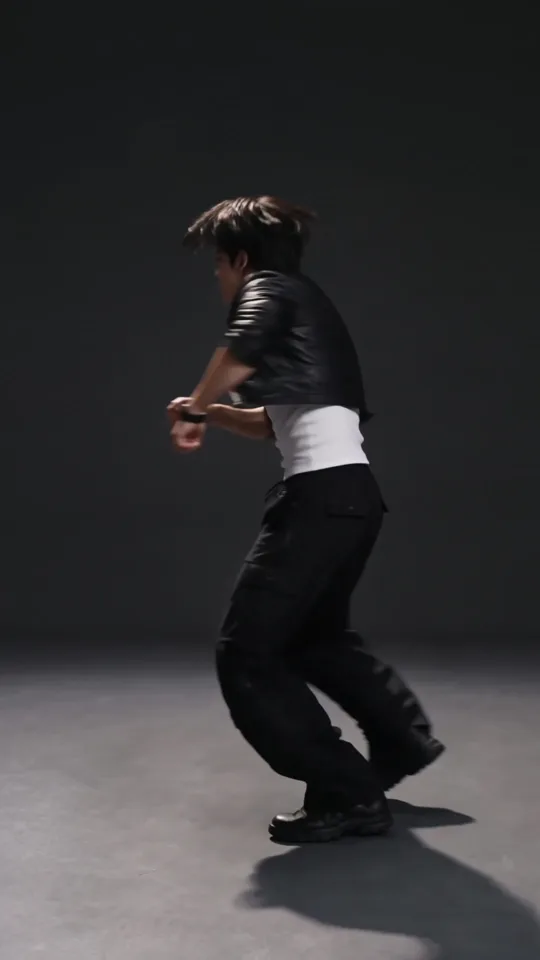 Elite Hip-Hop Performance
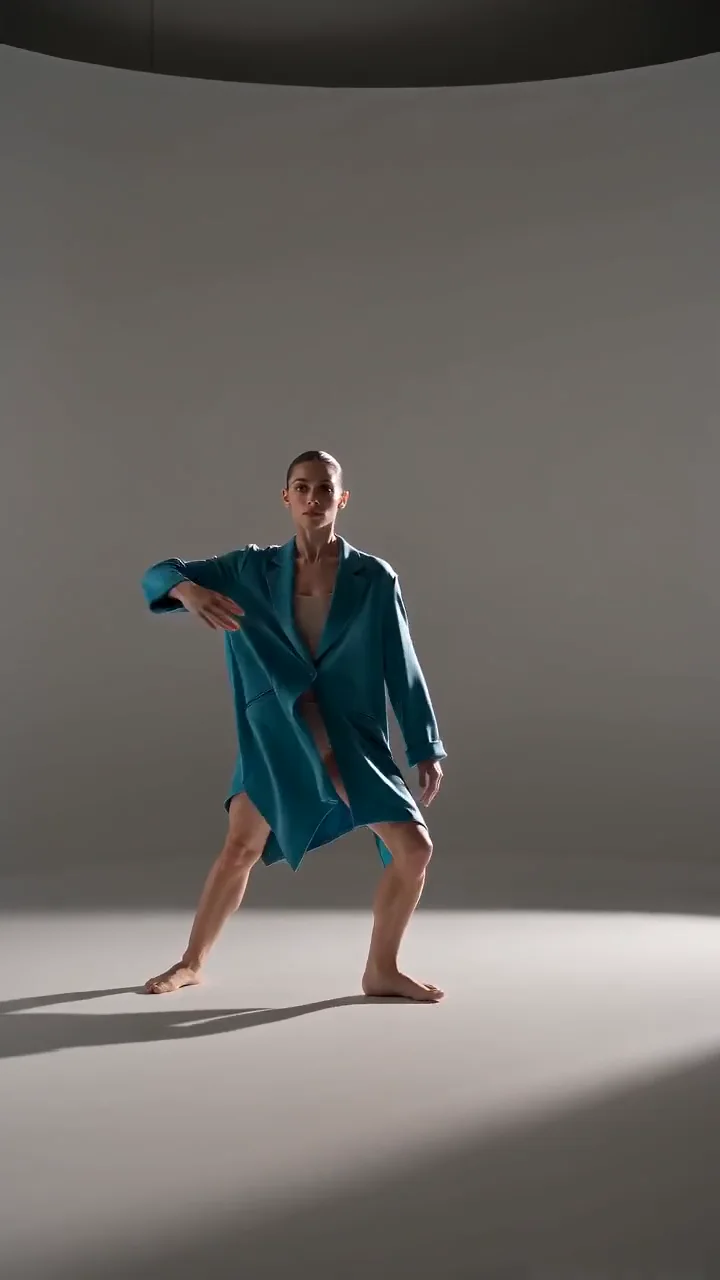 One-Move Dance Challenge
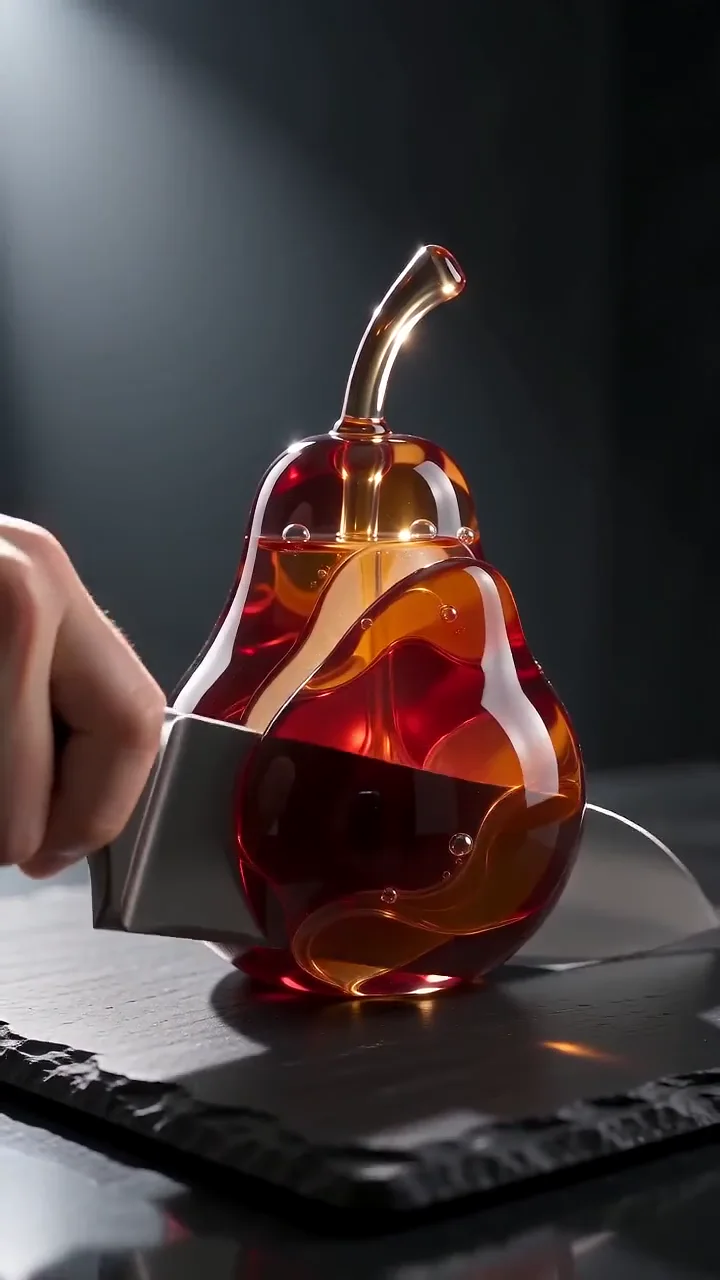 Crystal Fruit ASMR
 Seedance 2.0 Mini
 Seedance 2.0 Mini
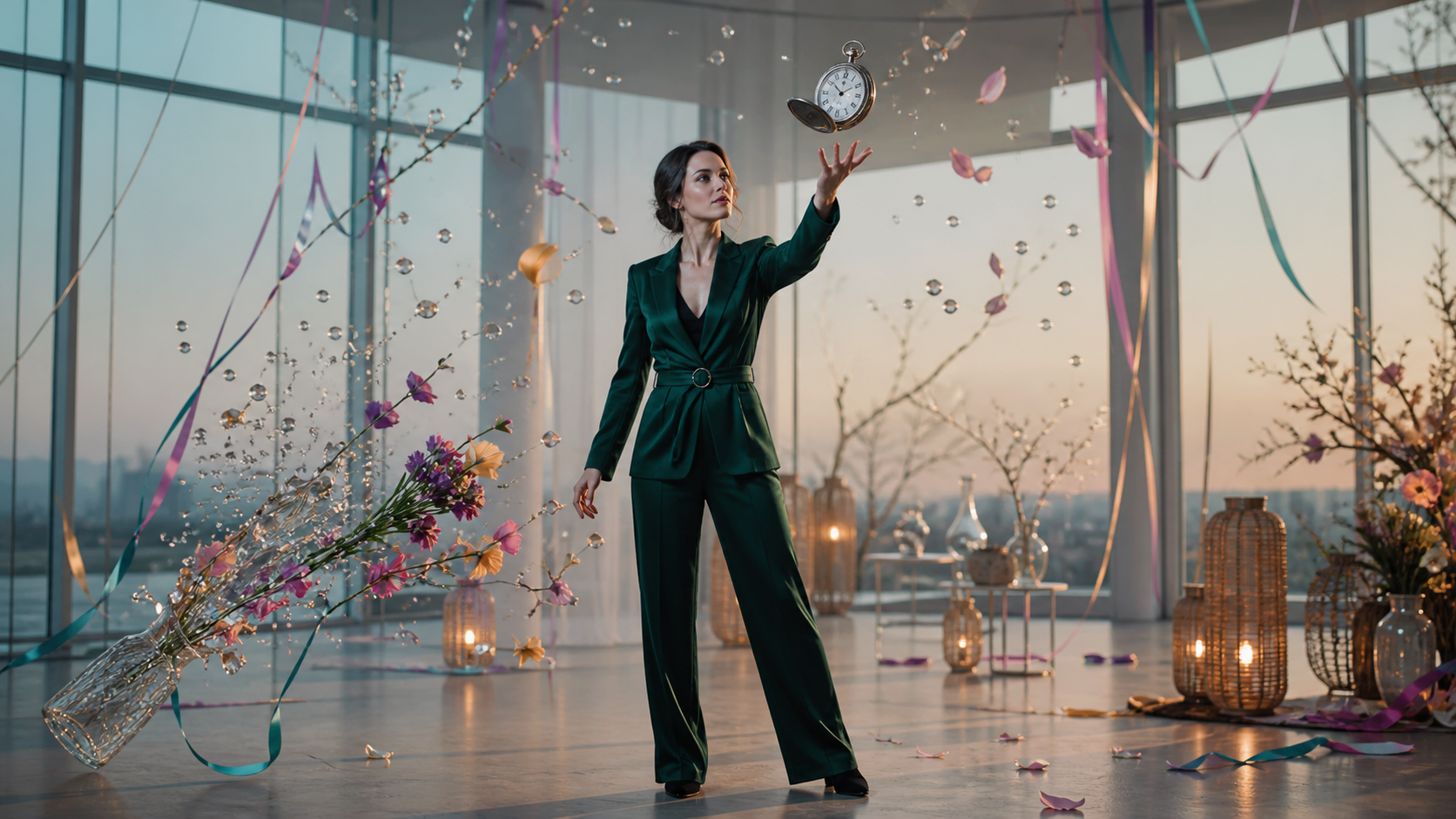 time rewind
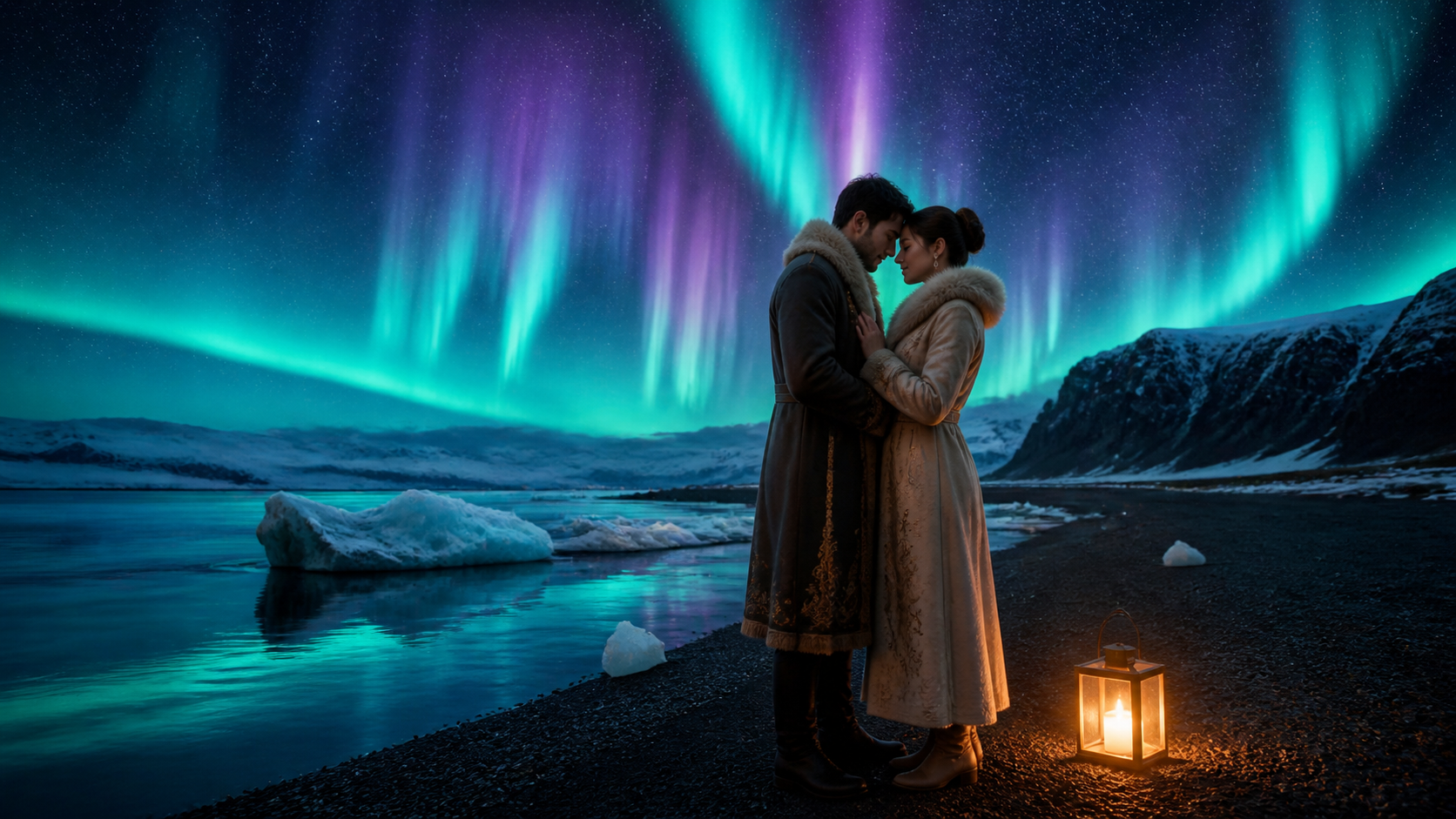 Aurora Love
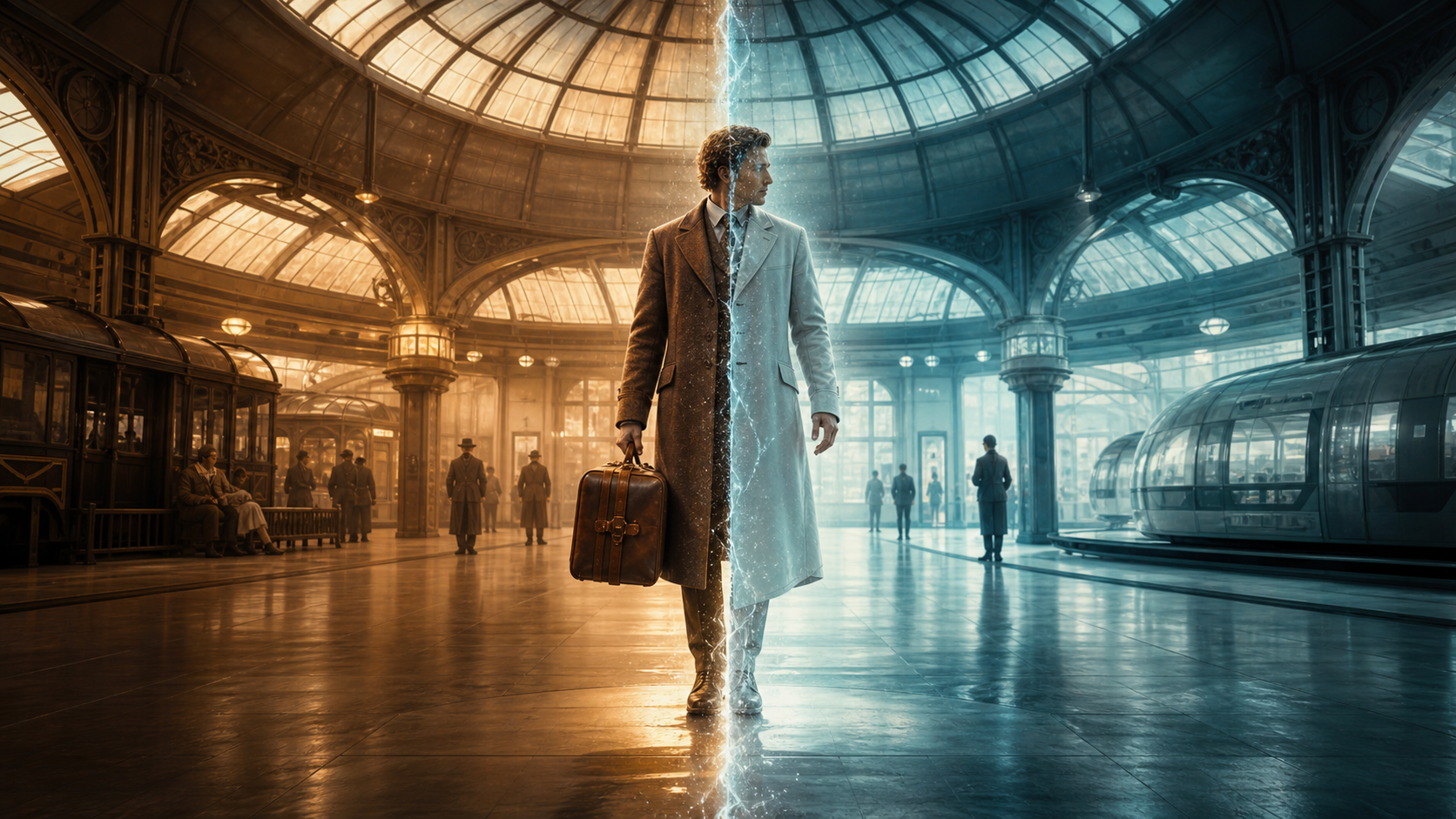 time travel
 Accidental
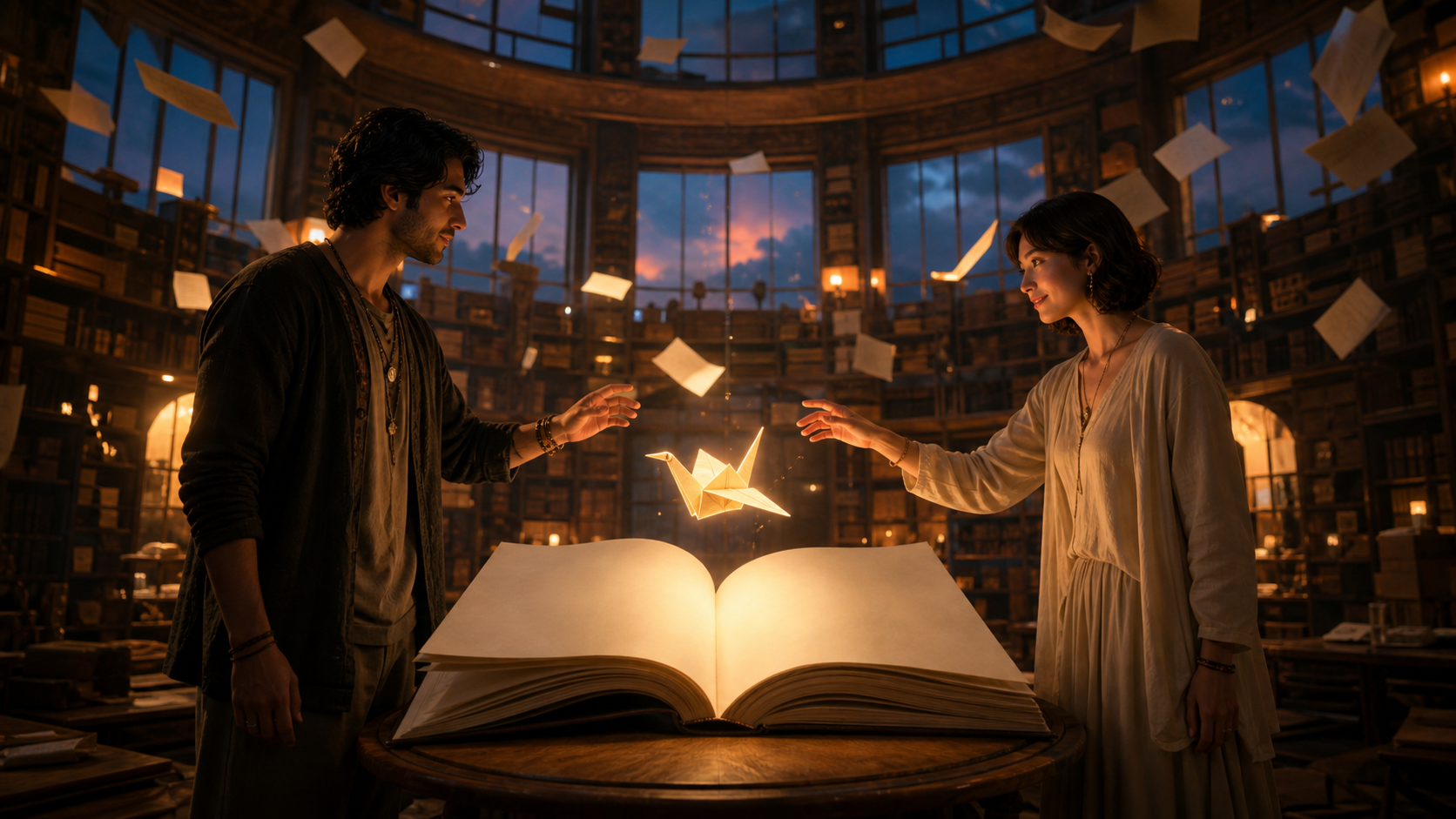 lingering between the pages
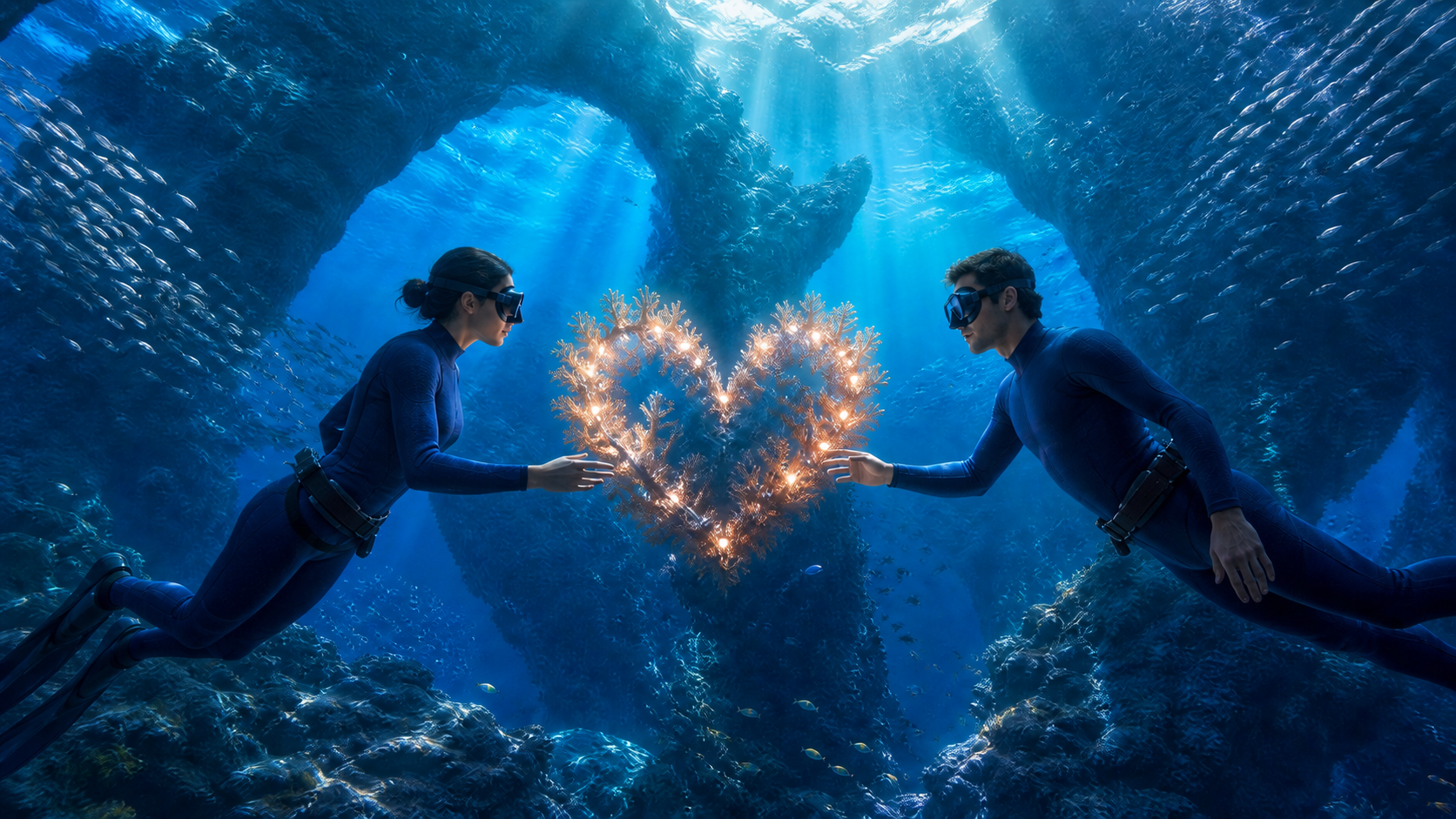 Heart of the Ocean
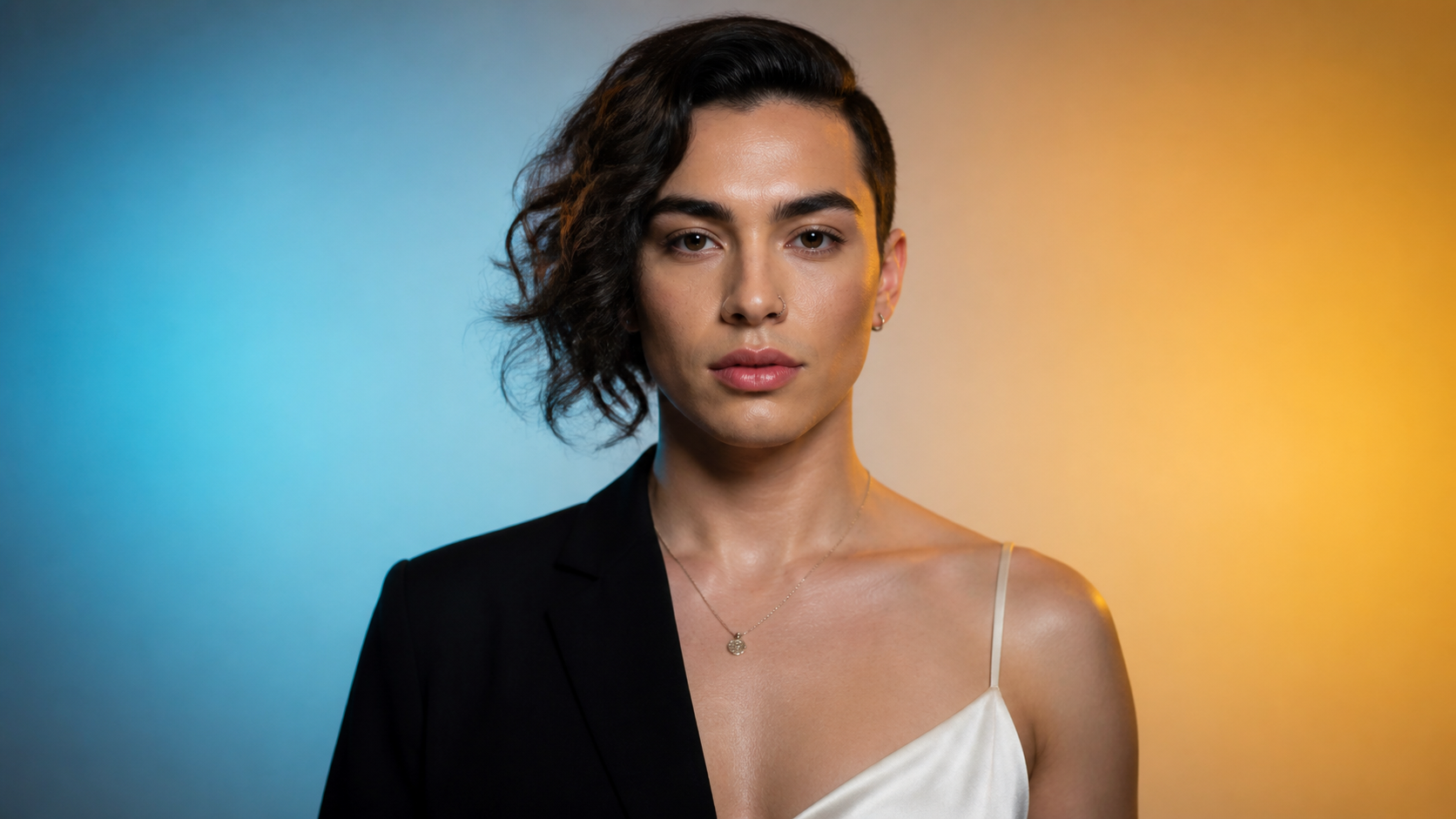 Gender Changer
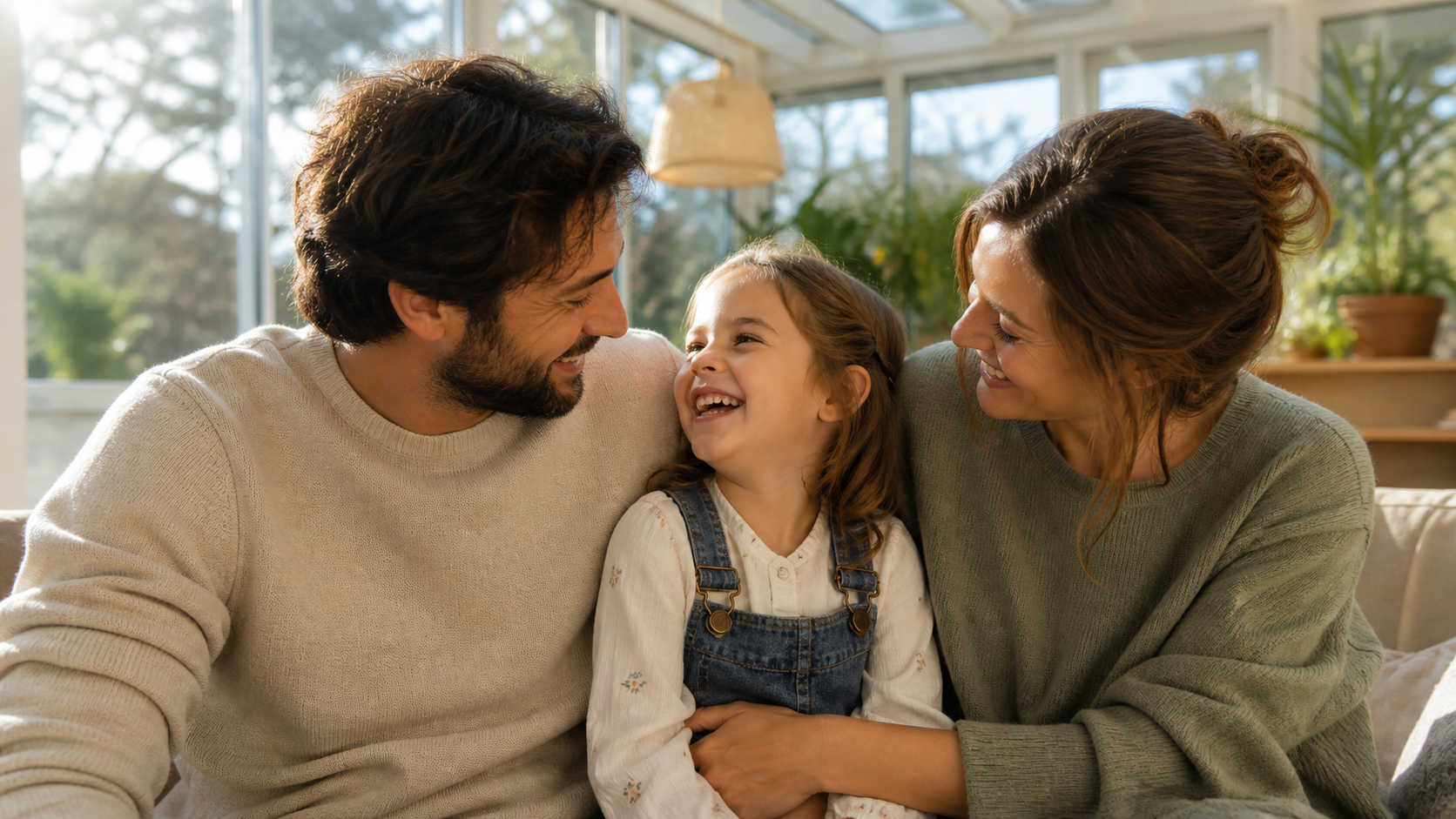 Our Child
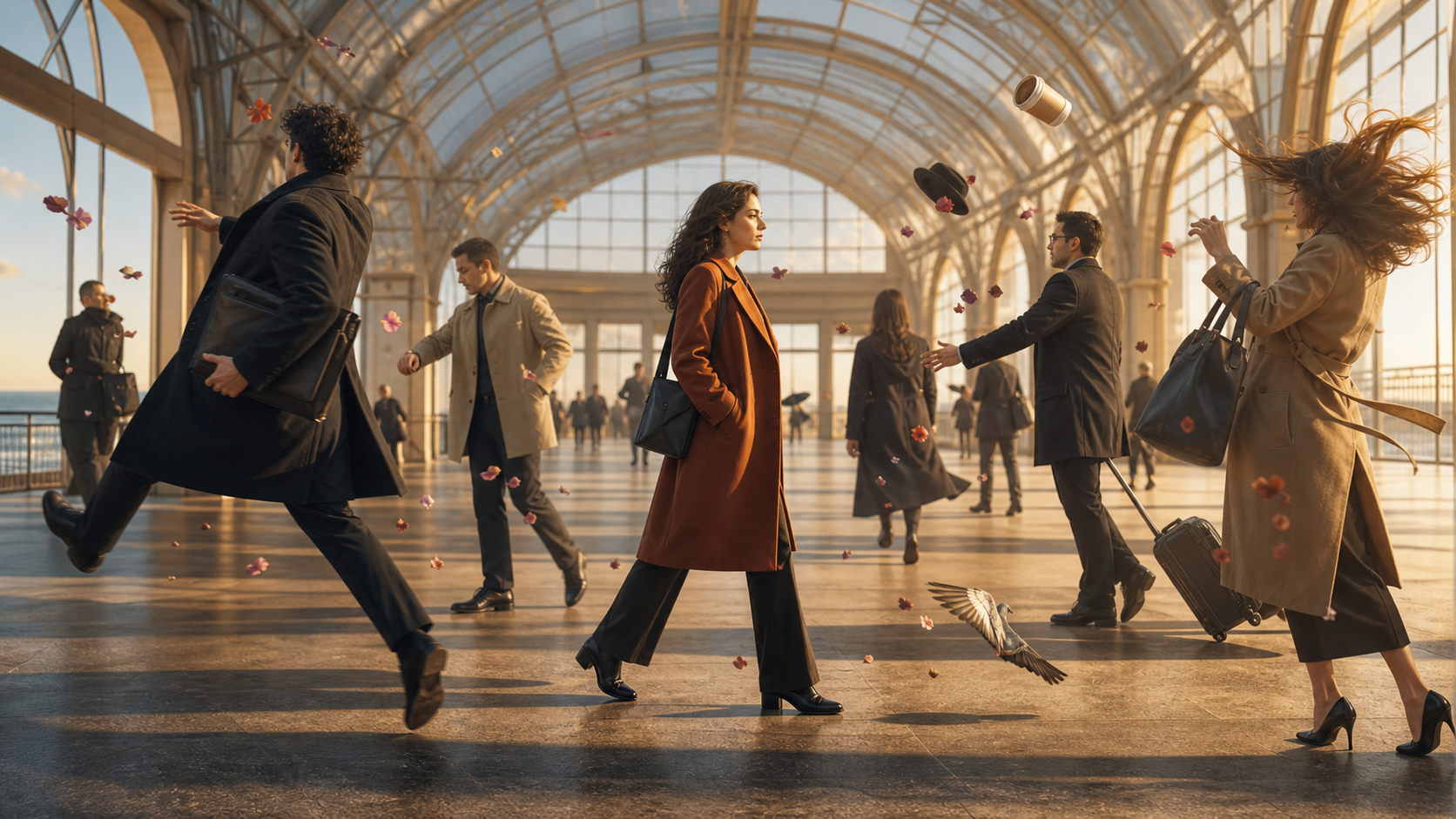 Time paused
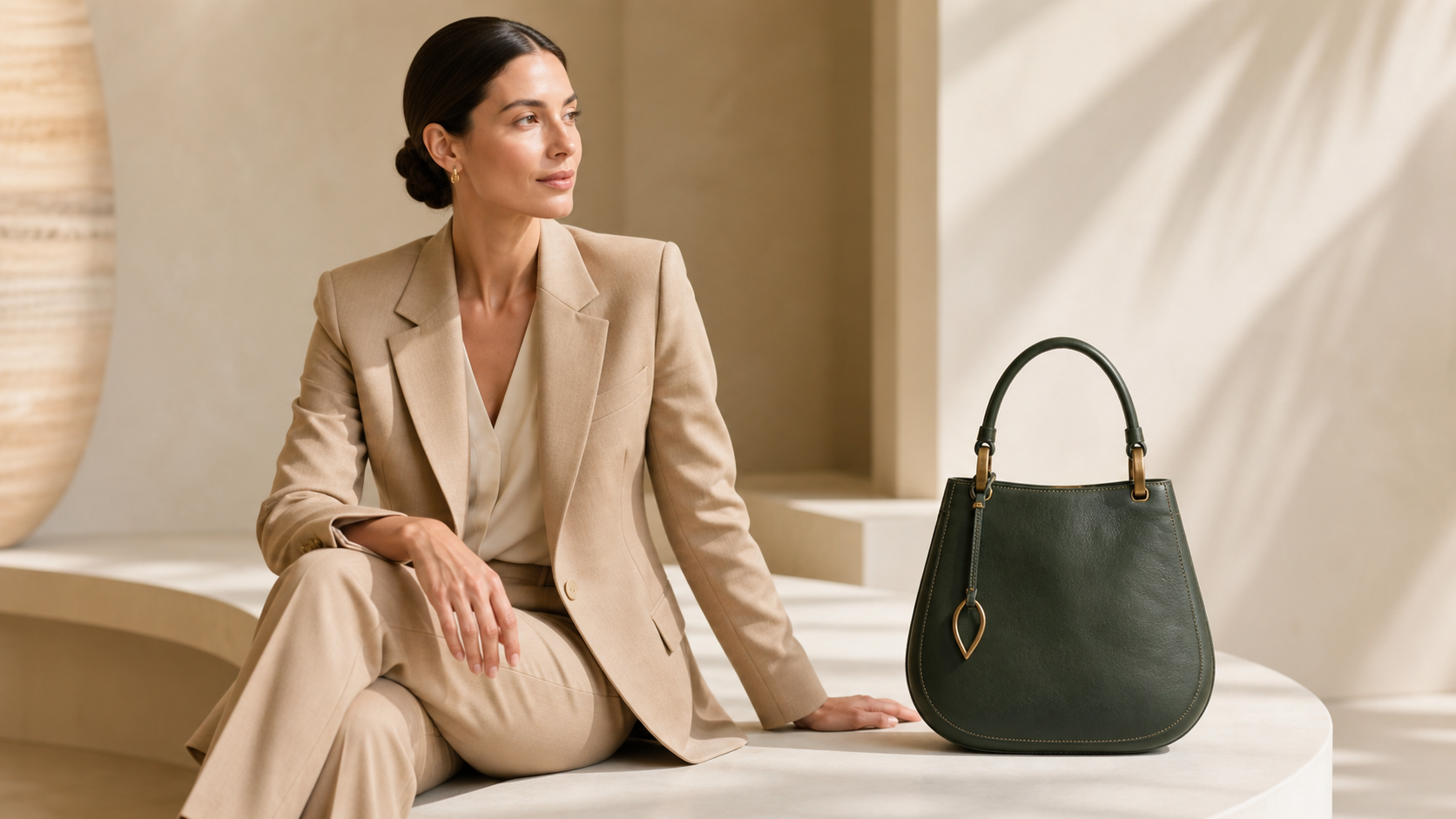 Product Showcase
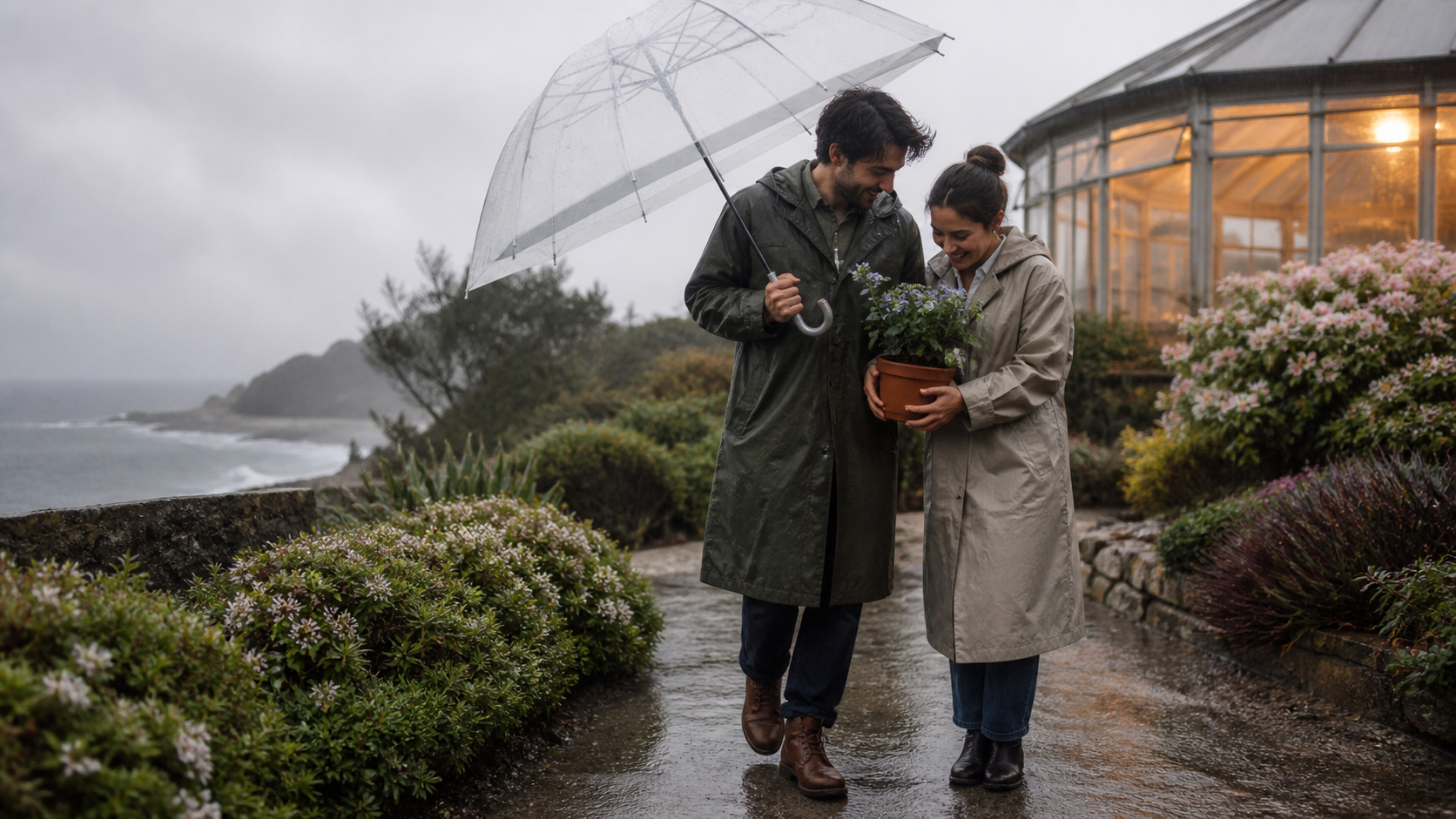 Guarding Love
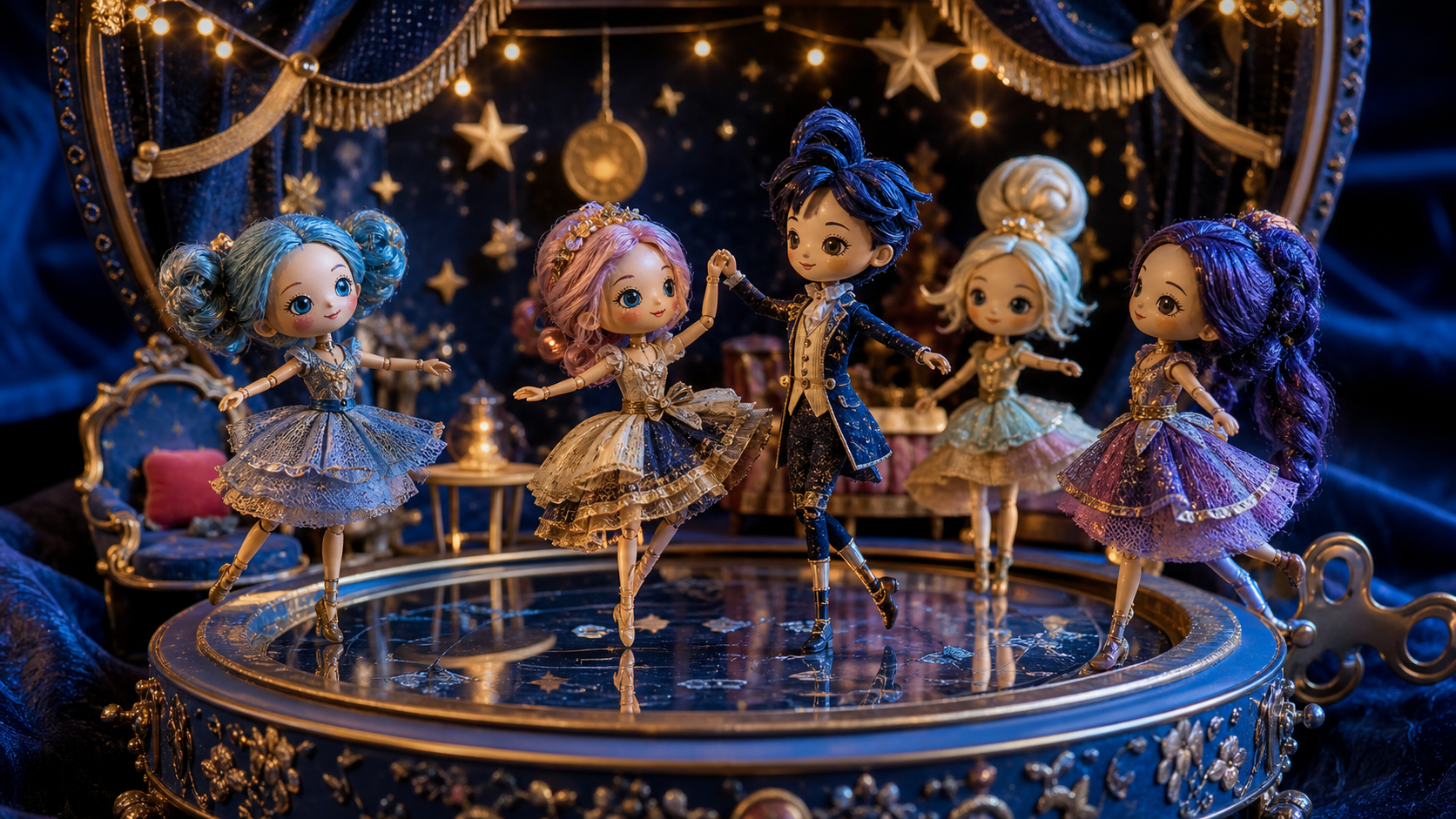 Doll Party
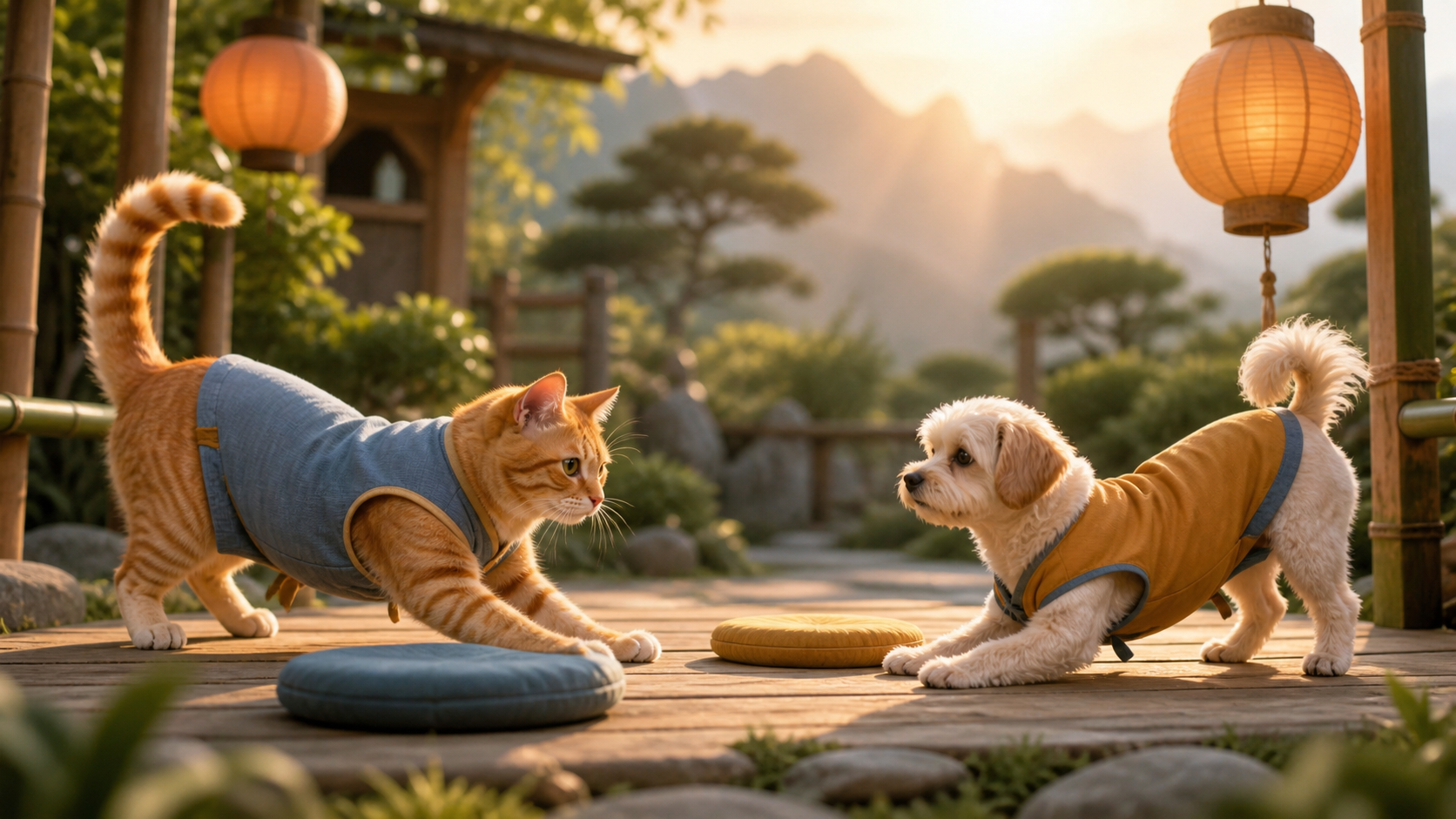 Kung Fu Pets
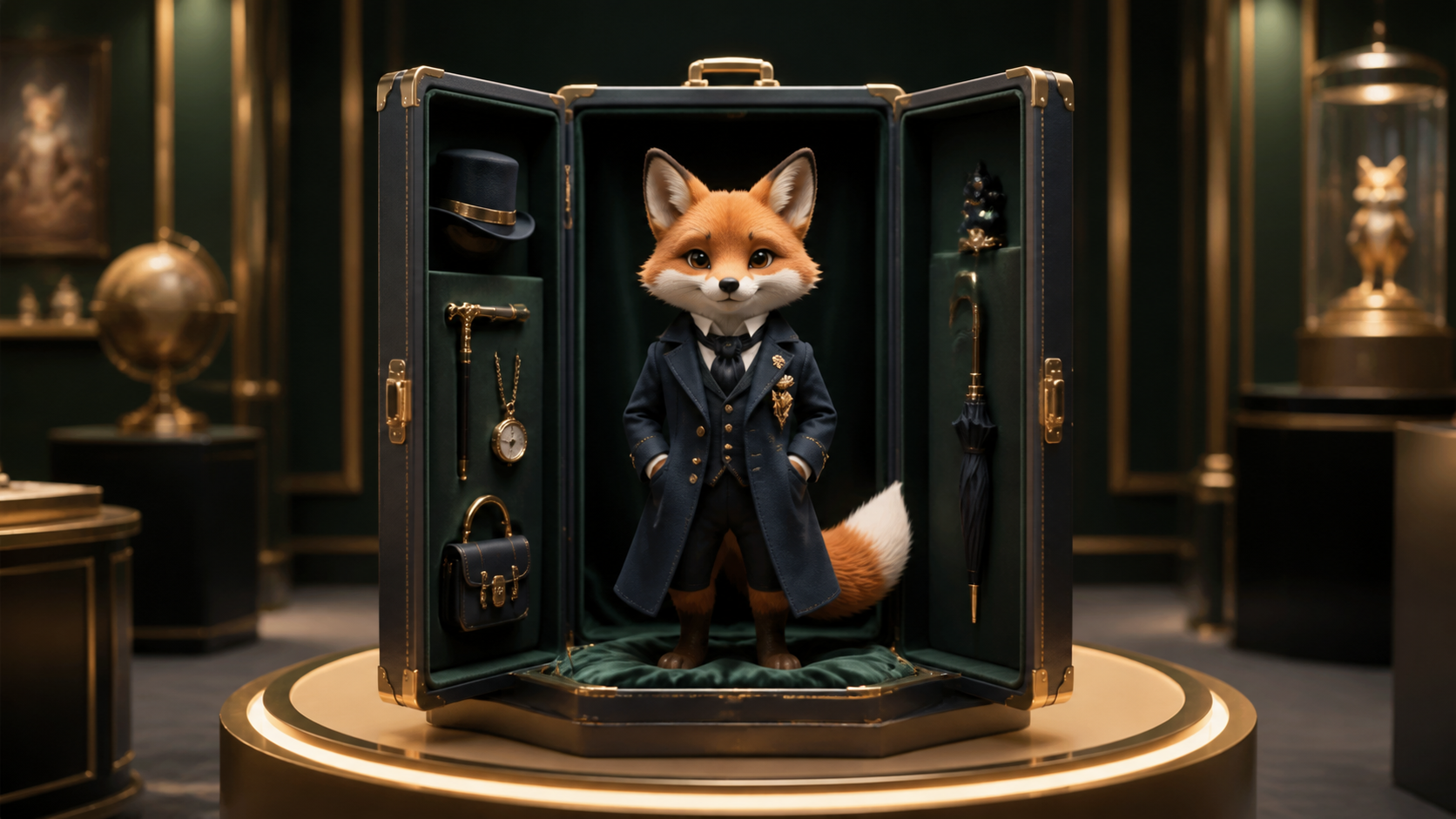 Luxury Pet Toy
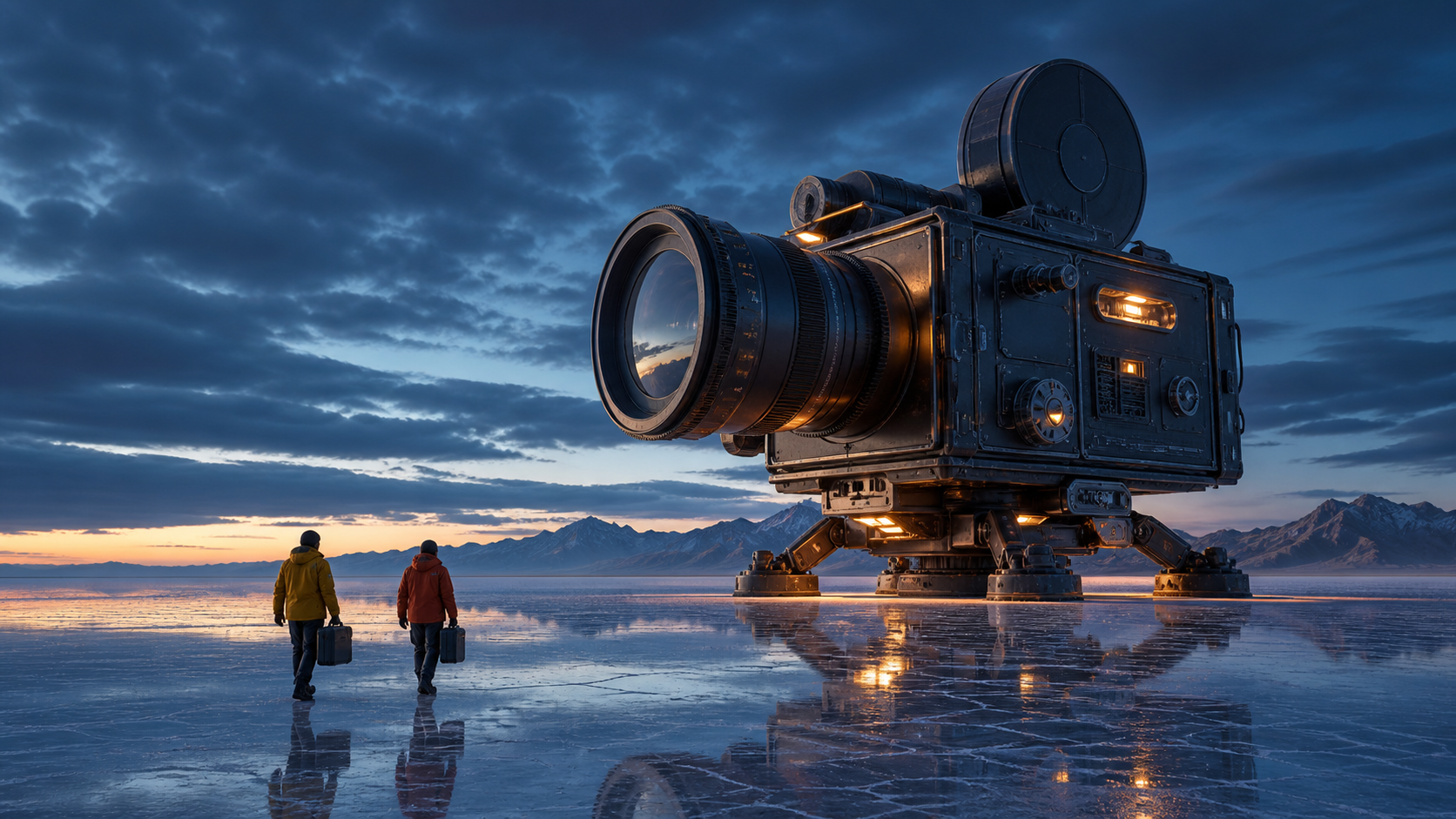 Giant Camera
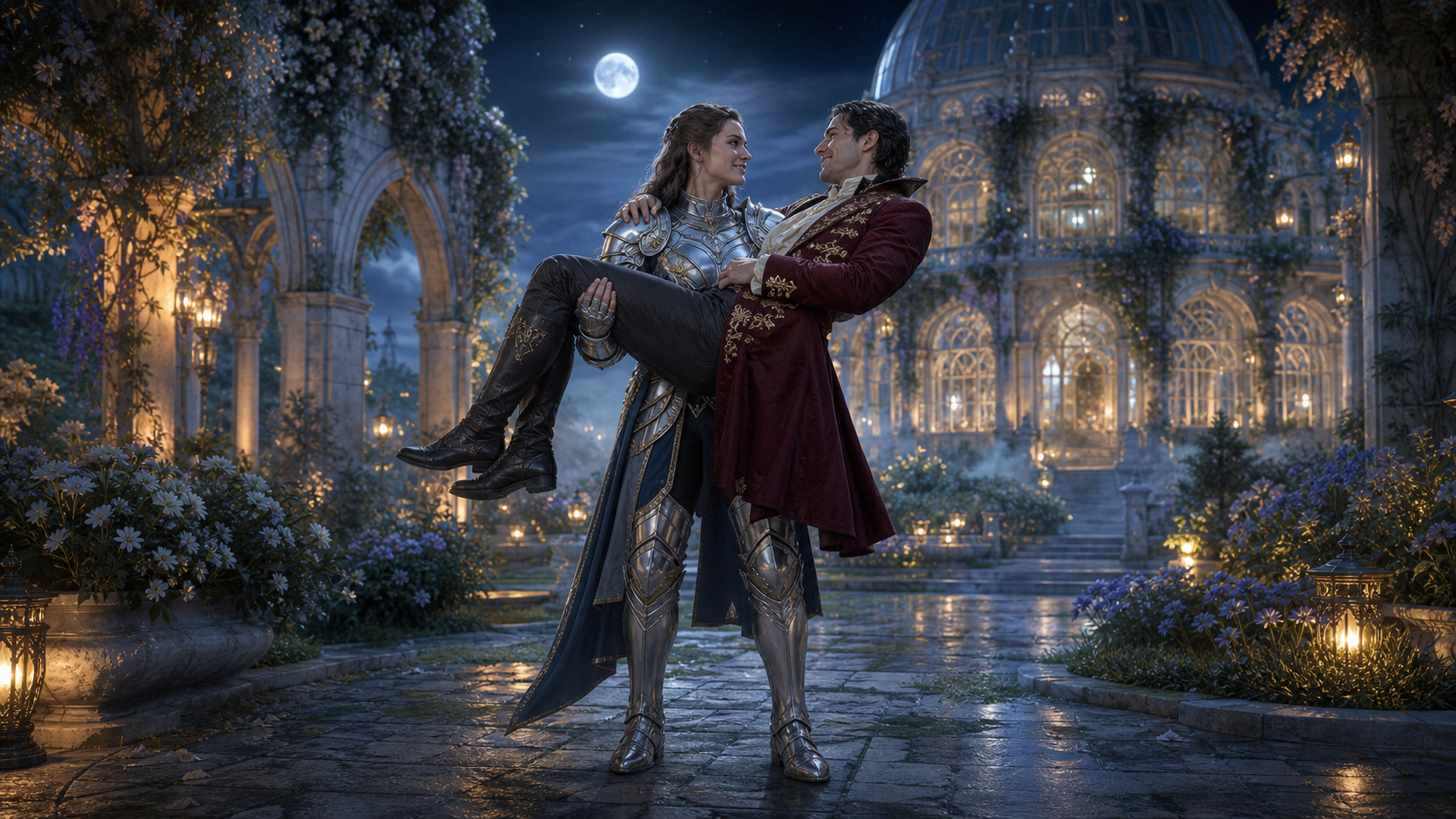 Princess Carry
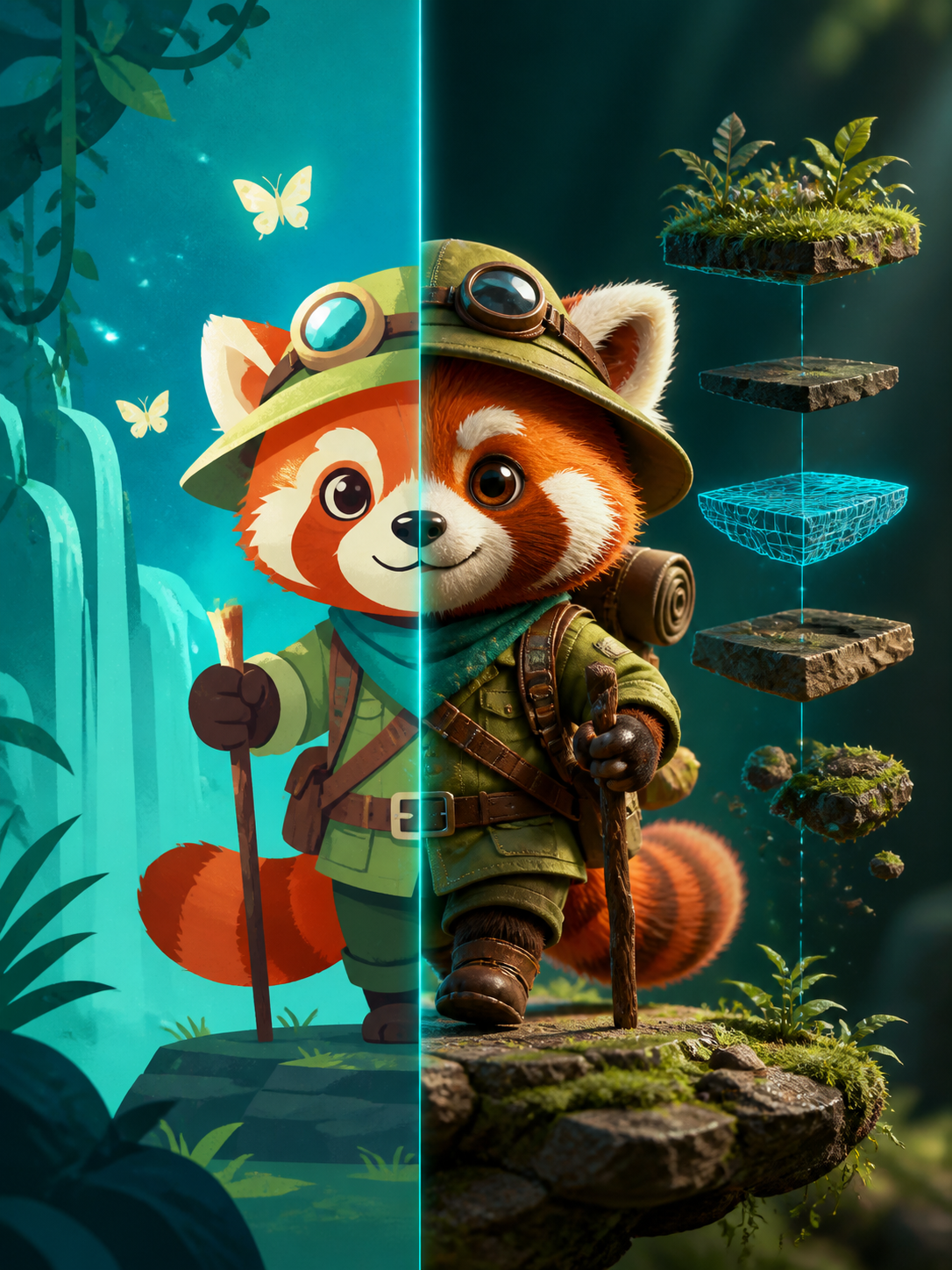 AI 2D to 3D
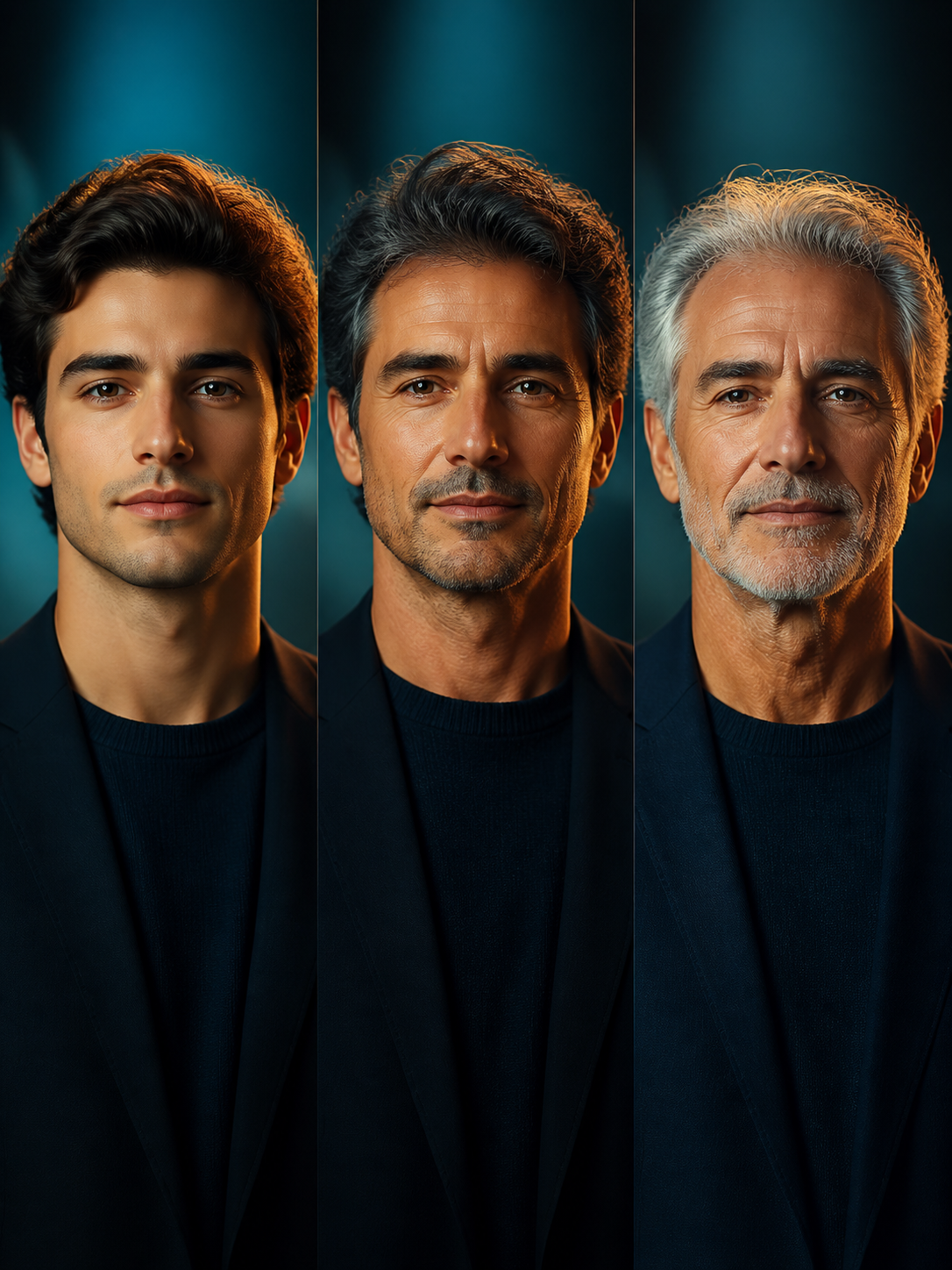 AI Aging & De-aging
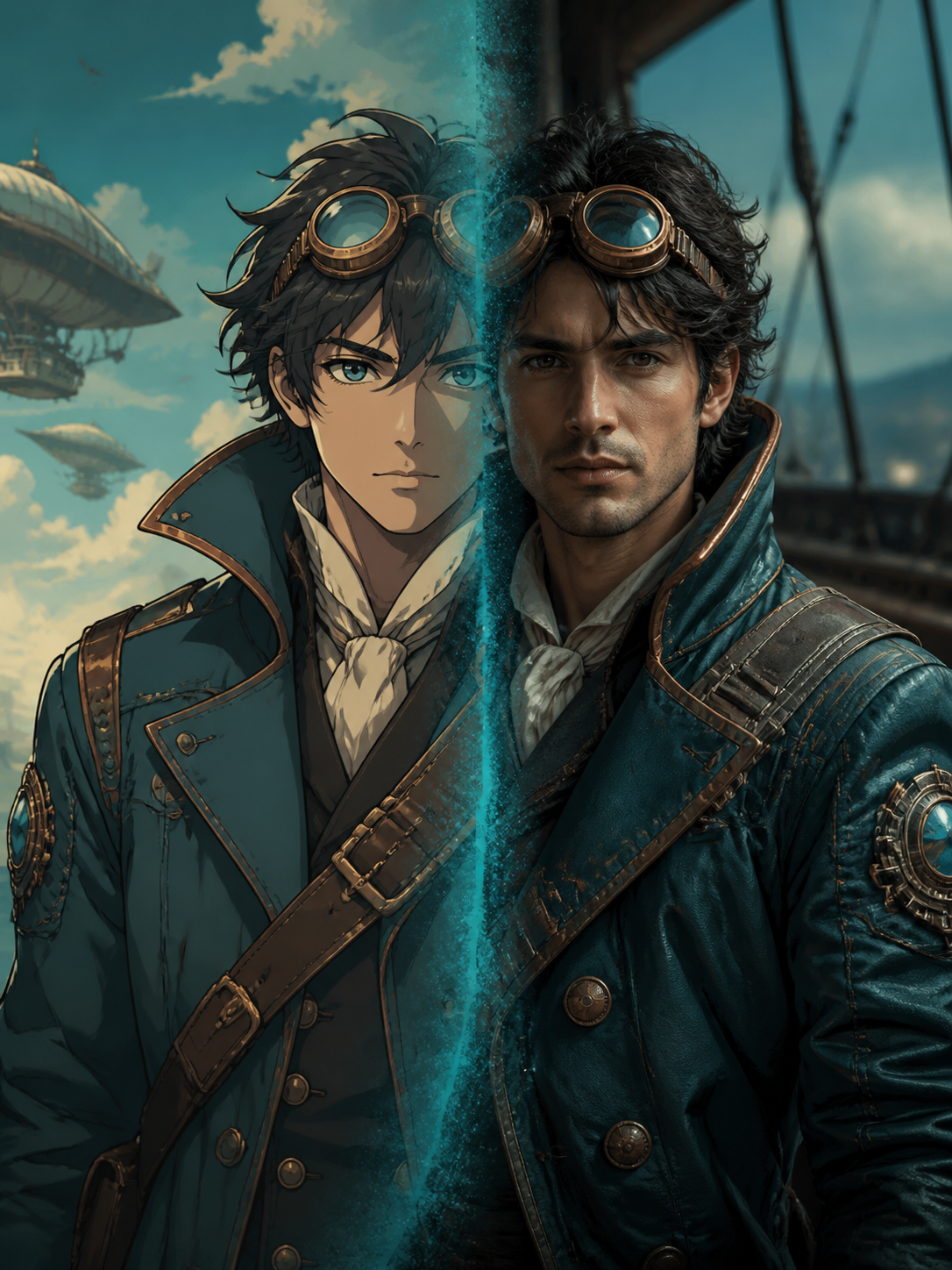 AI Anime to Real Life
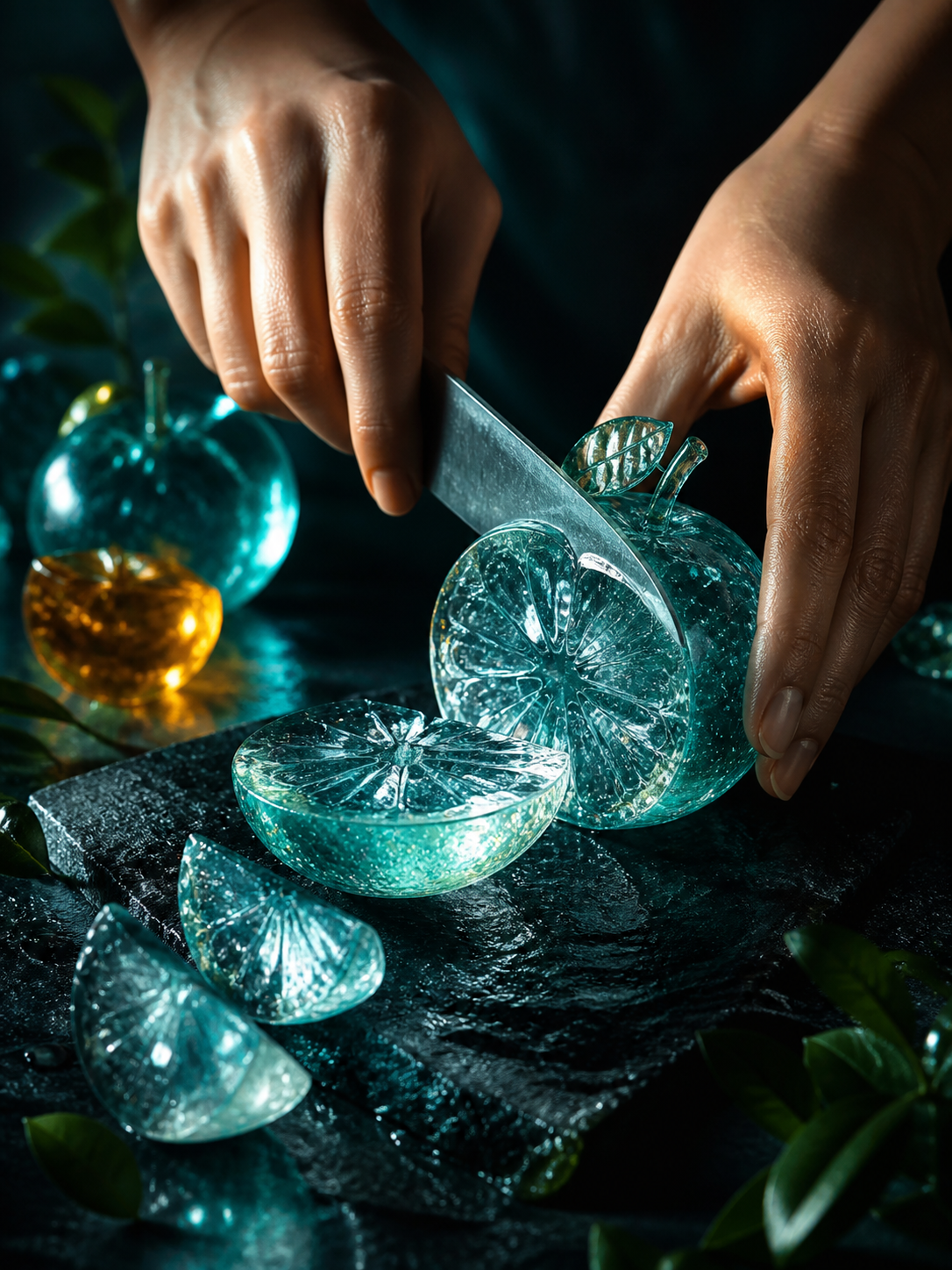 AI ASMR
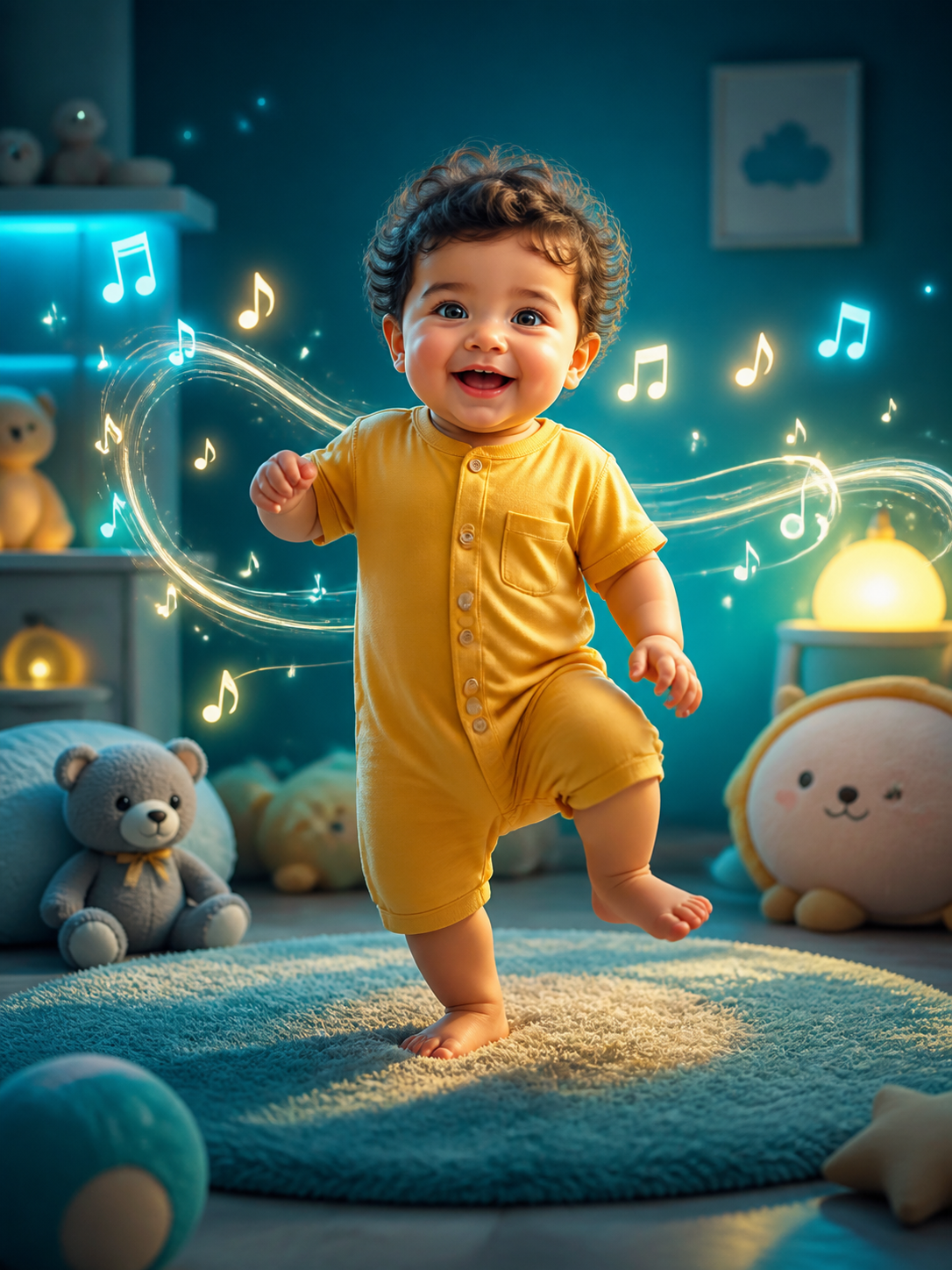 AI Baby Dance
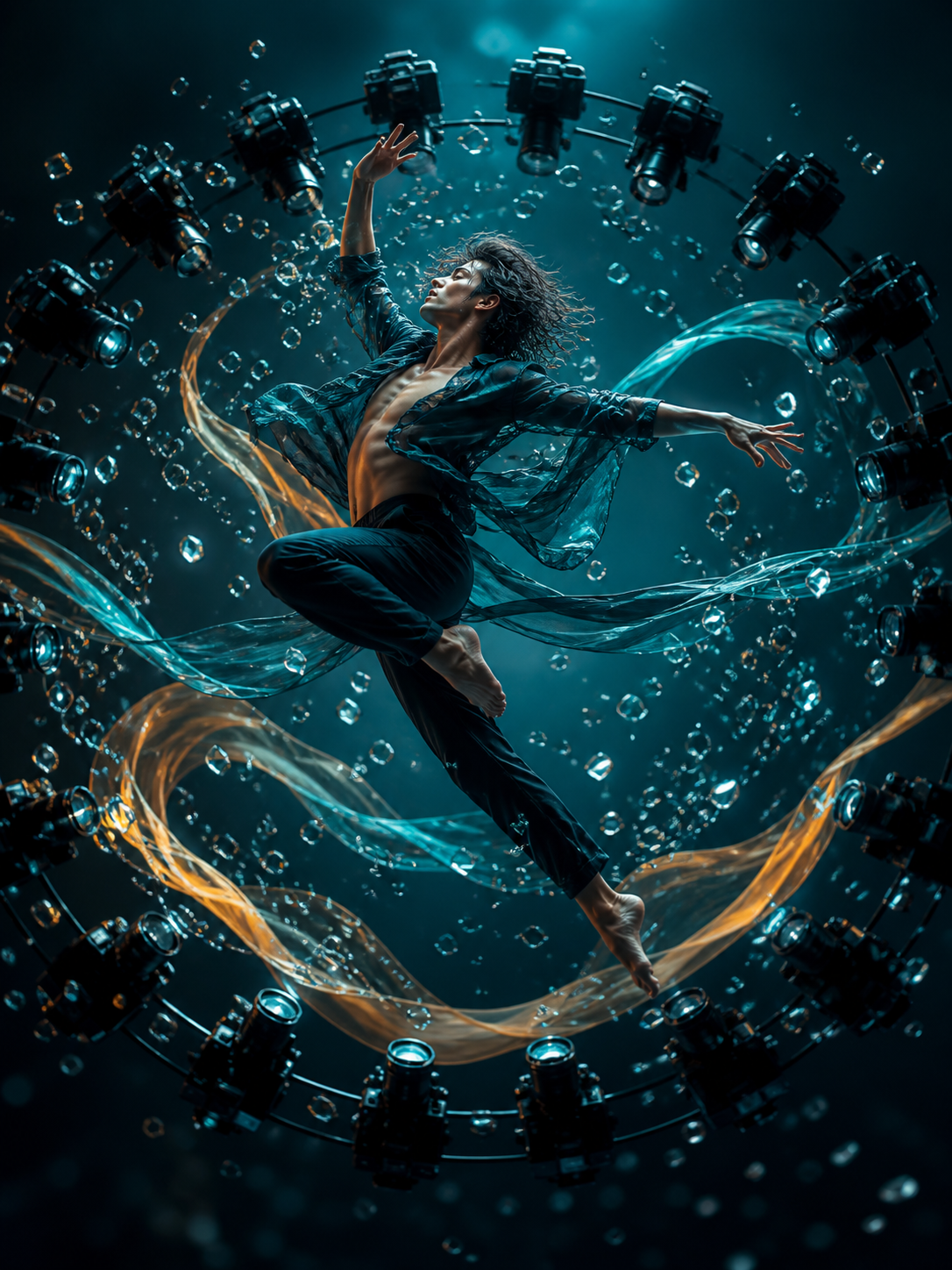 AI Bullet Time
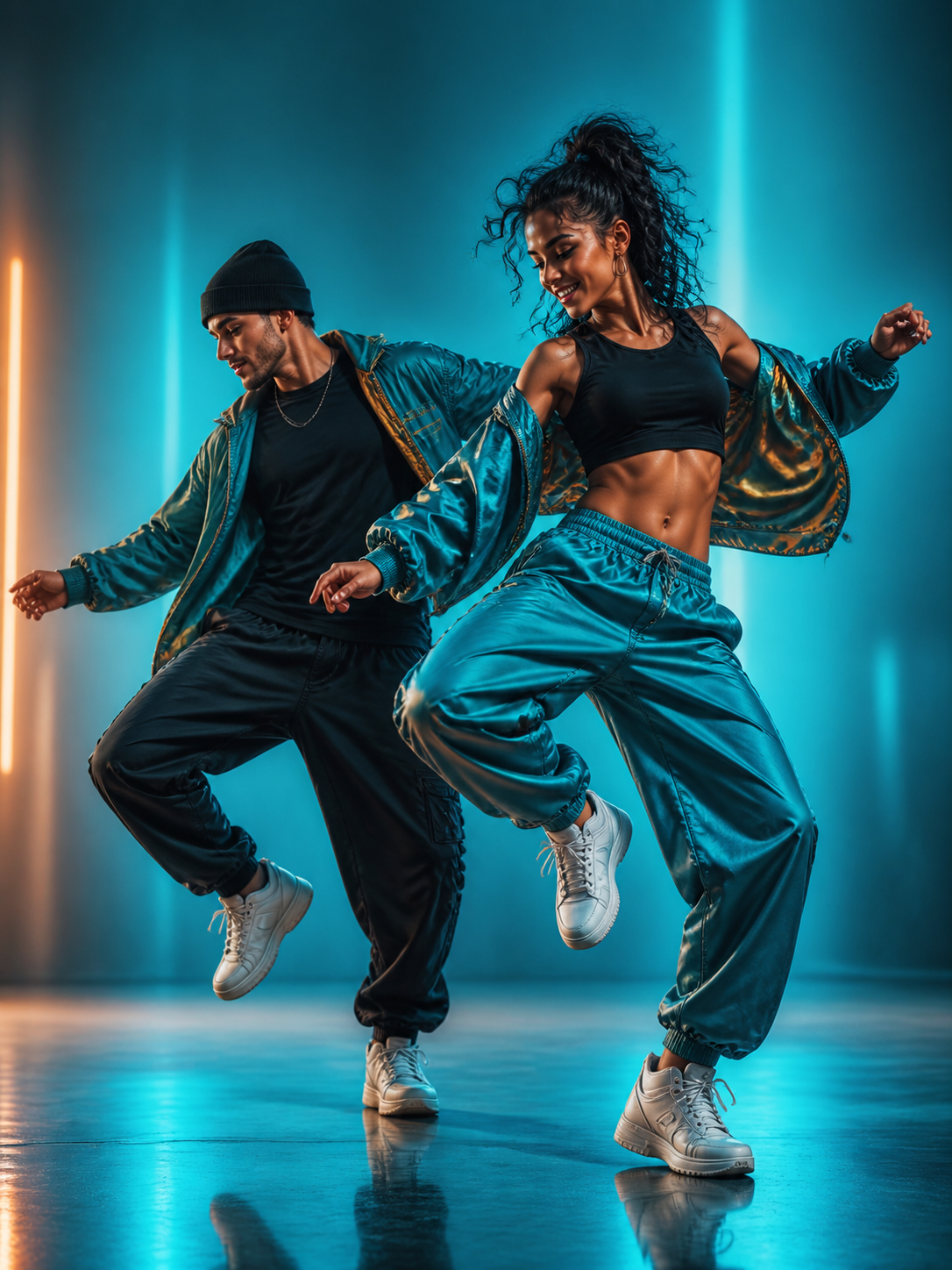 AI Dance
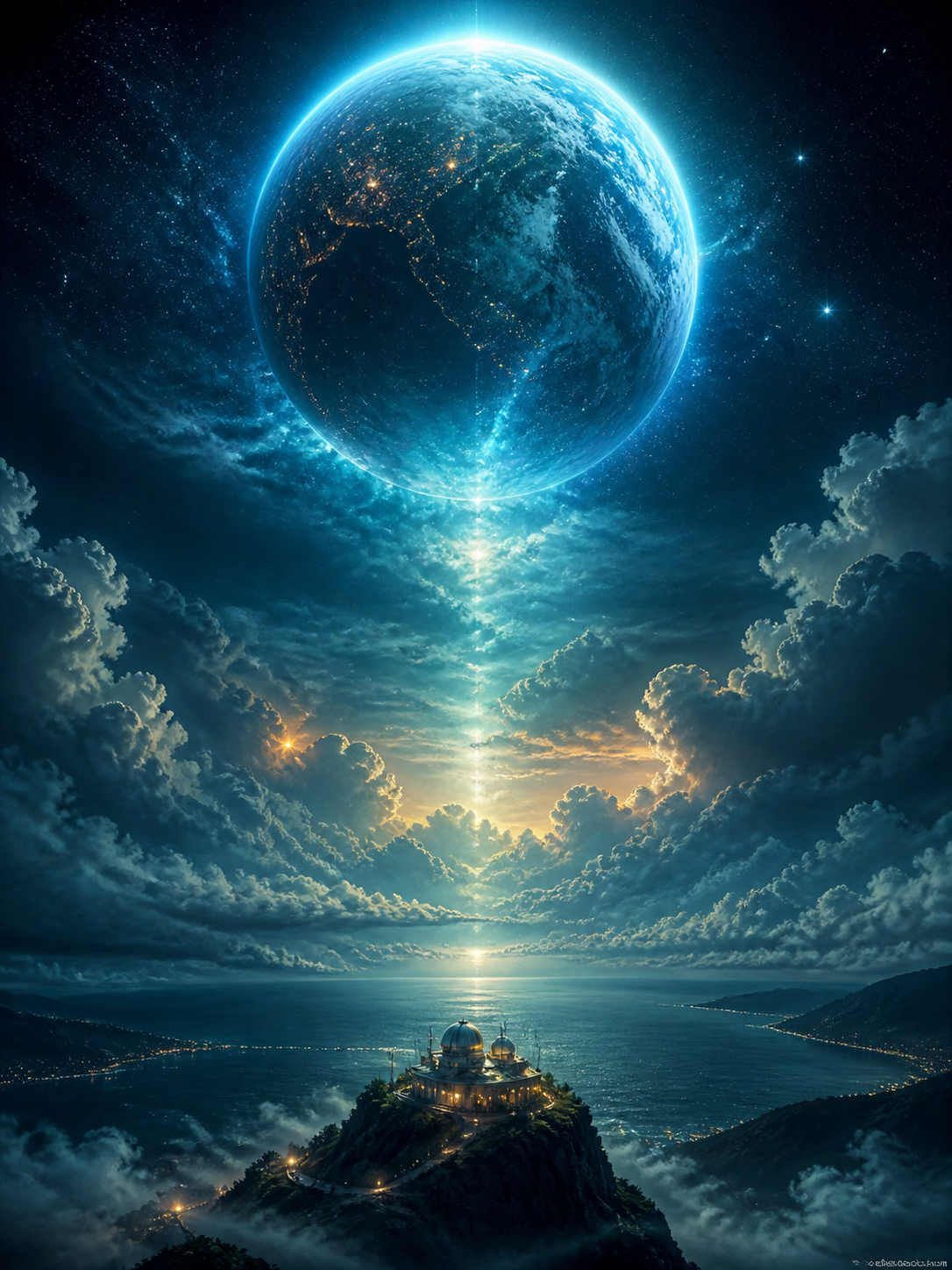 AI Earth Zoom
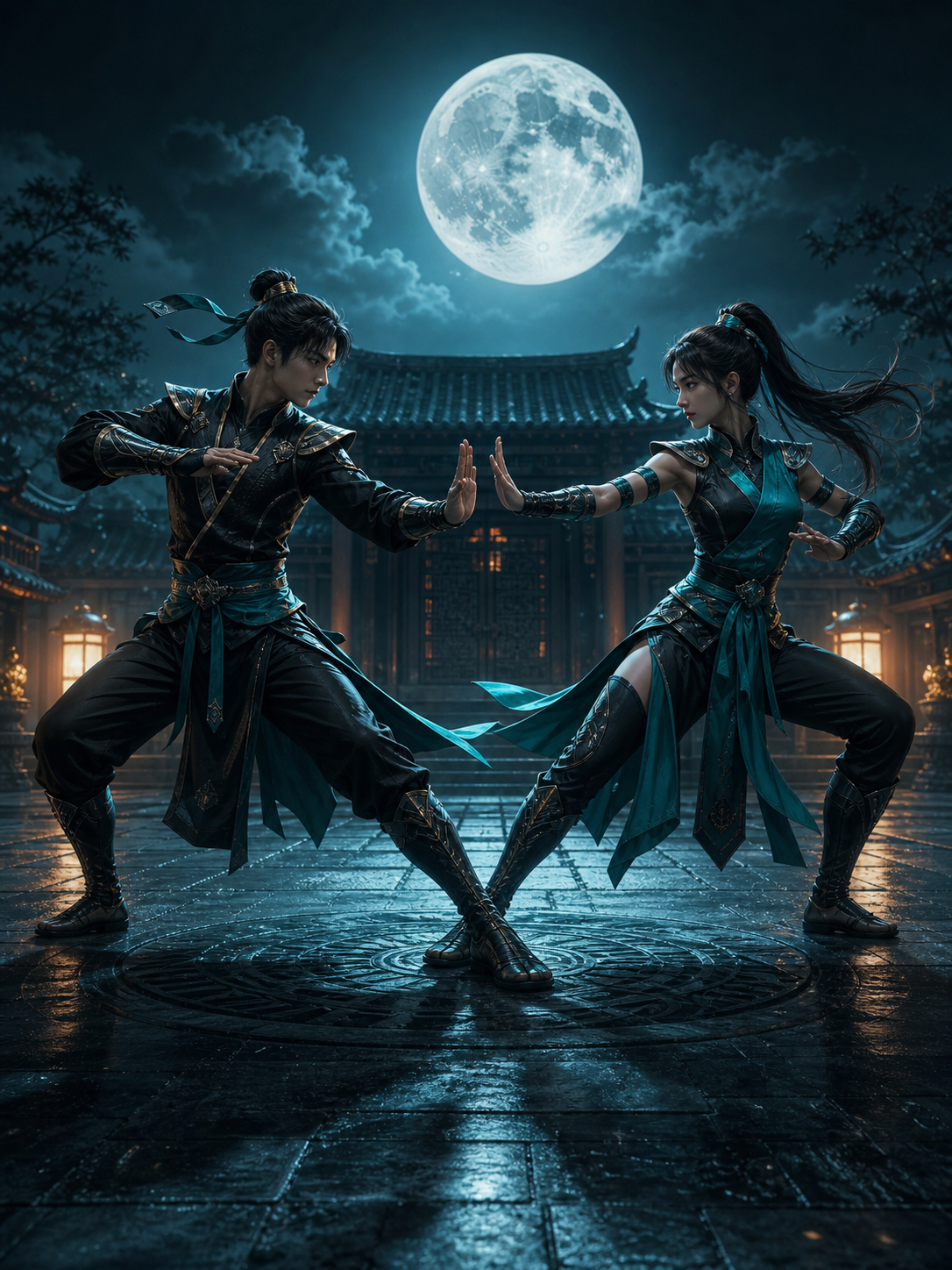 AI Fighting Video
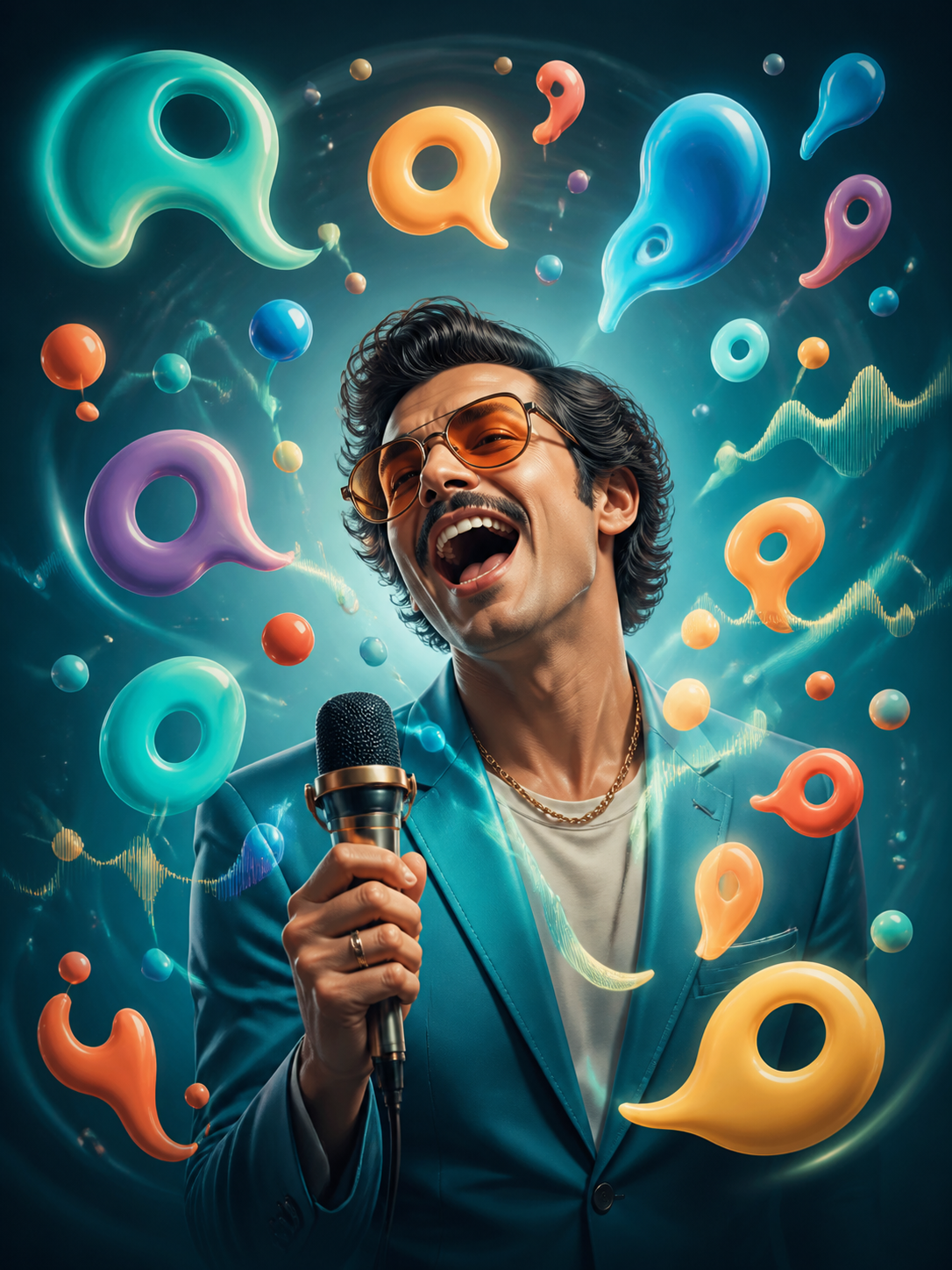 AI Gugugaga
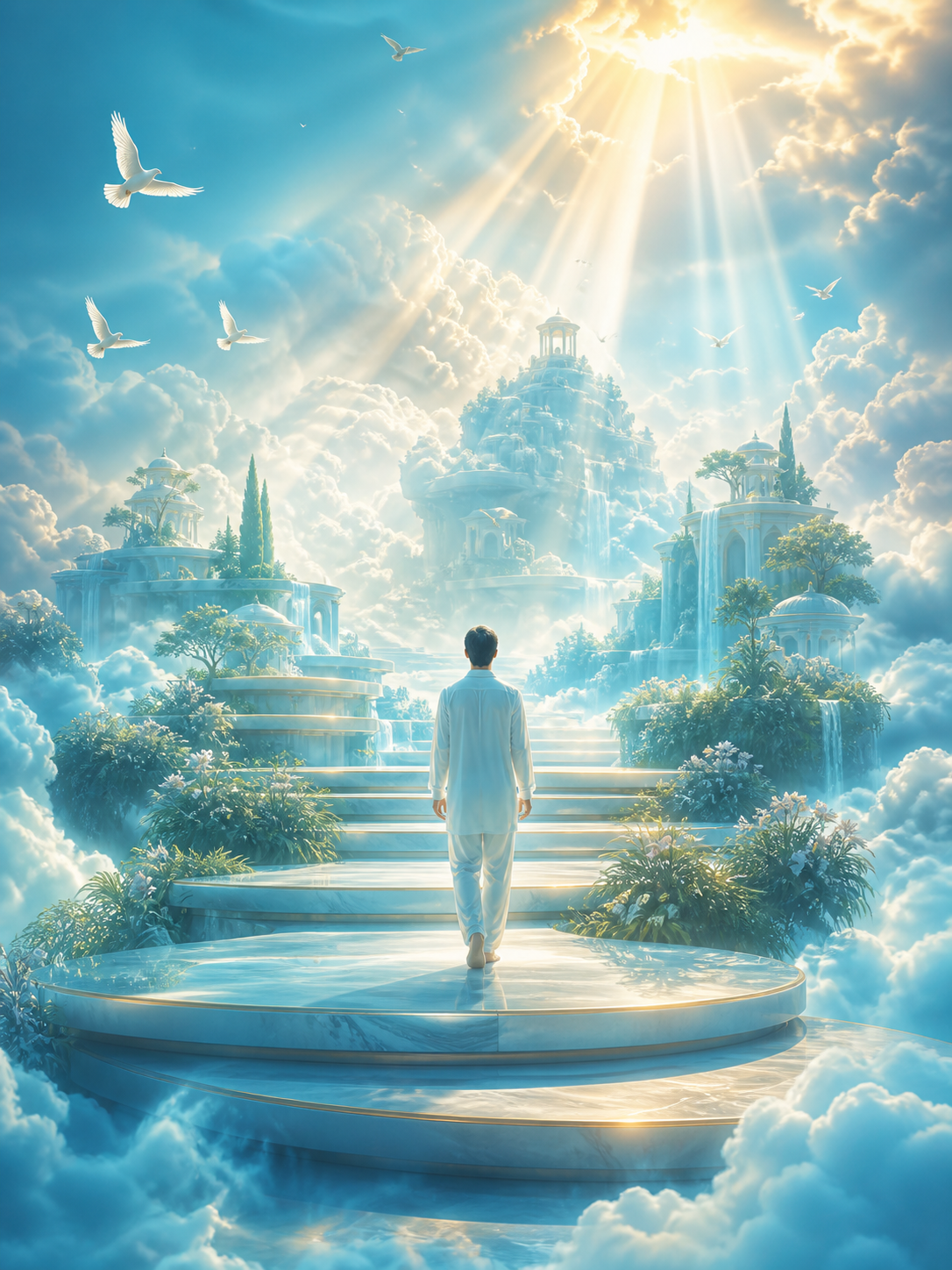 AI Heaven
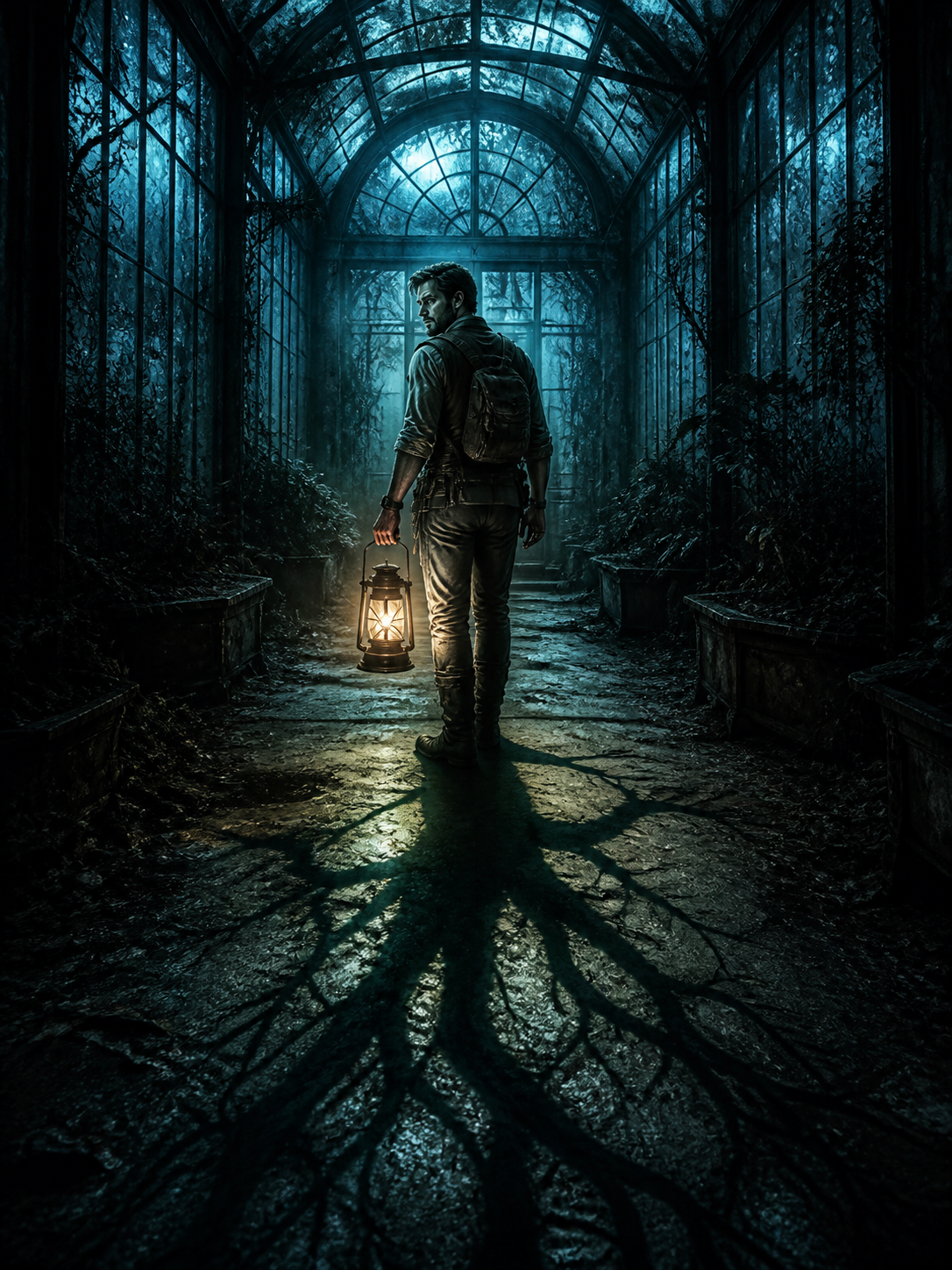 AI Analog Horror
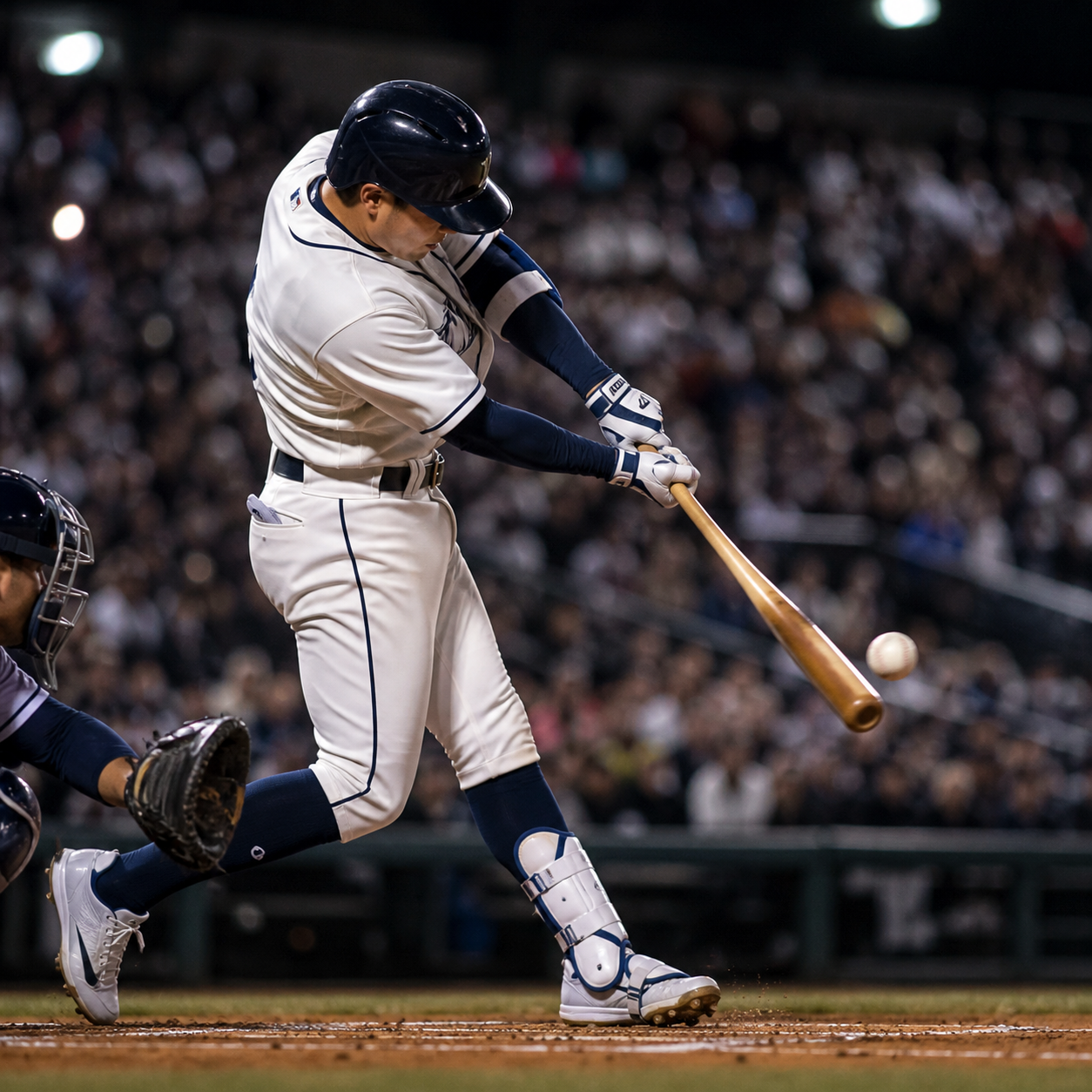 AI Live Baseball
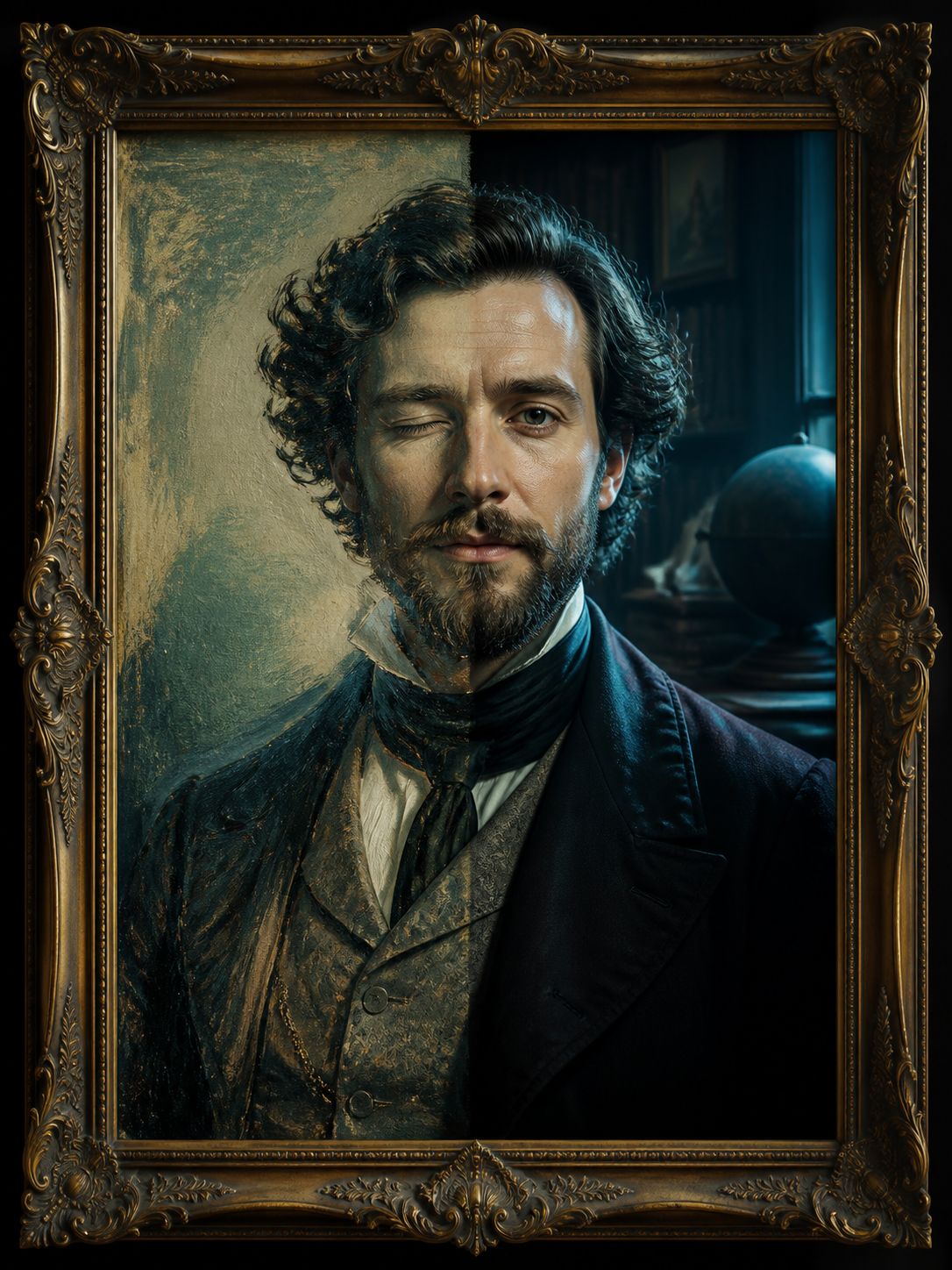 AI Live Portrait
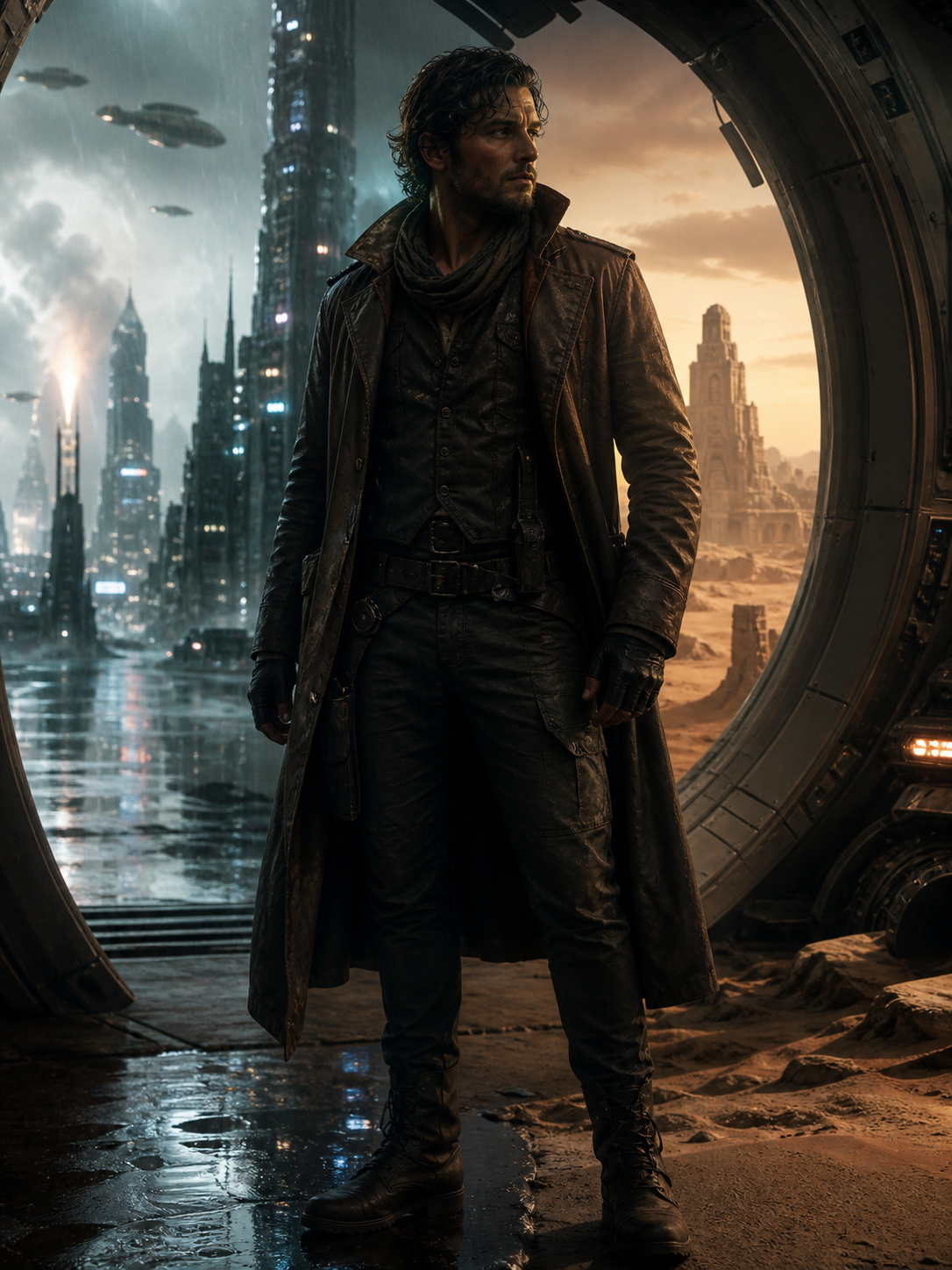 AI Movie
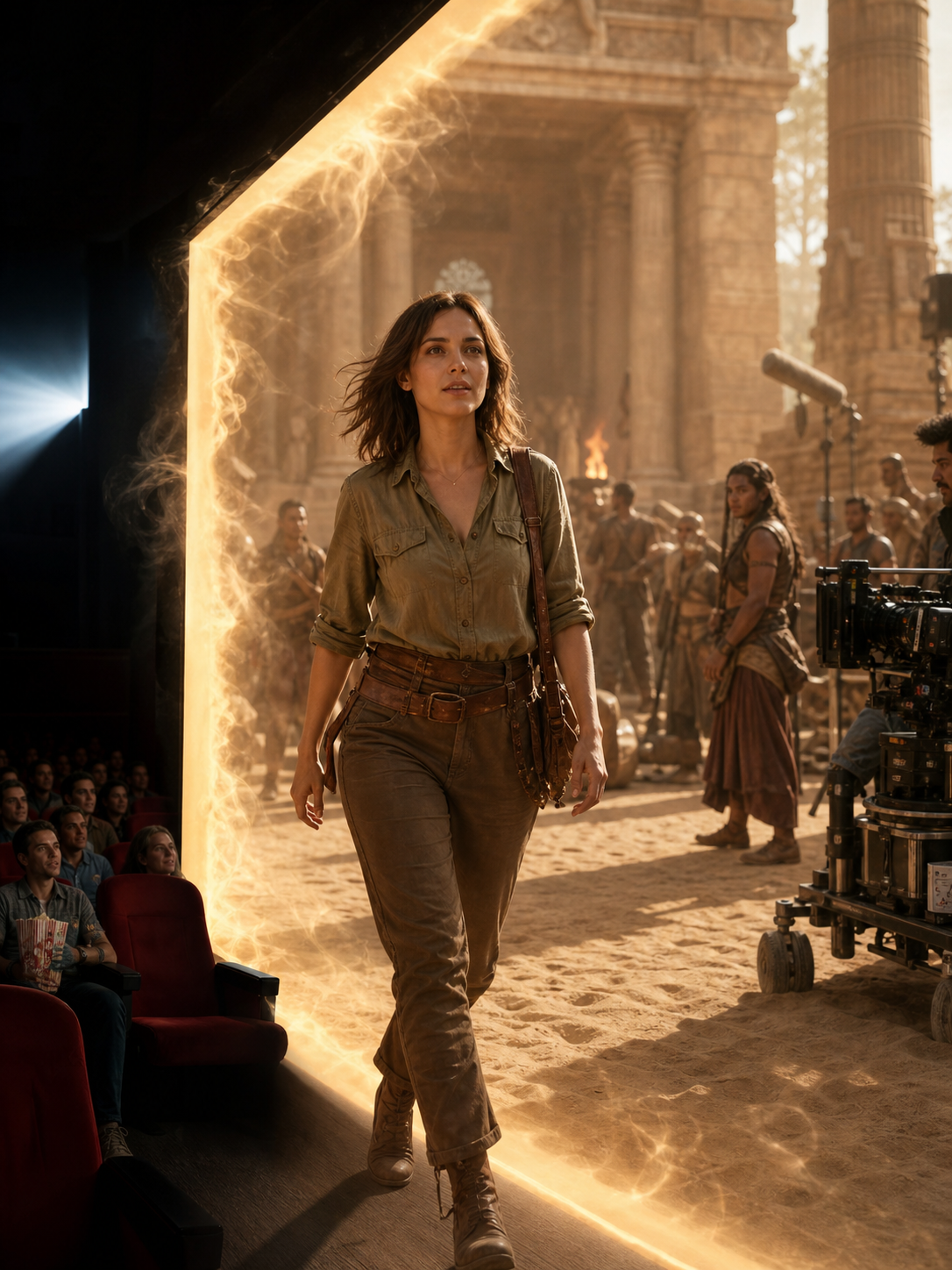 AI Movie Cameo
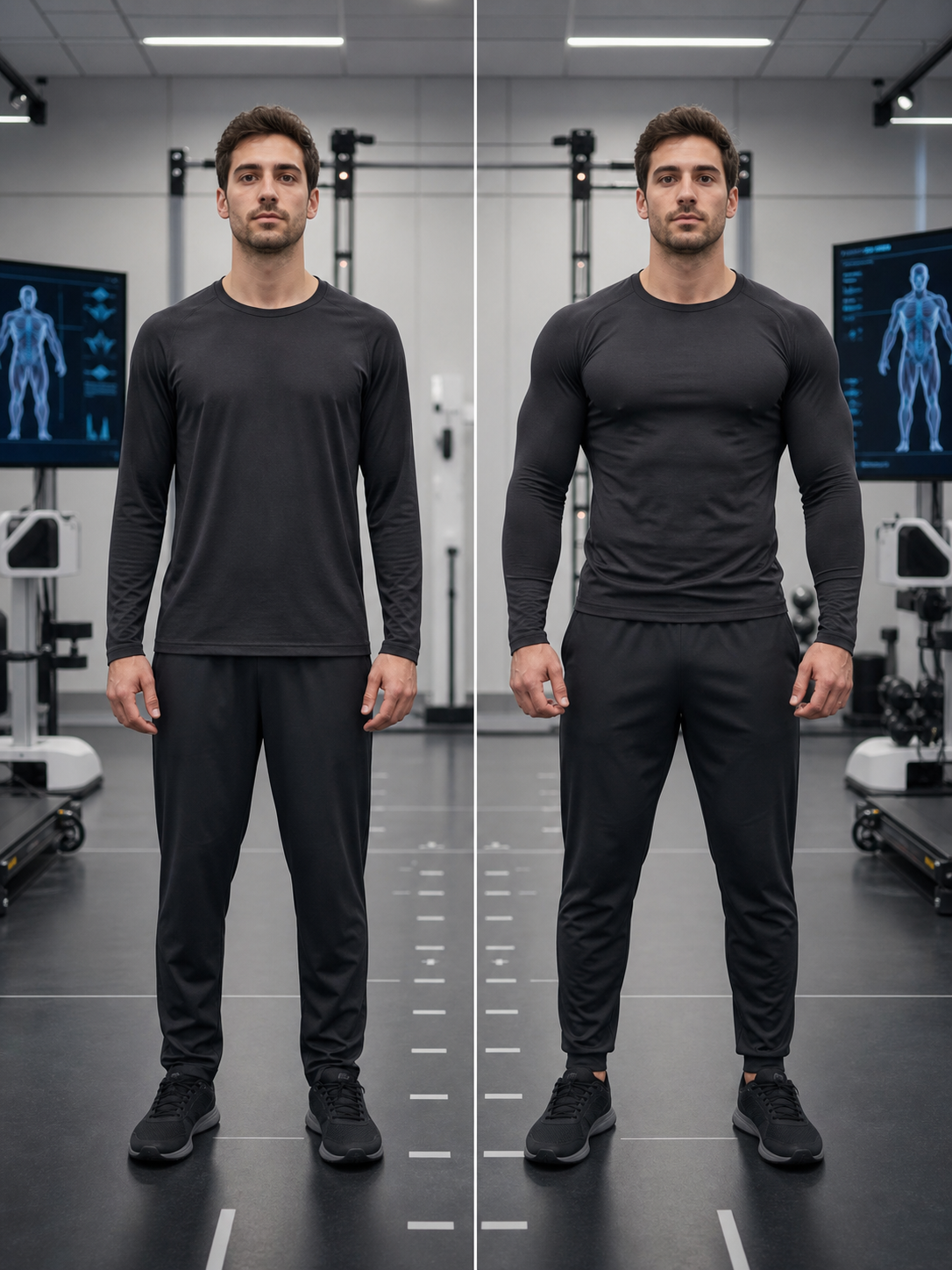 AI Muscle
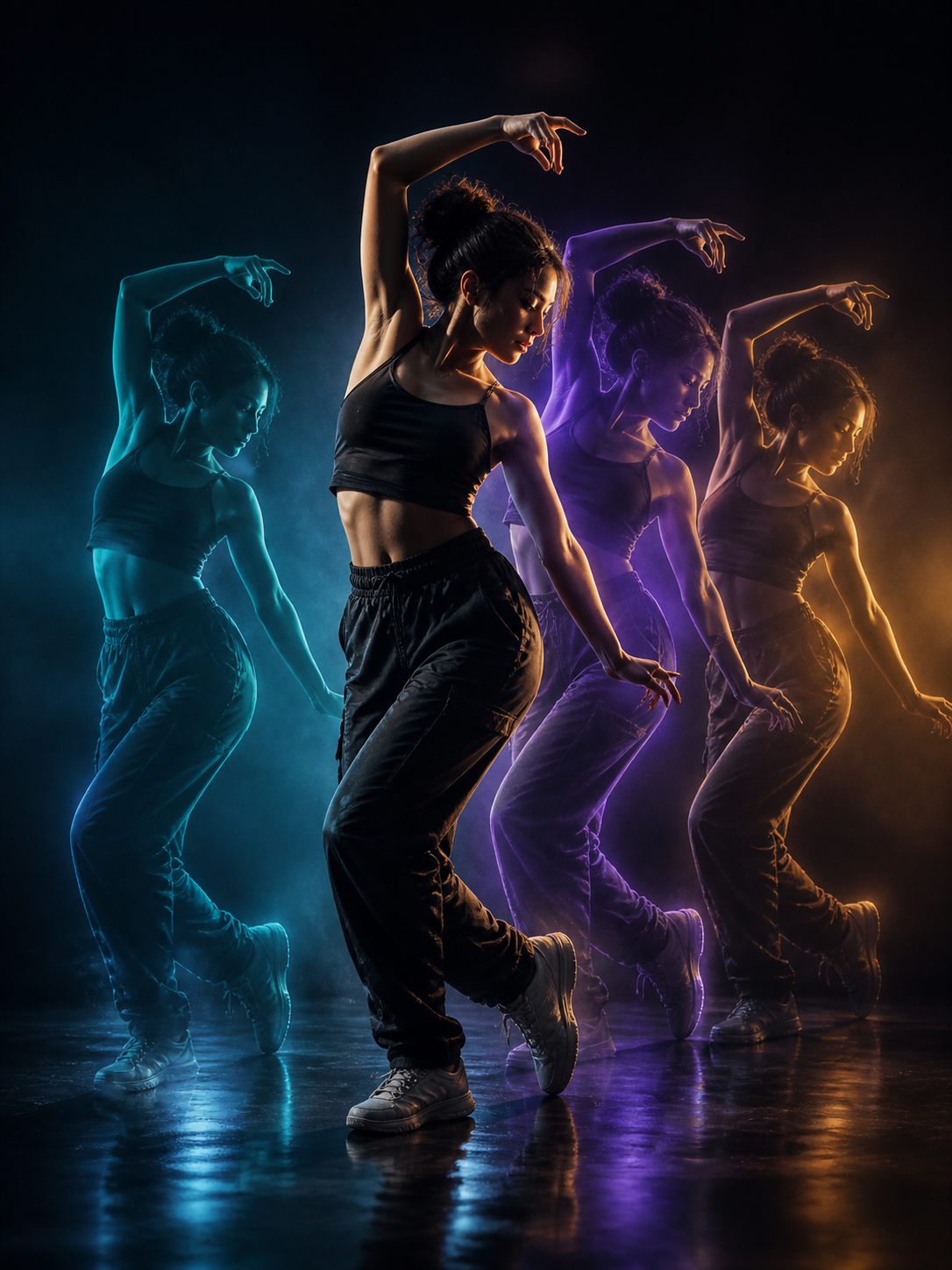 AI Shadow Clone
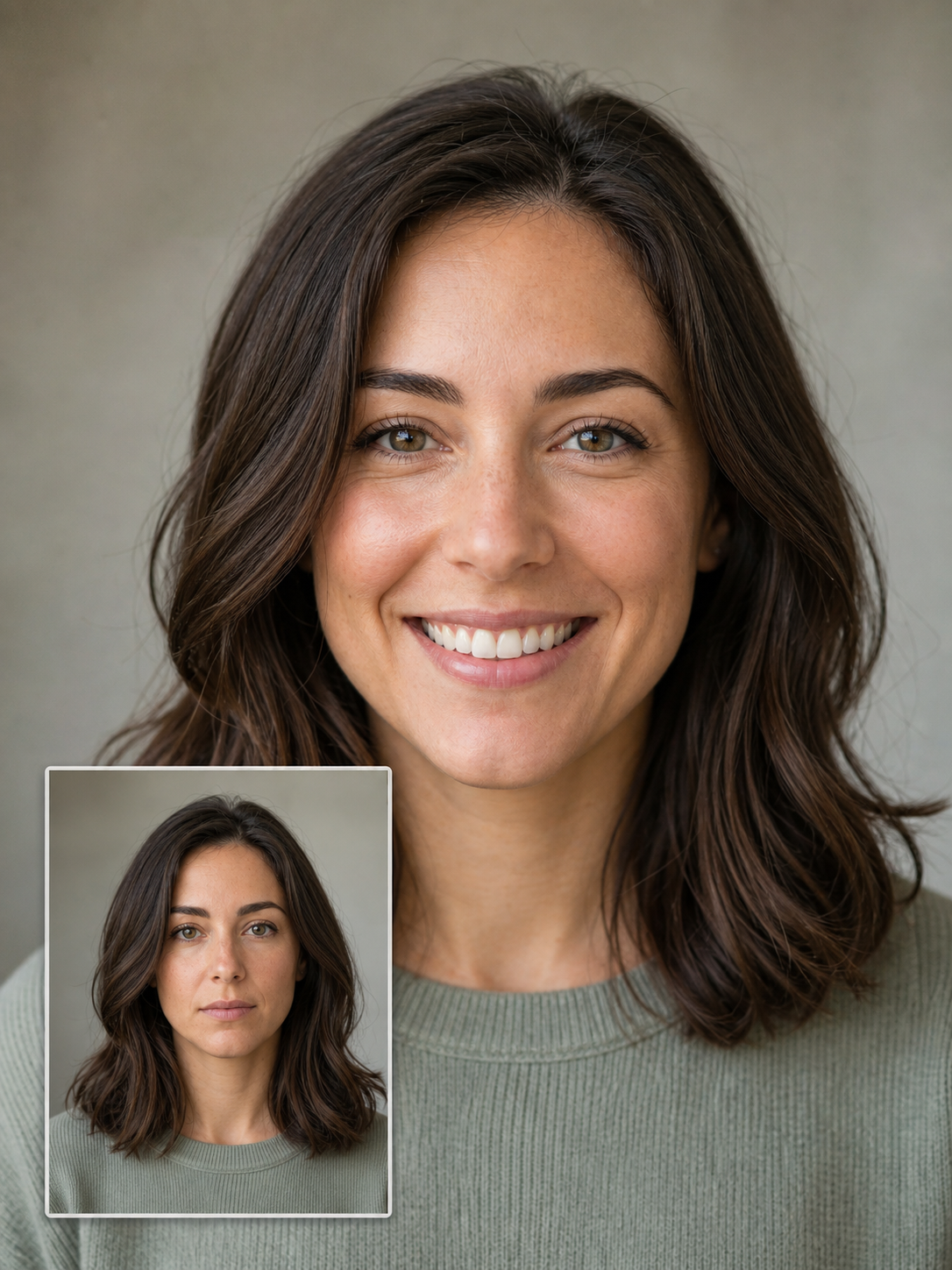 AI Smile
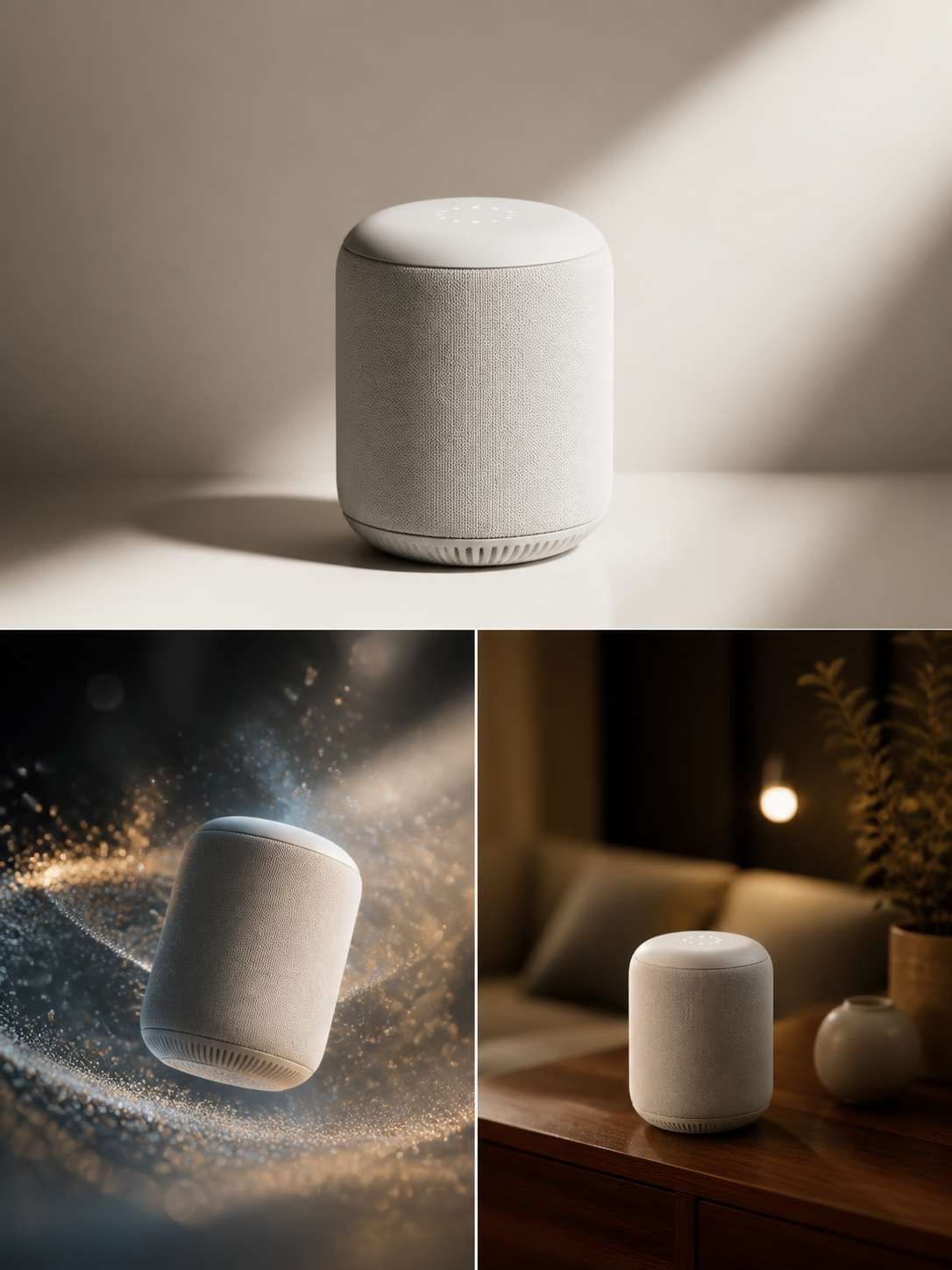 AI Video Ads
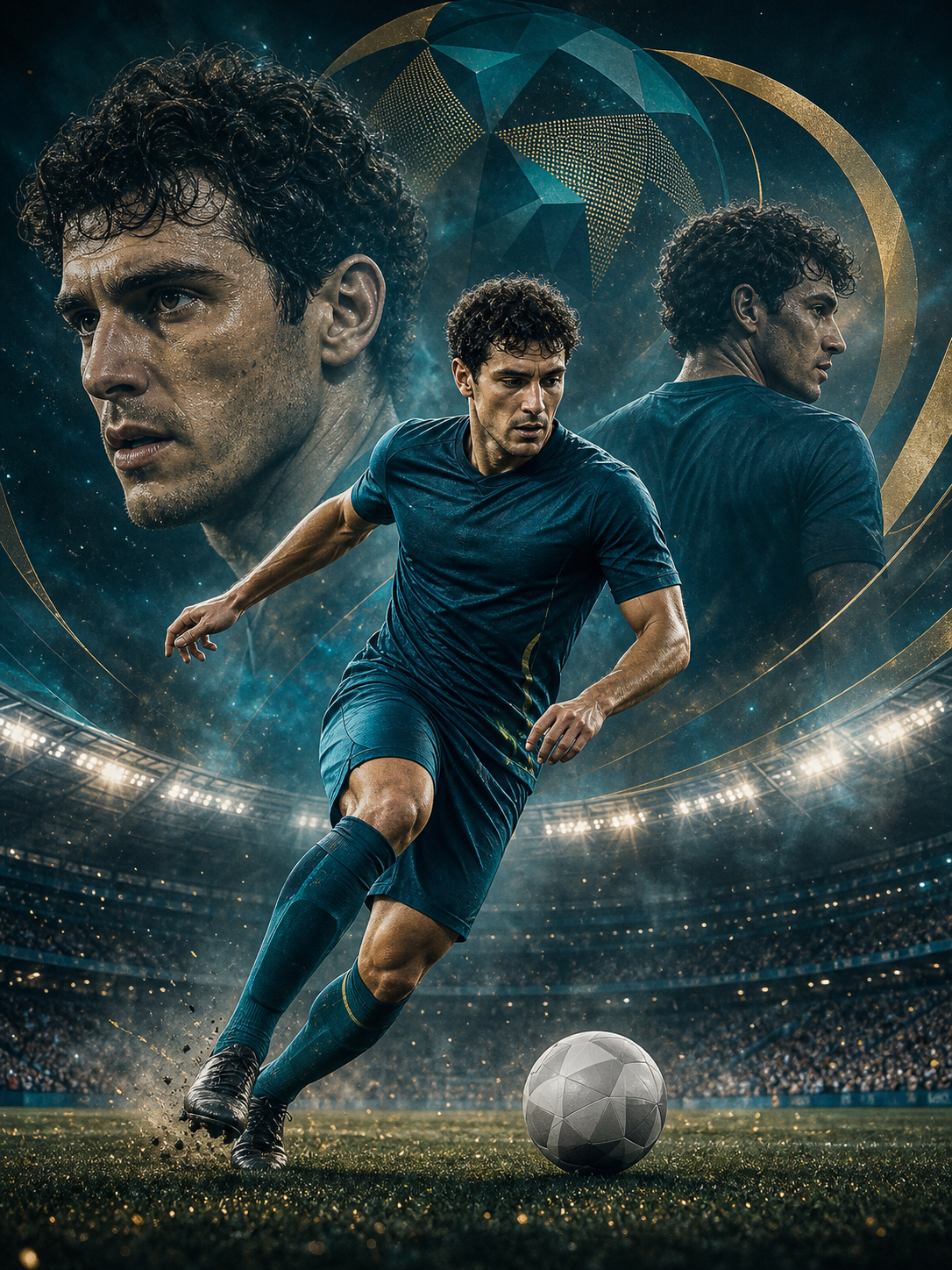 AI Football Championship 2026
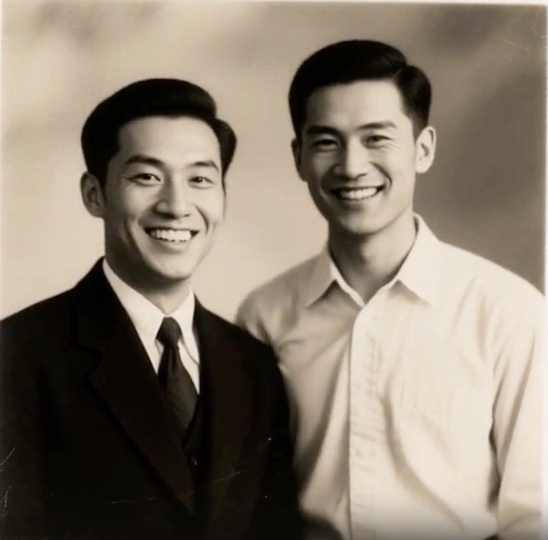 Deep Nostalgia AI Alternative
What you can make with these templates
Every template in this library is a finished recipe: the prompt, model and settings are already tuned, so you only bring a photo or a short idea. Below the templates are grouped by what they do — moving a still photo, making someone dance, restyling a room, turning a person into a character, or changing a portrait — so you can jump straight to the kind of result you have in mind. Each entry links to a page with examples and a short guide.
Photo animation AI effects
These templates take one still picture and add believable motion. A portrait can blink, smile and turn slightly toward the camera; a landscape can pull back to an orbit view; a frozen action shot can spin like a film set rig. They work best with a sharp photo where the subject has a little space around it, because the camera needs room to move.
- AI Live Portrait — Bring a still adult portrait to life with restrained eye, head and expression movement.
- AI Smile — Add a small natural smile to a consenting adult portrait without changing identity or facial structure.
- AI Heaven — Create a quiet symbolic memorial scene with soft light and restrained respectful motion.
- AI Earth Zoom — Build a smooth cinematic zoom from a planetary view into the uploaded landscape or location image.
- AI Bullet Time — Create a dramatic orbit around a safely posed subject while the central action appears suspended in time.
- AI Fisheye Lens — Apply an intentional fisheye perspective with coherent edge distortion and a sharp central subject.
- AI Shadow Clone — Create synchronized shadow-like copies around one stable subject with clean entrances and exits.
- AI 2D to 3D — Turn a flat illustration or photo into a dimensional camera move with layered depth and stable subject details.
- AI Analog Horror — Turn an ordinary image into unsettling fictional found footage without gore or real-world threats.
Dance and music AI effects
Use these when you want rhythm. Upload a full-body photo and the person, pet or child in it follows a choreographed routine, sings a few bars or performs a short rap. Clips are short and loop-friendly, which makes them a natural fit for Reels, Shorts and TikTok. A clear outline of the body matters more than resolution here.
- AI Dance — Animate an adult or original character with a polished, non-sexual dance sequence and stable identity.
- AI Baby Dance — Animate a child photo with gentle, age-appropriate dance movement for a private family keepsake.
- AI Gugugaga — Add gentle age-appropriate babble and small facial motion to a child photo for a private family clip.
- bulin 47 ai video generator — Replace the background rapper with your character while preserving the original movements, rap handoff, foreground performer, and source audio.
- AI ASMR — Create a calm, tactile close-up sequence with synchronized material sounds and controlled movement.
Room and interior design AI effects
Restyle a space without moving furniture. These templates keep the walls, windows and camera angle, then try a new style, palette or layout on top. They are useful for comparing renovation ideas, staging an empty listing photo or placing a product in a more fitting scene. Shoot straight on, in daylight, with the floor visible.
- AI Room Design — Restyle a room while preserving the architecture, camera angle and physically usable layout.
- AI Background Changer — Place a subject or product into a coherent new environment with matched perspective, light and reflections.
- Interior Restyle — Upload a photo of any room and restyle it in a new interior look, from Japandi to industrial, while the walls, windows and layout stay where they are.
- Empty Room Staging — Turn a photo of an empty room into a furnished, listing-ready space with sofas, rugs and lighting, ideal for real estate photos and rental ads.
- Small Bedroom Makeover — Upload a small bedroom and get a makeover concept with smarter storage, a cleaner layout and a calm color palette that makes the space feel bigger.
- Kitchen Remodel Concept — Preview a kitchen remodel from one photo: new cabinets, countertops, backsplash and lighting rendered over your current kitchen layout.
Character animation AI effects
Turn a person or pet into someone else for a few seconds: a mermaid, a vampire, an action figure, an anime hero, a movie fighter or a sports star. The face and pose come from your photo; costume, setting and camera work come from the template. Several of these also suit brand work, such as a quick product ad or a storyboard for a pitch.
- AI Mermaid — Create an original family-safe mermaid or merman portrait with coherent anatomy and underwater light.
- AI Vampire — Create a non-graphic original gothic vampire portrait with dramatic light and tasteful styling.
- AI Action Figure — Reimagine a person, pet or original character as a premium boxed collectible without copying protected toy brands.
- AI Photo to Anime — Convert a photo into an original animation-inspired illustration without copying a named studio or franchise.
- AI Anime to Real Life — Translate an original illustrated character into a believable live-action scene while preserving design cues.
- AI Fighting Video — Stage a fictional cinematic duel with clear choreography, safe spacing and no graphic injury.
- AI Movie — Turn a reference subject or storyboard into a short original movie moment with coherent visual language.
- AI Muscle — Create a clearly fictional athletic physique concept while preserving adult identity and realistic anatomy.
- AI Fursona — Design an original anthropomorphic character from a person or animal reference without copying protected characters.
- AI Mini Me — Create a tiny stylized double interacting with the consenting adult subject in one coherent scene.
- AI Dog Generator — Create a believable original dog portrait from a pet, mood or environment reference.
- AI Live Baseball — Create a fictional baseball highlight with broadcast framing, realistic motion and stadium ambience.
- AI Football Championship 2026 — Create a generic 2026 football celebration with original uniforms, stadium graphics and broadcast energy.
- AI Painting — Transform a photo into an original painterly work while preserving the subject and composition.
- AI Storyboard — Turn a concept or reference image into a readable multi-shot storyboard with continuity across frames.
- AI Video Ads — Turn a licensed product image into a concise original ad with clear benefits and coherent motion.
Portrait and face swap AI effects
Change how a portrait looks while keeping who it is. Try a new hairstyle, a studio headshot, a traditional outfit, an older or younger version of the same face, or a movie scene with you in the lead. For a single clean-up job, such as taking a mask off a face, the dedicated tools linked below are faster than a creative template.
- AI Movie Cameo — Insert a consenting adult into an original movie-style sequence without impersonating celebrities or copying franchises.
- AI Headshot — Turn a casual adult portrait into a polished professional headshot without changing identity.
- AI Hairstyle — Preview several realistic hairstyles while preserving the person’s face, pose and lighting.
- AI Aging & De-aging — Visualize a respectful fictional age progression or rewind while keeping the person recognizable.
- AI Hanfu — Create a respectful historical-inspired Hanfu portrait with coherent garments, setting and lighting.
- AI Spring Portraits — Create a bright spring portrait with natural botanicals, soft light and unchanged identity.
- AI Life 4 Cuts — Create a coherent four-frame lifestyle sequence with one stable subject, outfit and location.
- AI Baby — Create a warm, realistic future-baby portrait from two clear parent reference photos.
- AI Palm Reading — Turn a palm photo into a playful illustrated reading card with an explicit entertainment disclaimer.
Single-purpose photo fixes:AI face mask removerOld Photo RestorationAI video generatorAI image generator
How to use AI effects
Every template follows the same three steps, whether the result is a picture or a short video.
- 1
Pick a template
Browse the grid above or the groups on this page and open the one that matches your idea. The example clips show what the finished result looks like.
- 2
Upload your photo
Add a clear image you own or have permission to use. Most templates need one photo; a few also accept a short note, such as a mood or an outfit.
- 3
Generate and download
Check the credit cost shown on the button, then generate. Finished results are saved in My Creations, where you can download them or run the template again.
AI effects FAQ
- What are AI effects?
- They are ready-made templates that turn a photo into a styled image or a short video. The prompt, model and settings are prepared in advance, so you only provide the source picture and, sometimes, a short note.
- Are AI effects free to try?
- Opening a template and preparing a project is free. Generating uses EveryGen credits; the exact cost is shown before you start, and new accounts usually receive a small number of free credits.
- Do I need a special photo?
- A sharp, well-lit photo with the main subject fully visible works best. Avoid heavy filters, tiny faces in a crowd and pictures where hands or objects cover the face.
- How long does a video effect take?
- Image templates usually finish in under a minute. Video templates take a few minutes depending on length and resolution. You can leave the page; the result appears in My Creations when it is ready.
- Can I use the results commercially?
- You keep the rights you already had to the source material. For commercial use you also need permission for every person, logo and design in the photo, and you must follow the model provider's terms and the EveryGen terms.
- What is the difference between an effect and the AI video generator?
- A template fixes the creative direction for you and gives a predictable result in one click. The AI video and image generators let you write your own prompt and choose the model, which takes more effort but gives you full control.